TravlMate AI
An AI-powered travel super app and website, designed end-to-end to support users across every stage of their journey, currently preparing for release.
Overview
TravlMate has been an ongoing UX/UI project led by a three-person design team since last year. We worked collaboratively and shared responsibilities across the entire process, from research and wireframing to high-fidelity UI, prototyping, and website structure. The project started with an intensive design phase and later shifted into a slower iteration stage as development began, with the current version being coded for launch. We used Figma, Miro, and Discord to collaborate throughout the process.
Challenge
Travelers need a single app that unifies all essential travel needs in one seamless experience.
Role
UX/UI Designer across research, information architecture, and prototypingTeam
Scope
End-to-end mobile app and informational website
Status
In development for launch
Project Goals
Create a single platform for core travel needs.
Reduce friction caused by switching between multiple apps.
Support travelers with booking, navigation, translation, safety, and discovery.
Design an intuitive, user-centered experience across app and web.
Enable AI-driven assistance for faster, smarter travel support

Design Approach
The project followed an iterative design approach guided by product direction and feedback from the project lead. I applied my UX background to shape information structure, user flows, and interaction decisions, ensuring the experience stayed intuitive and consistent across both app and website.
Design Priorities
Unify essential travel needs in one seamless experience
Simplify navigation and content discovery
Build a clear information structure for fast decision-making
Ensure consistency across app and website experiences
Support users with AI-driven assistance and real-time travel needs
Website Evolution
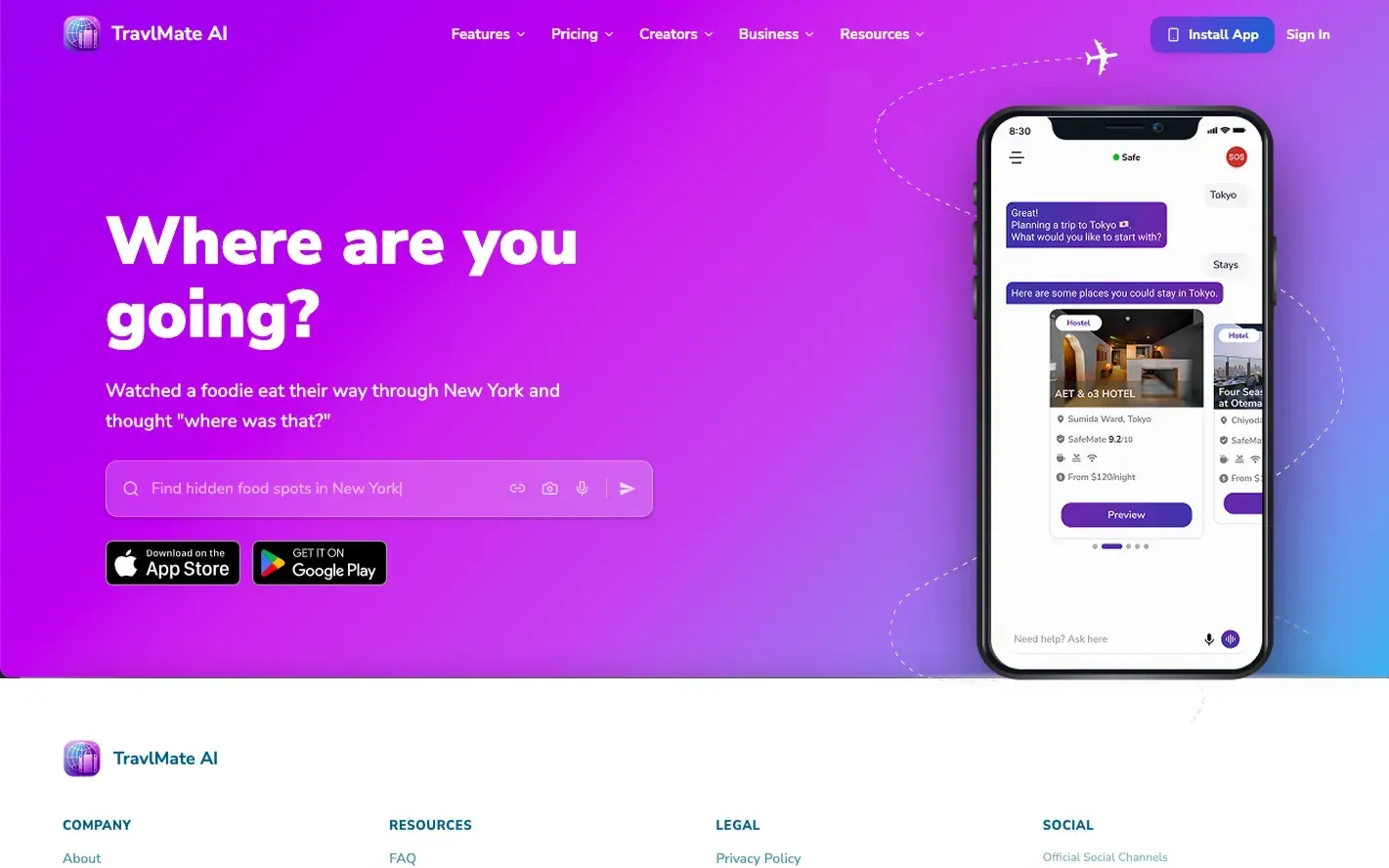
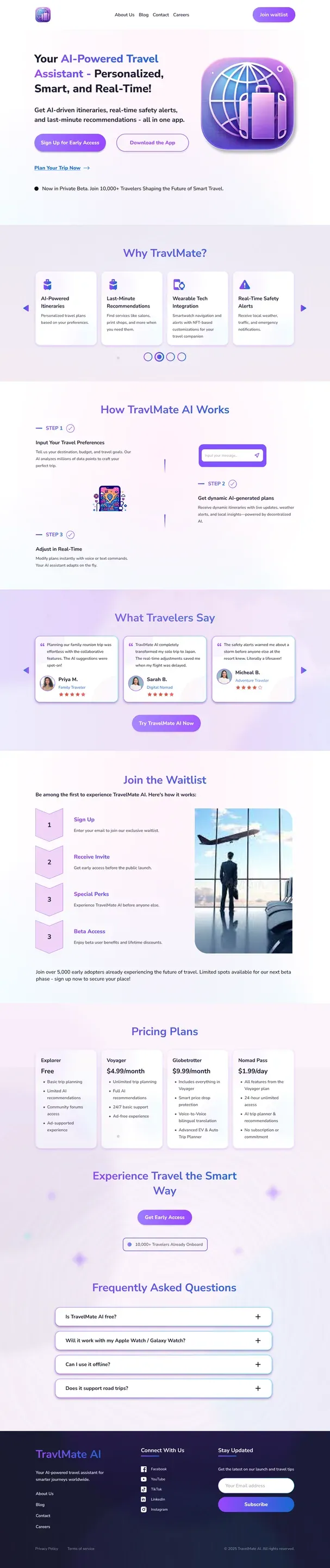
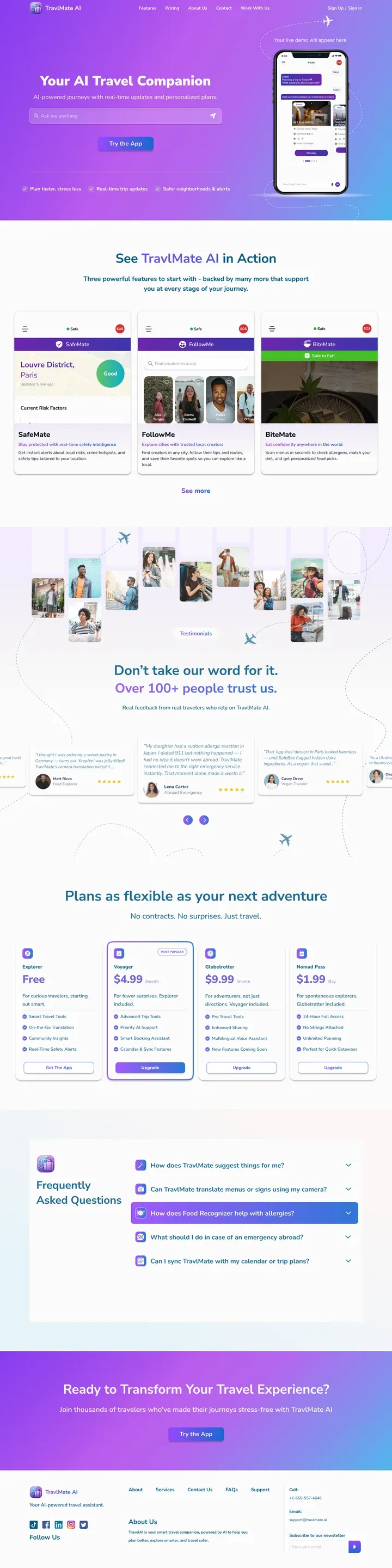
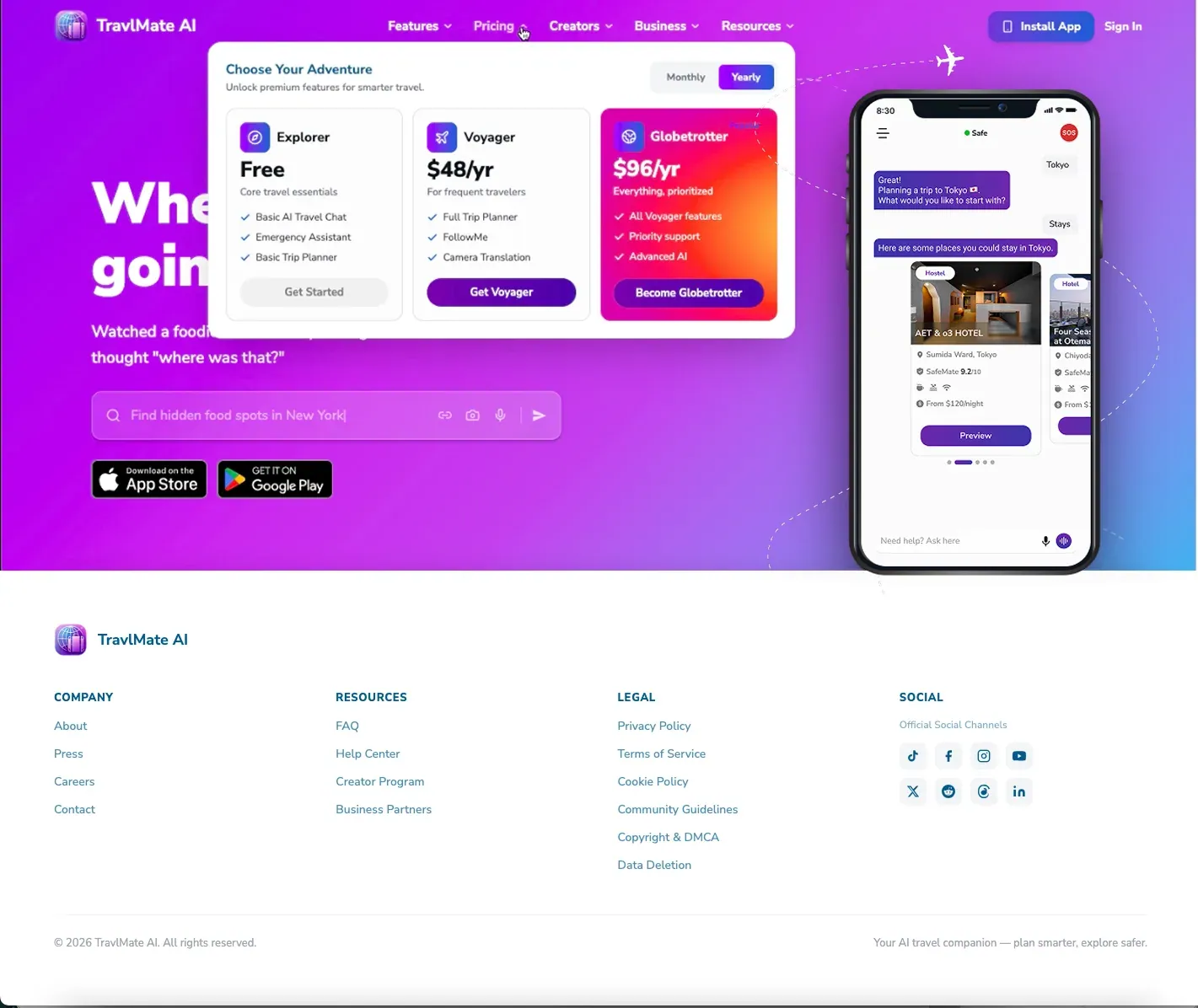
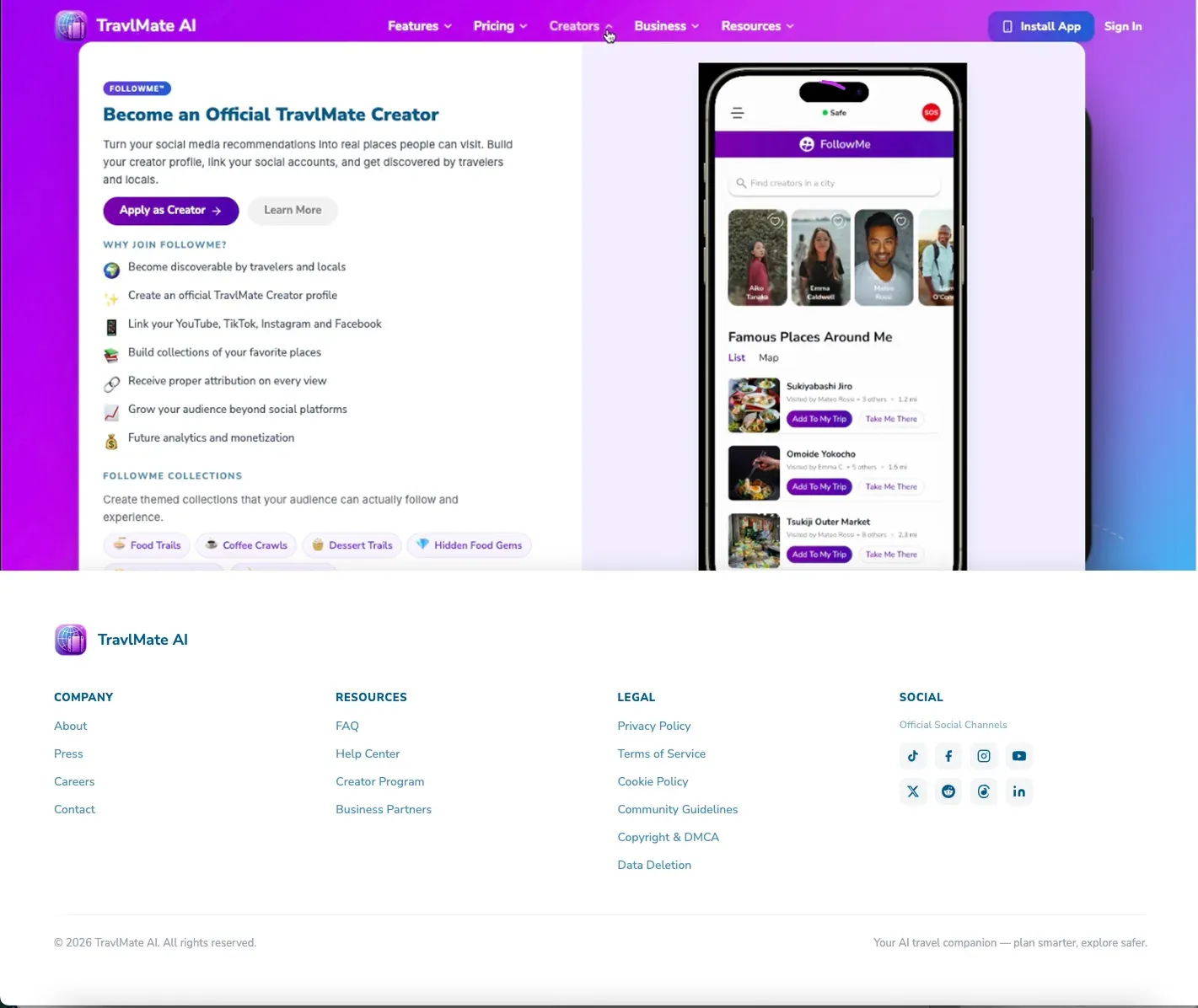
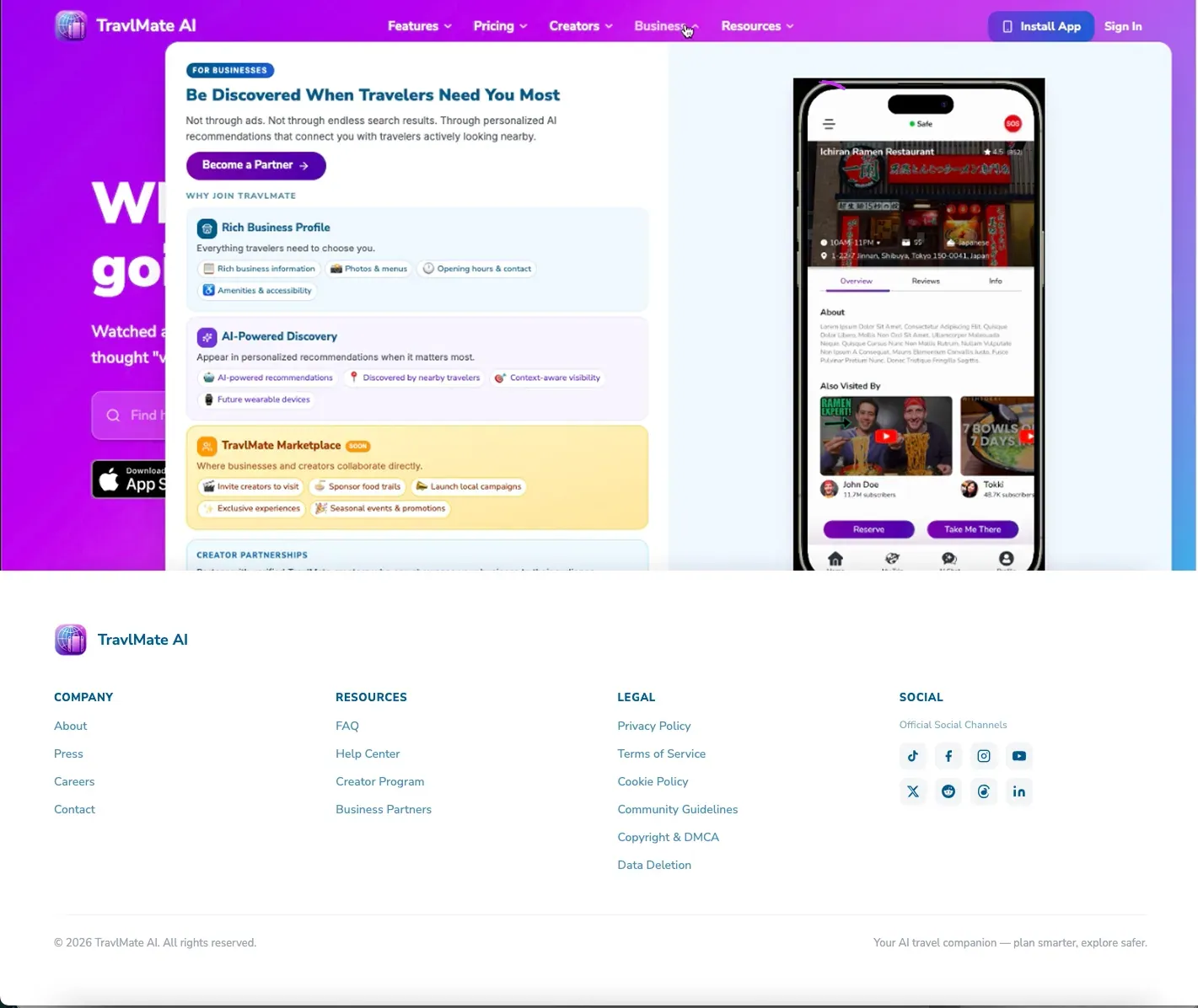
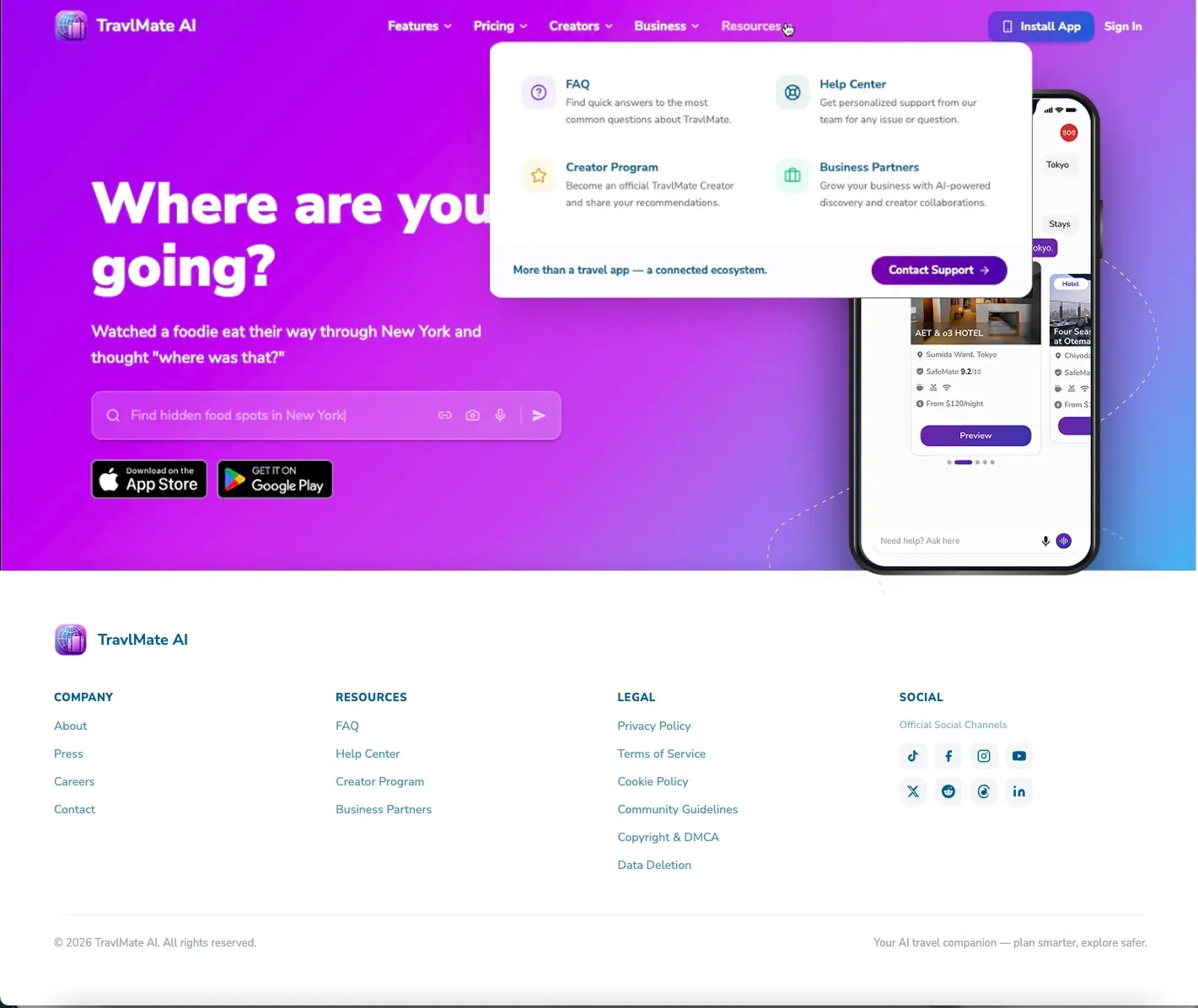
The website went through several design directions as we refined its purpose and content hierarchy. The first version was too information-heavy, with too much detail for users to scan quickly, and its layout did not align well with the app experience. In the second version, we shifted the hero section and introduced animation to make the page more engaging, while also prioritizing the most important content. However, the page still felt crowded and did not fully solve the clarity issue. In the third version, we added a CTA in the hero and introduced the app demo beside it so users could immediately understand the product and see how the app works in context. We also highlighted the most distinctive features to give the website a stronger product story. In the final version, we simplified the experience further and moved toward a more information-led structure, where the key content is organized through navigation instead of being spread across a long page.



Final Website Direction
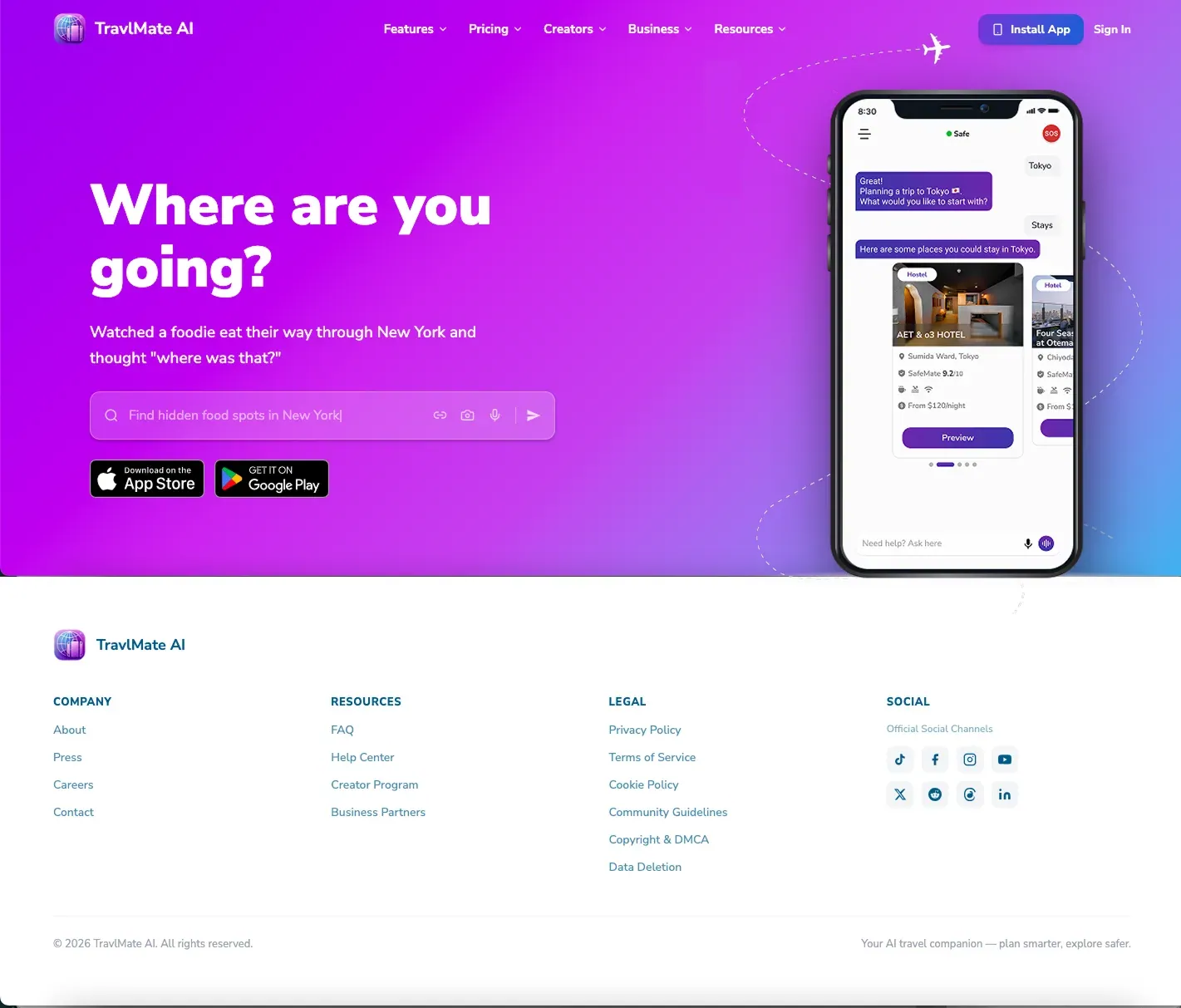
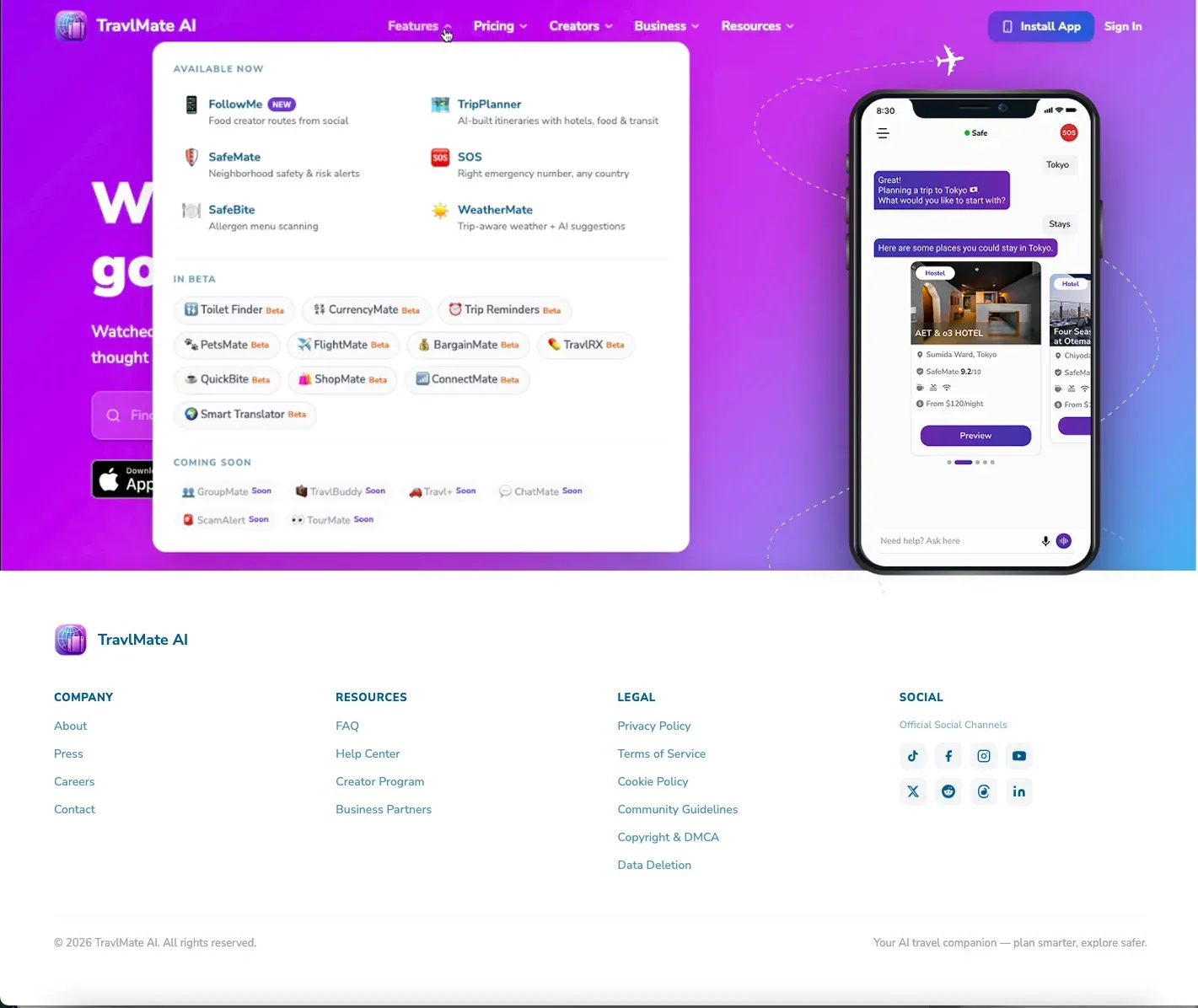
The website was designed as a web-based preview and learning layer for the TravlMate app, helping users understand the product through direct interaction rather than a long explanatory page. Instead of placing all content on the homepage, the most relevant information is organized through navigation, while the hero and app preview introduce the experience in a more focused way. This design may still evolve, as it needs to keep aligning with user needs and feedback to reach the strongest possible solution.
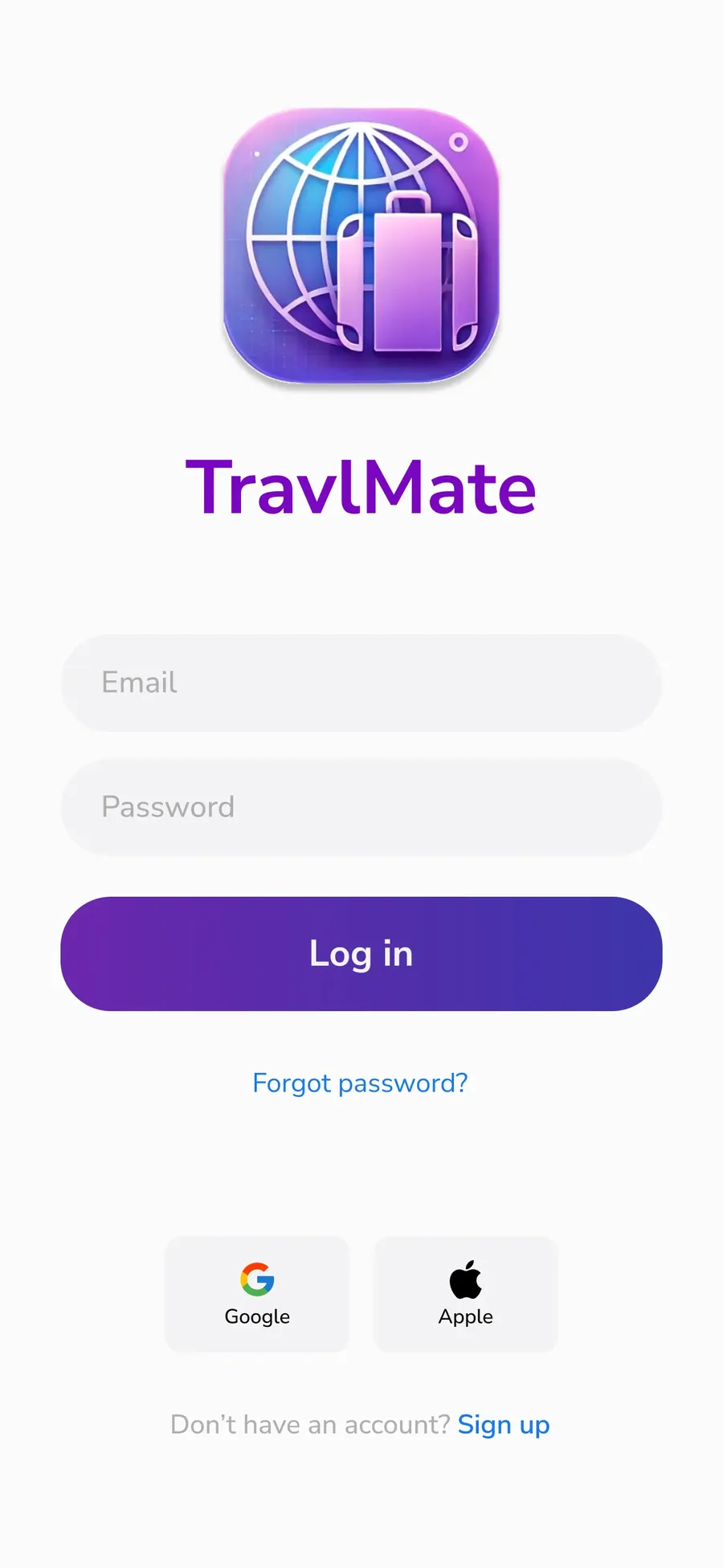
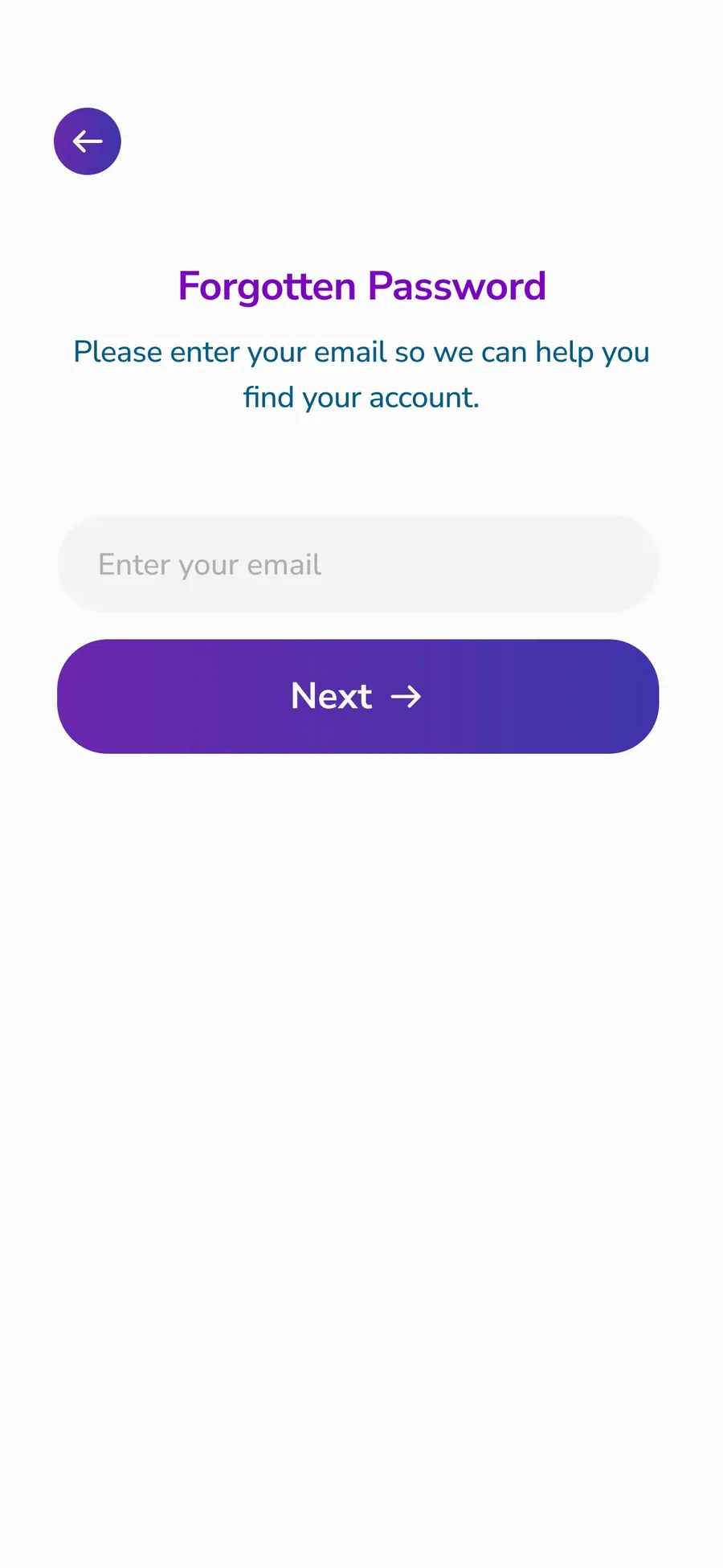
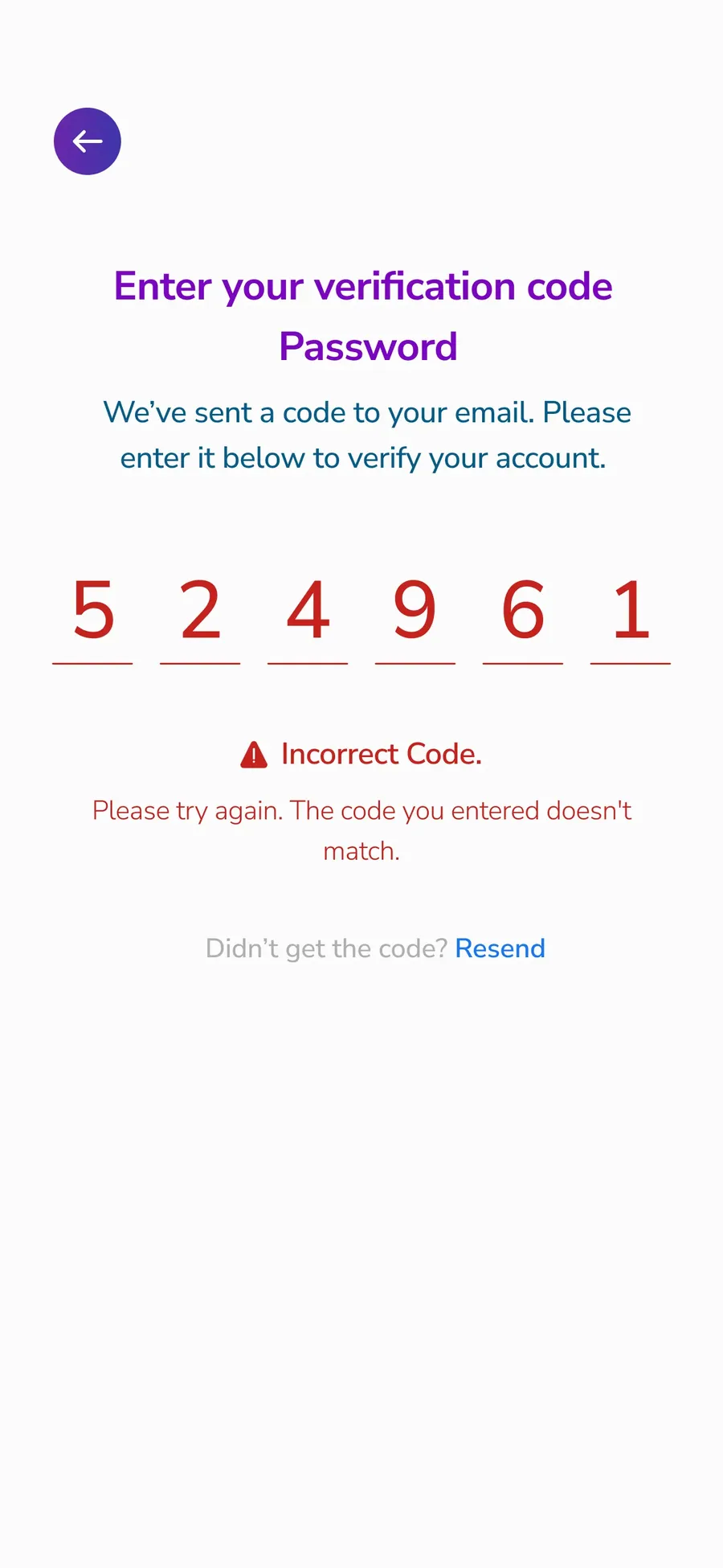
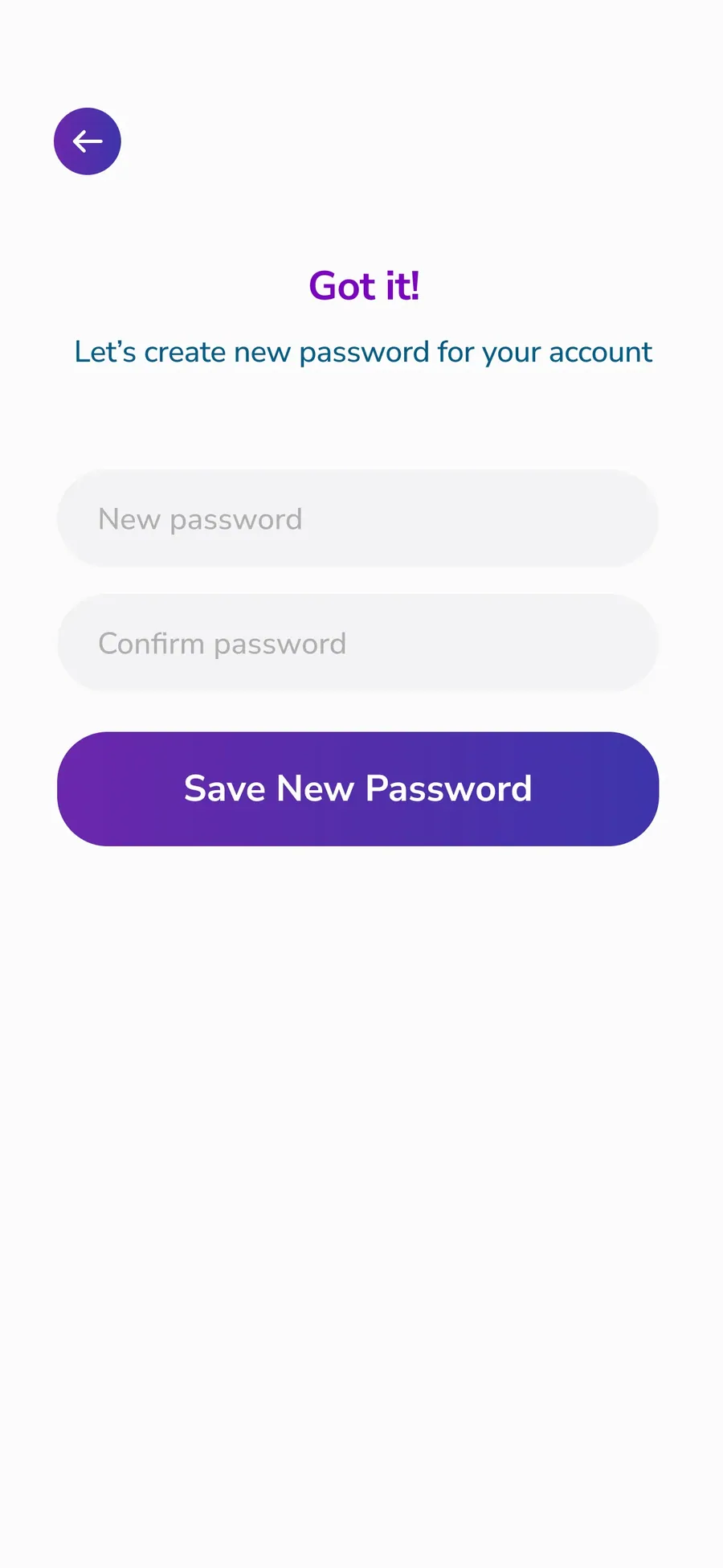
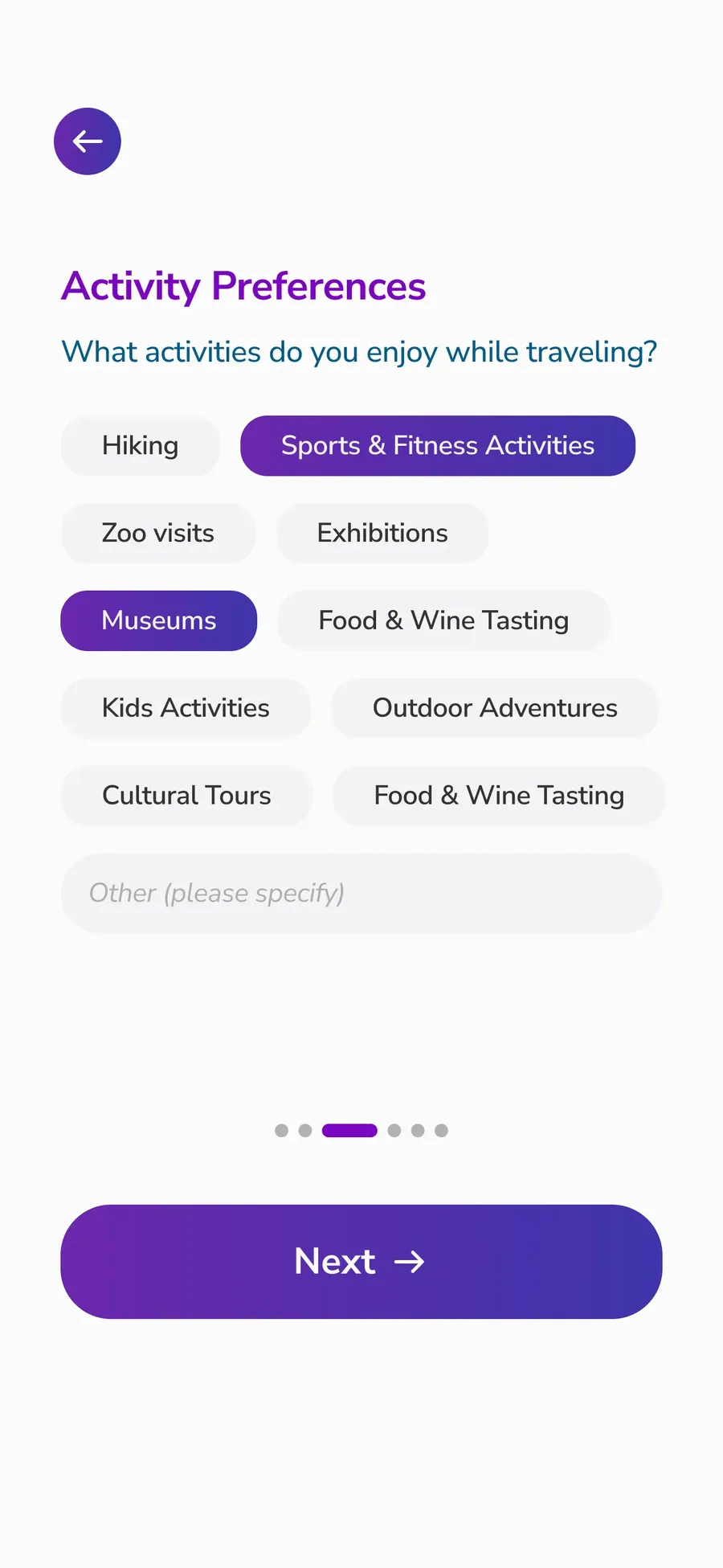
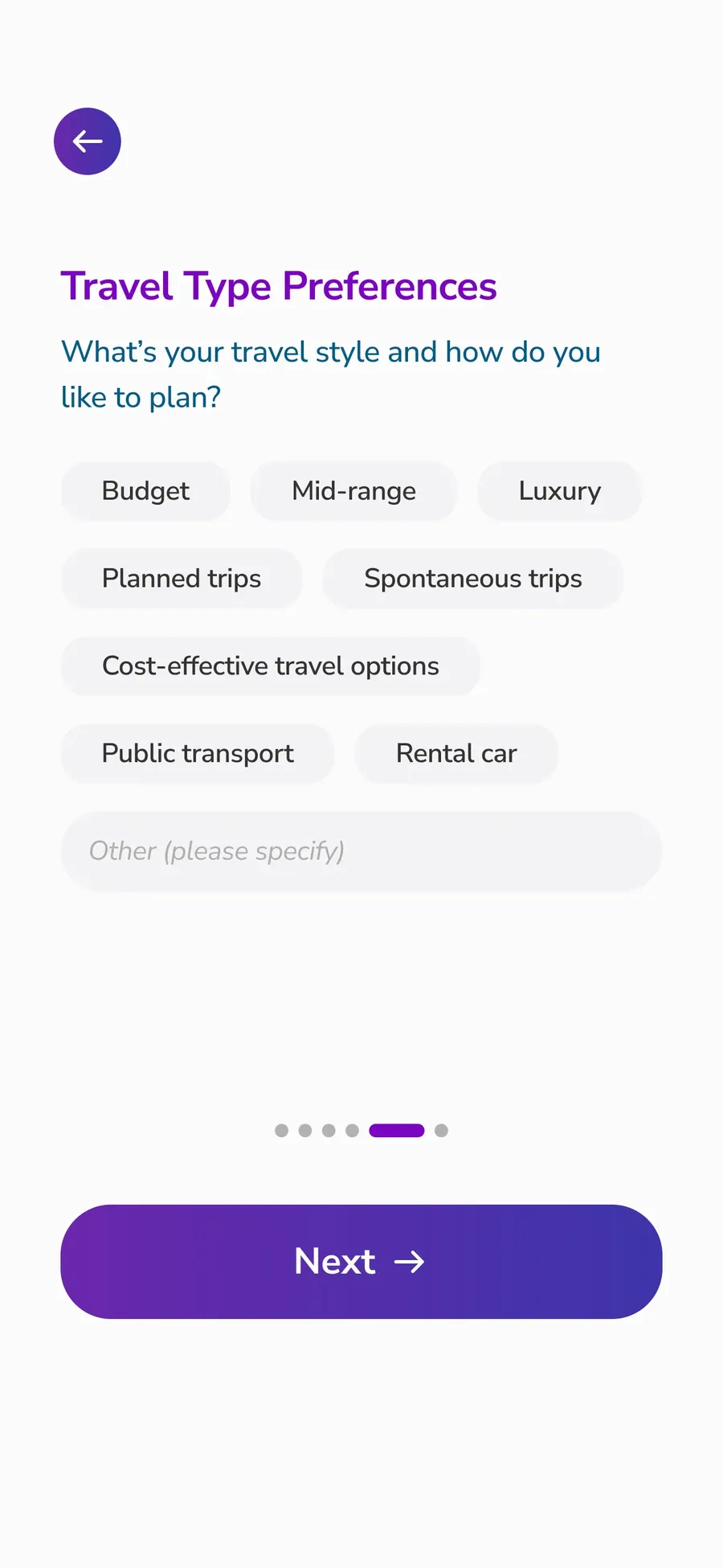
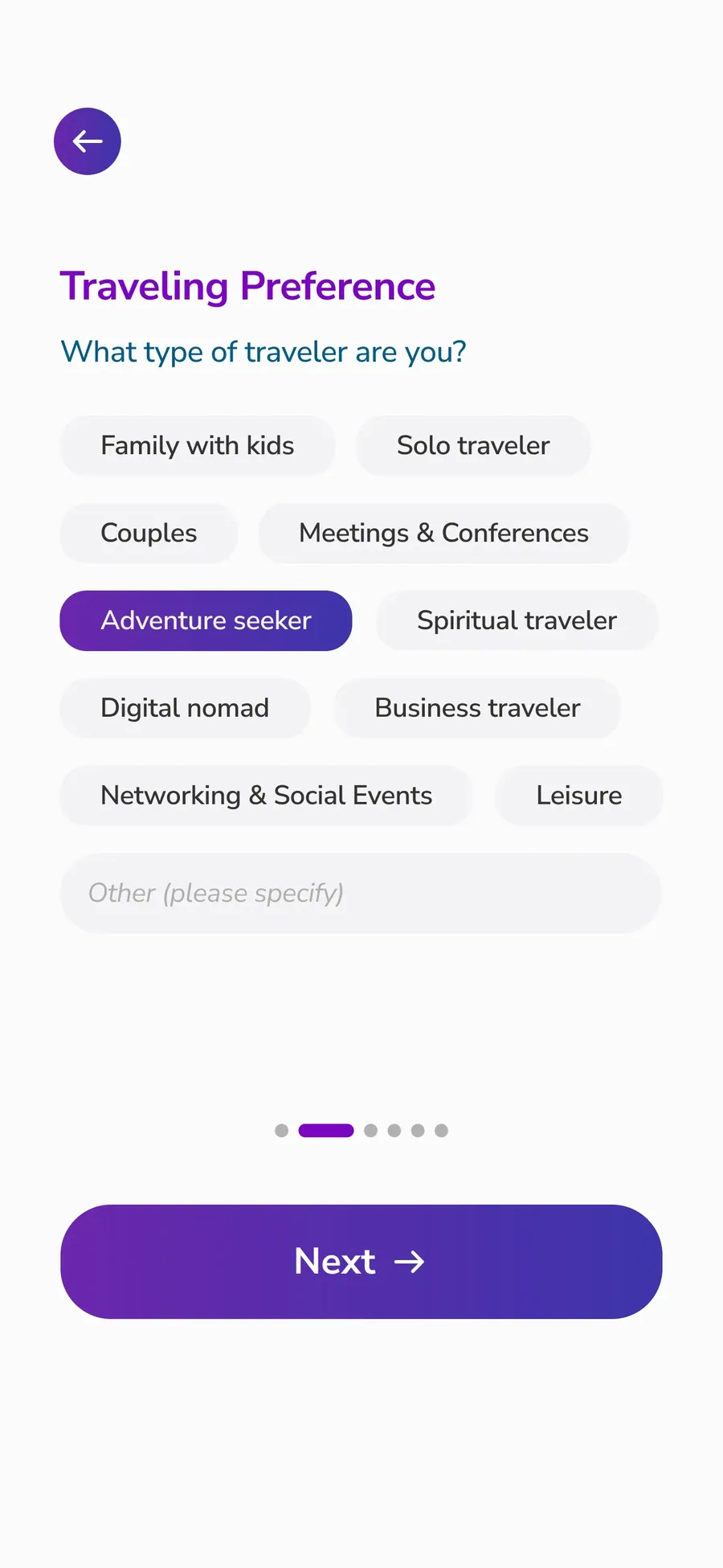
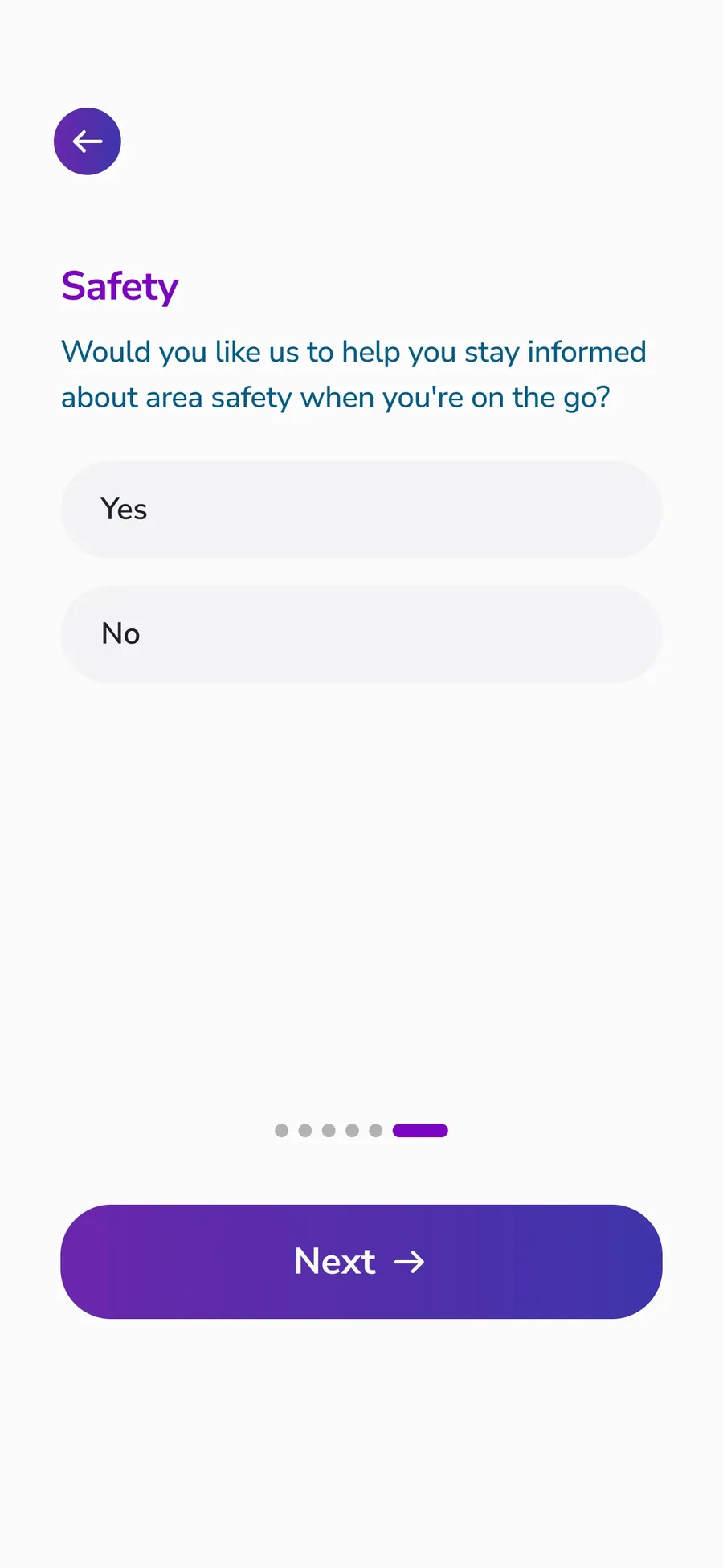
Onboarding Mate
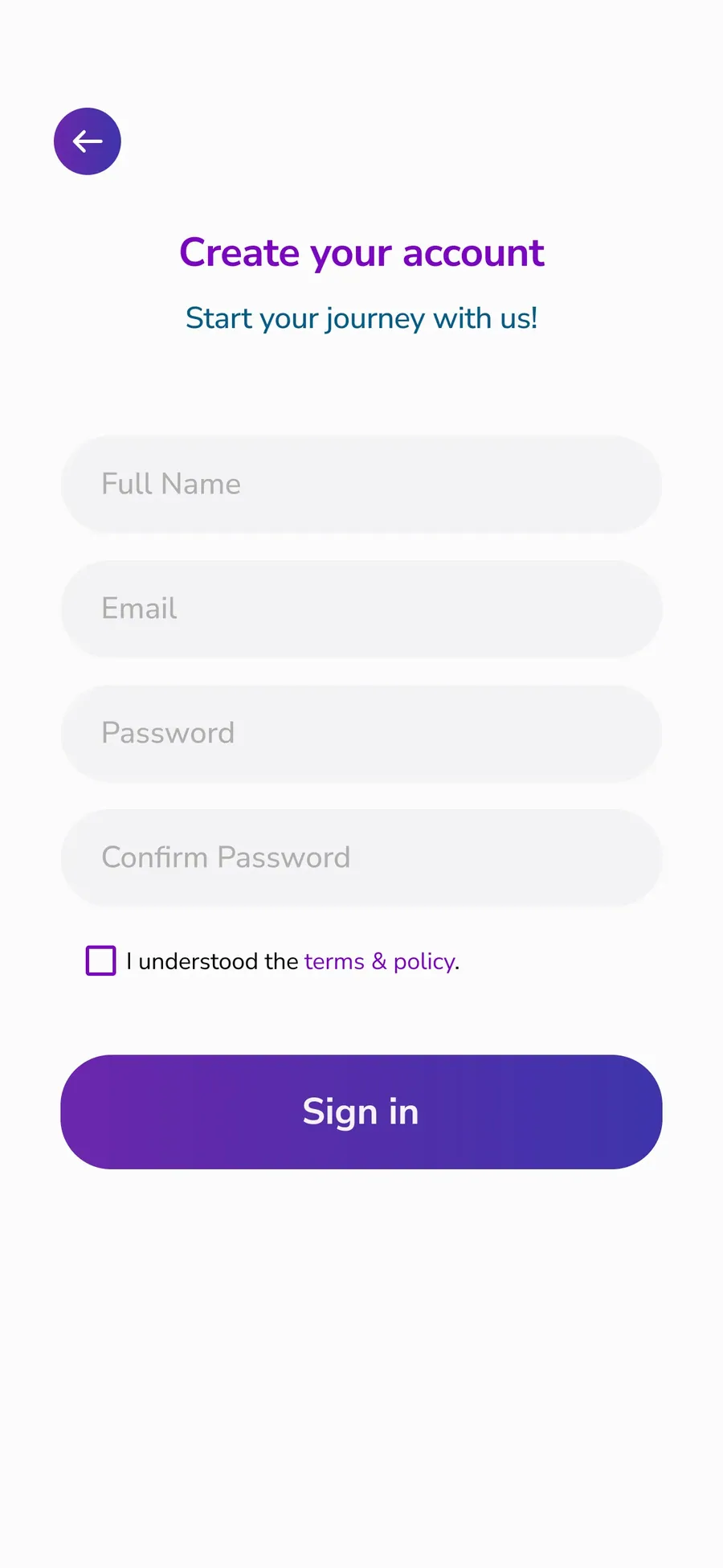
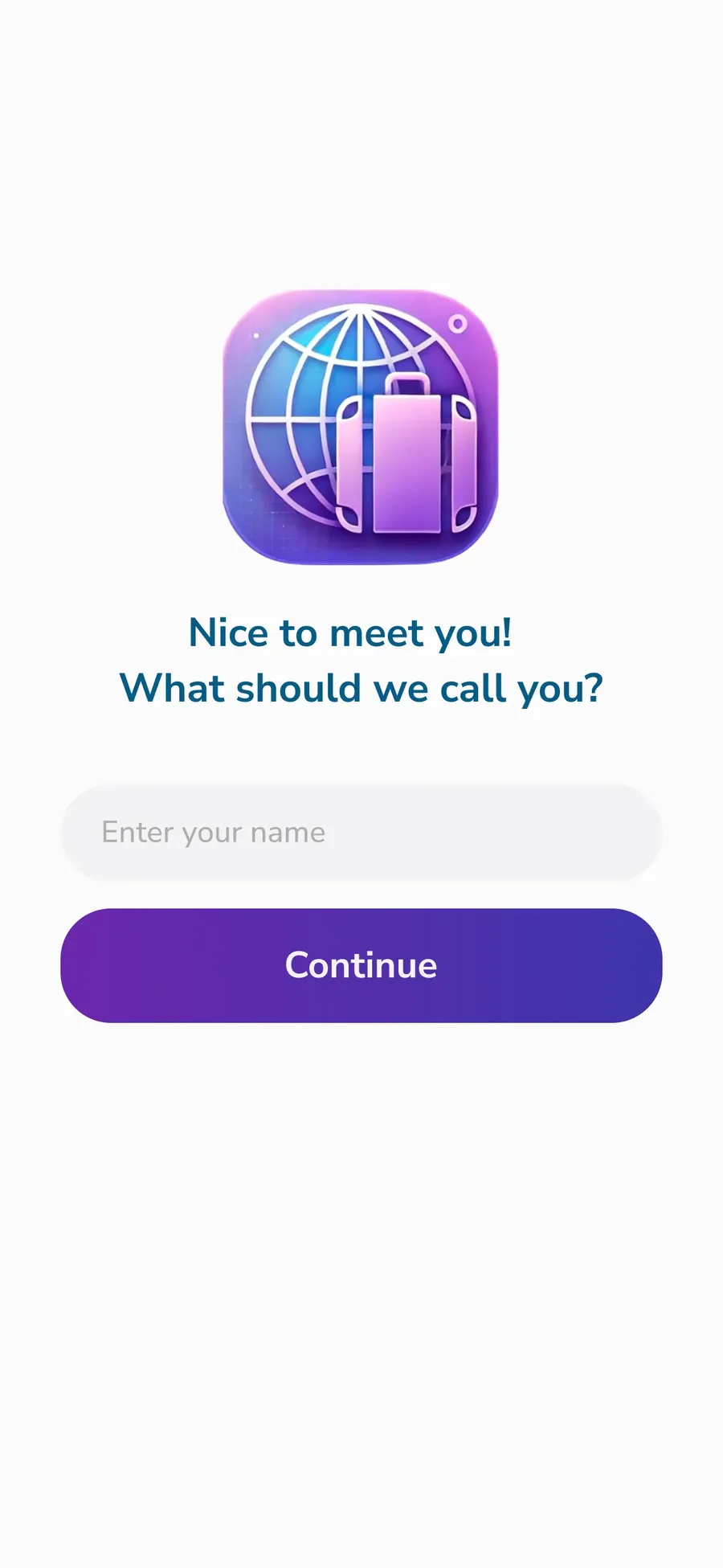
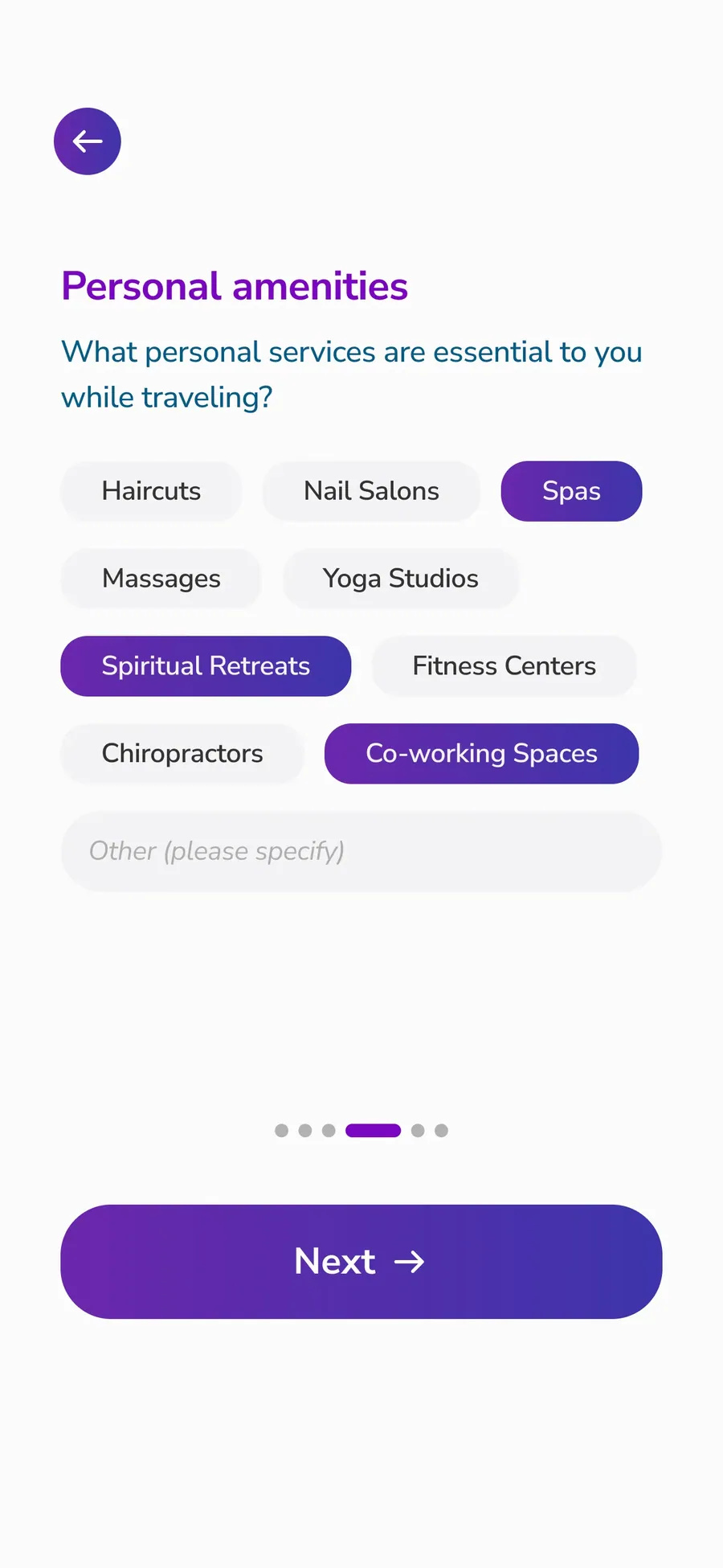
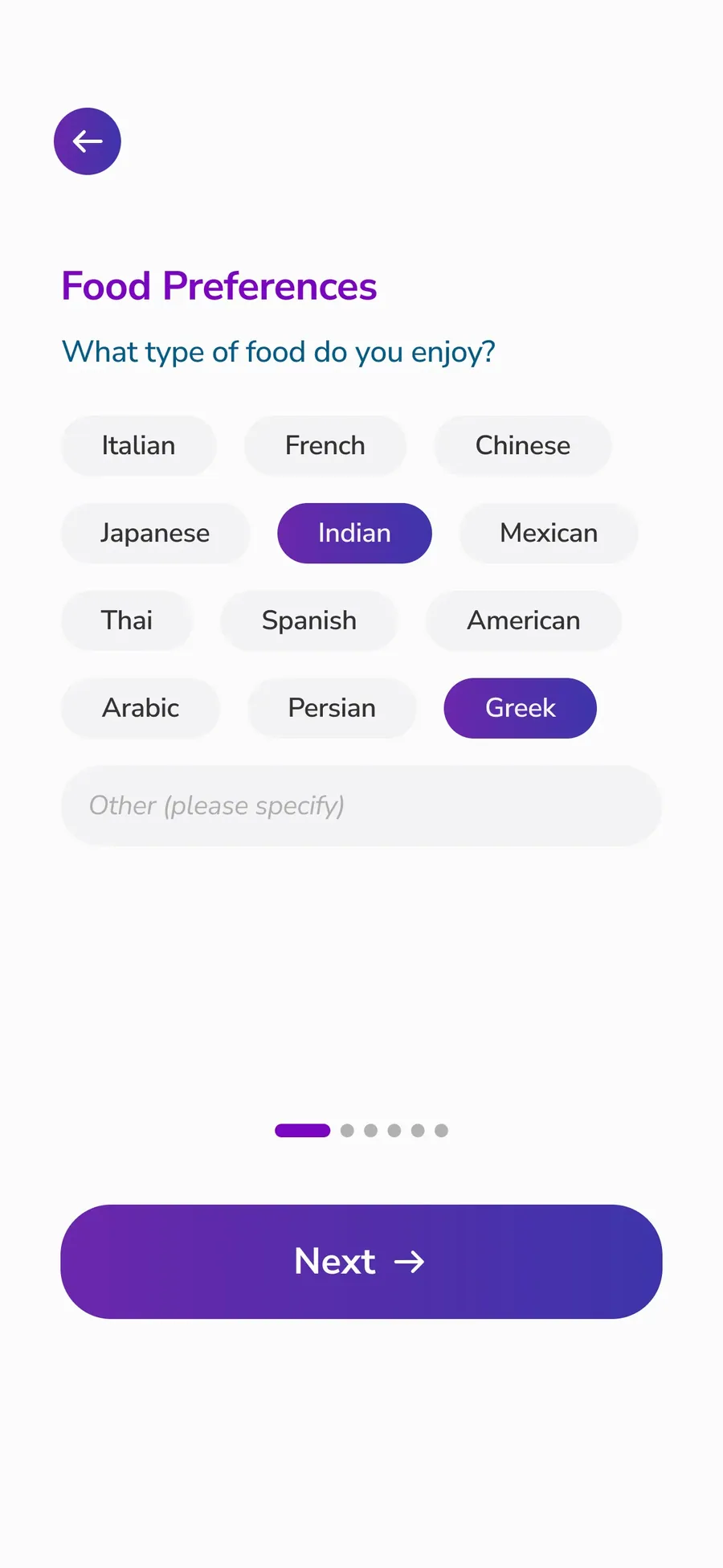
The app starts with a short onboarding flow that introduces TravlMate and asks a few simple questions to understand the user’s travel context and preferences. This helps personalize the experience from the beginning, so the app can surface more relevant tools, recommendations, and content after login.


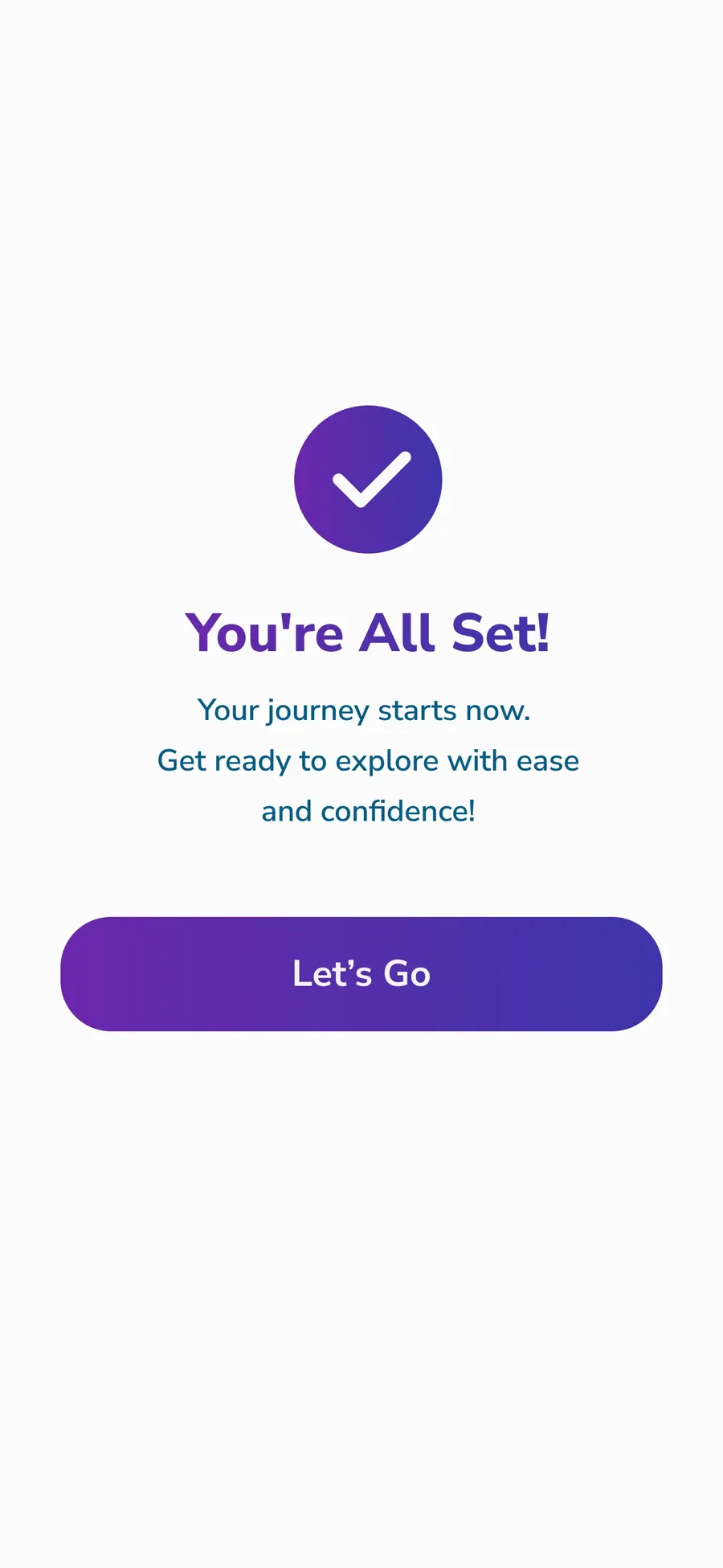
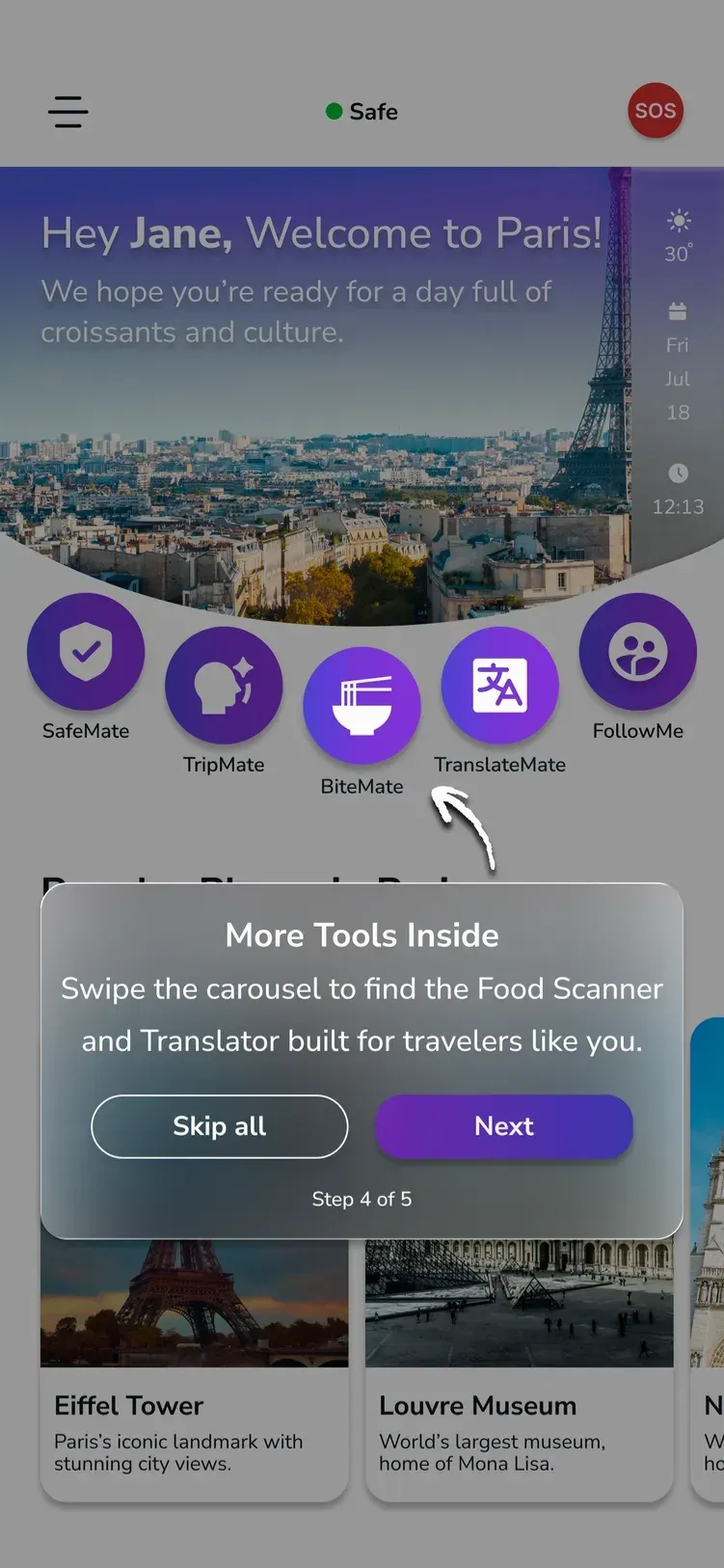
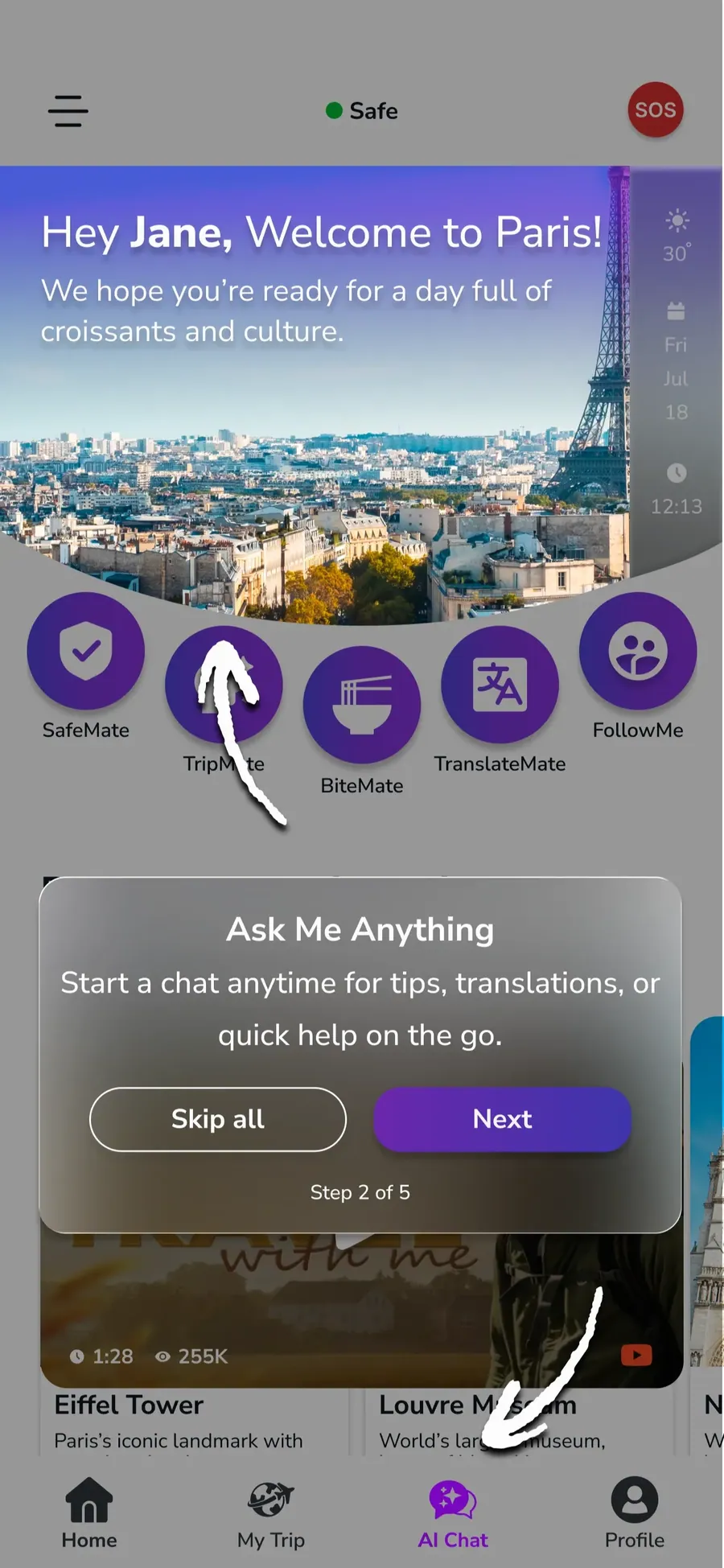
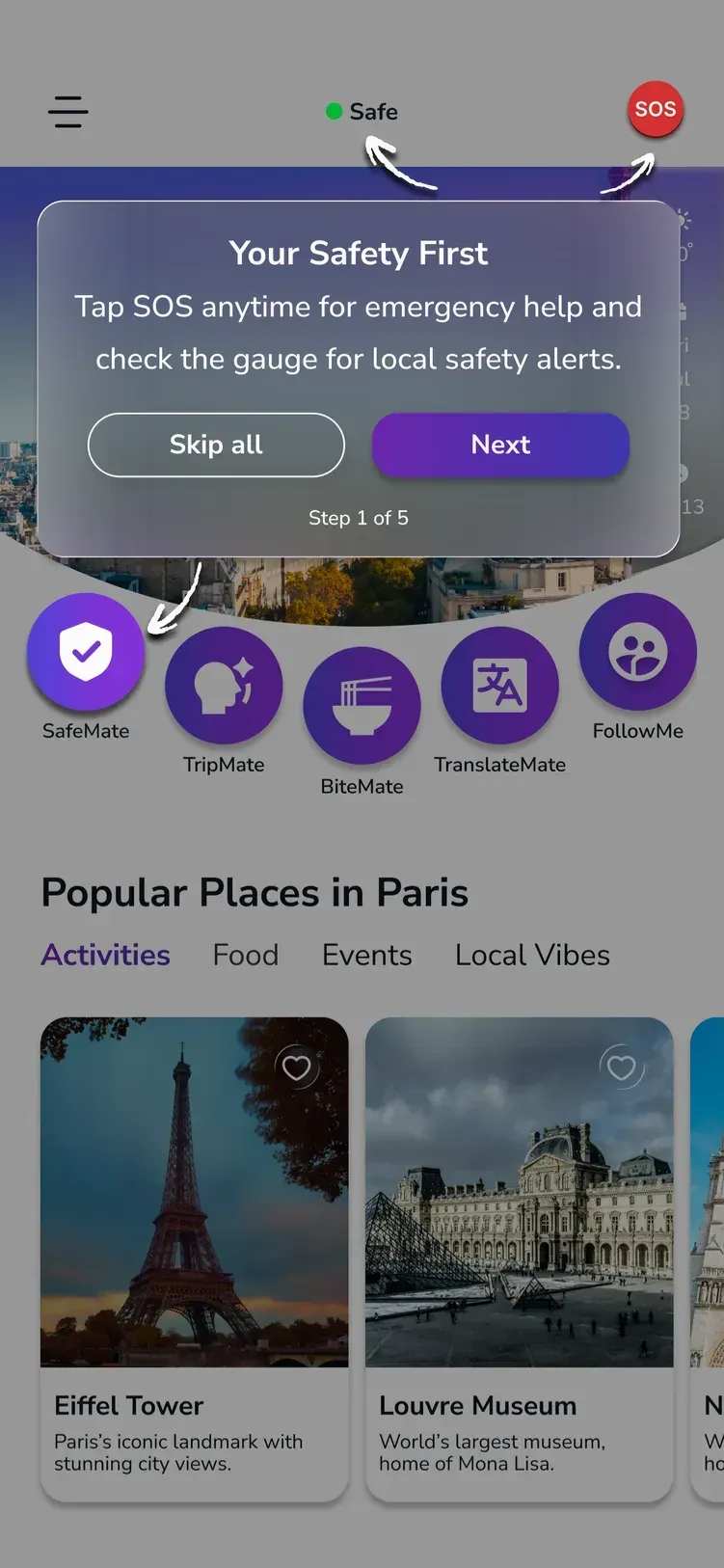
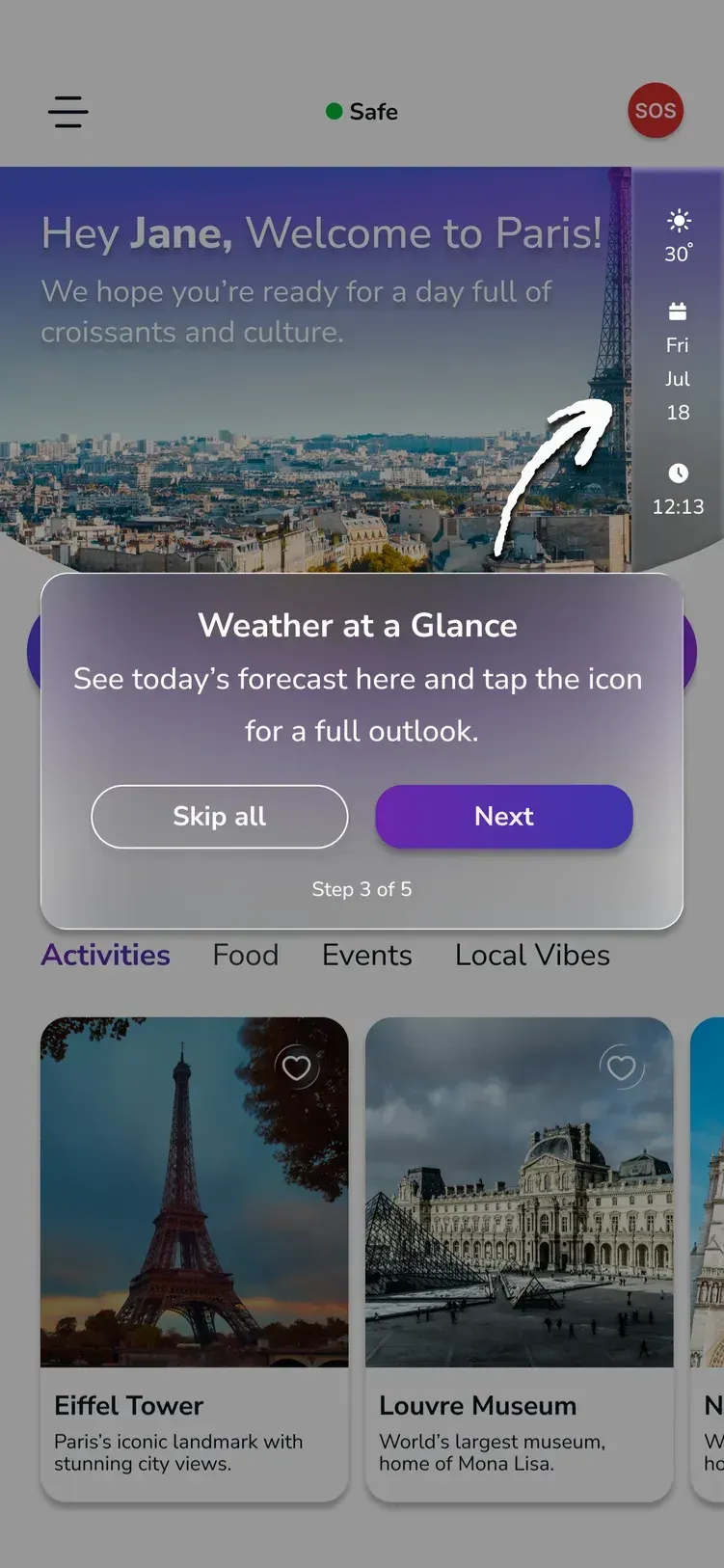
Guided Onboarding
Guided onboarding is the step-by-step help that supports users while they are learning how to use the app. We created it to reduce confusion, make the first-time experience easier, and guide users toward the main features with confidence.
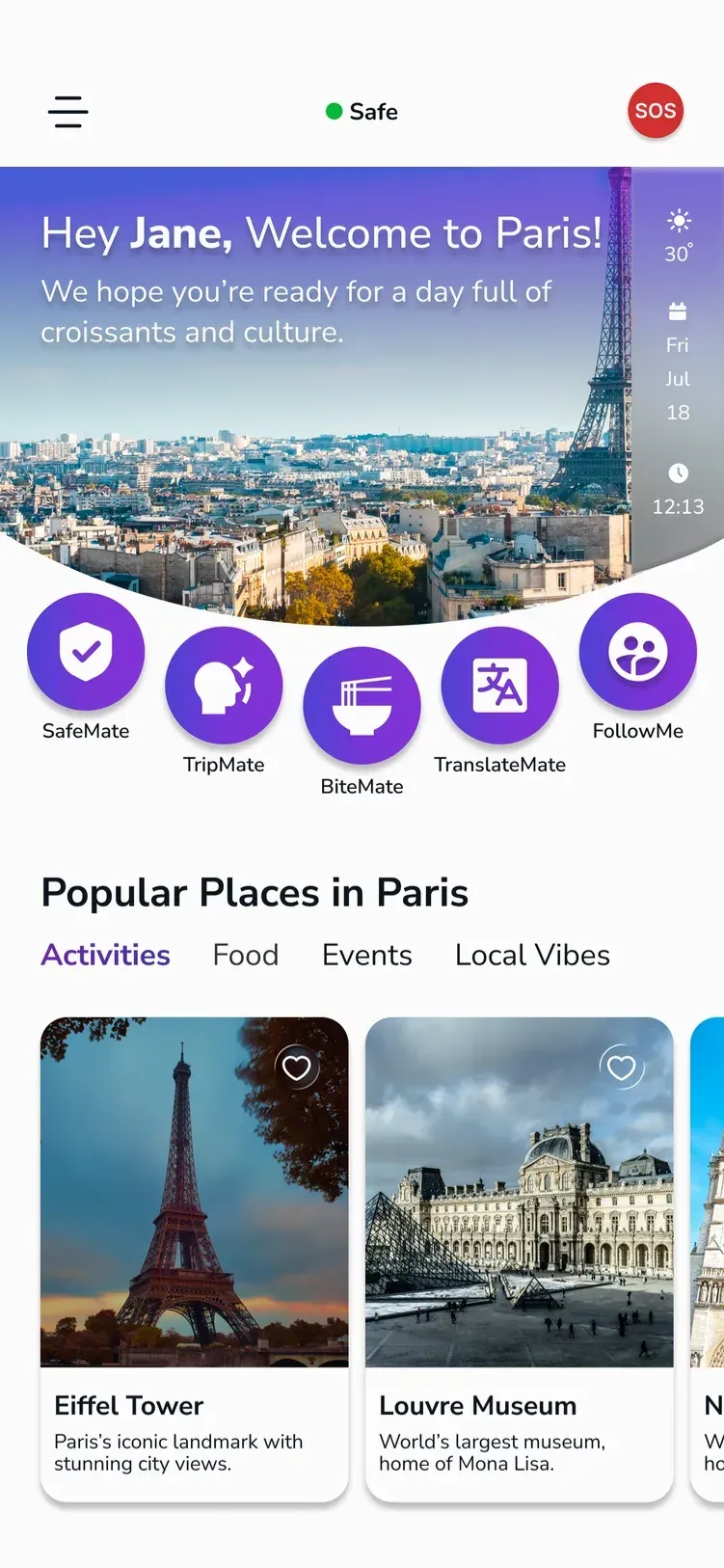
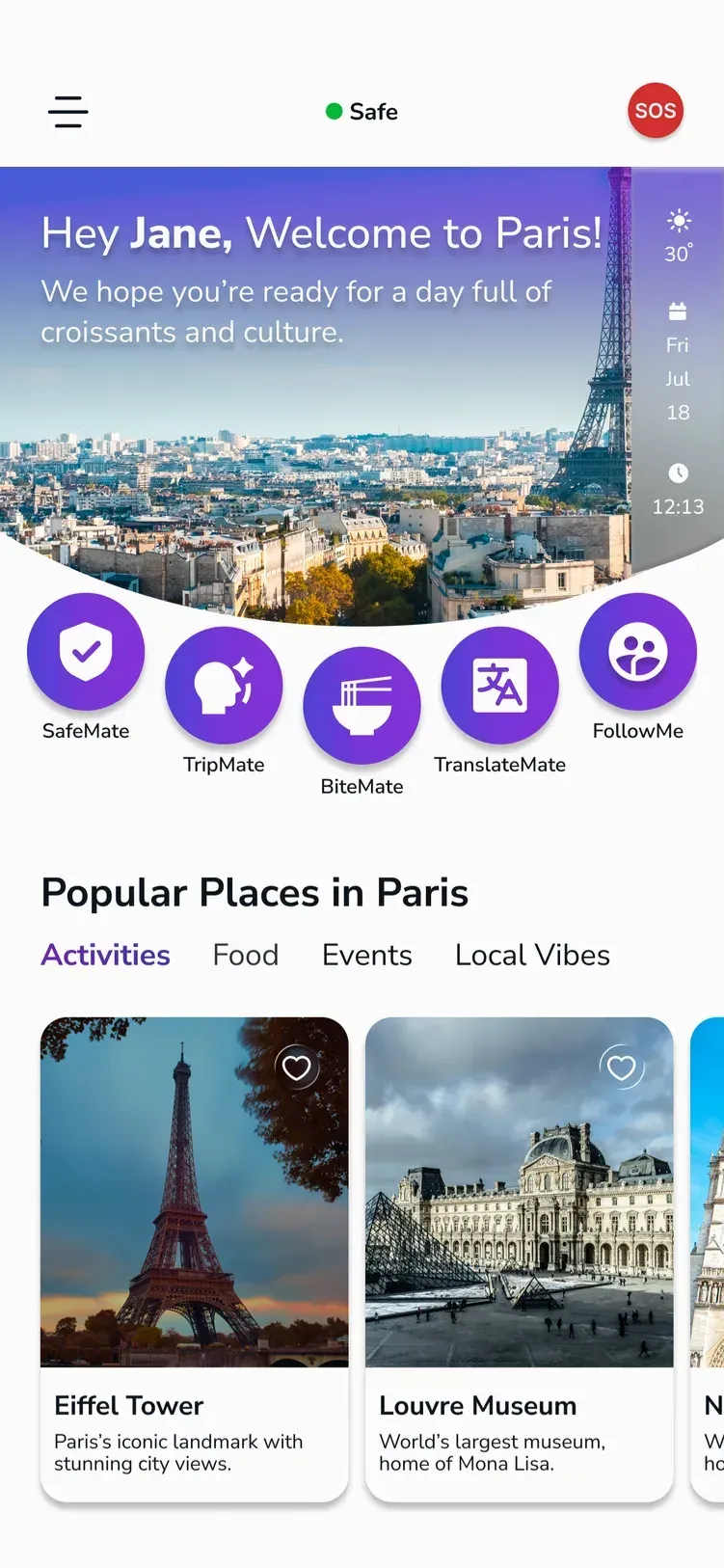
Main Page: The main page is the central screen users see after onboarding, where they can get a quick overview and access key information. We designed it to give users a clear starting point and help them orient themselves fast.
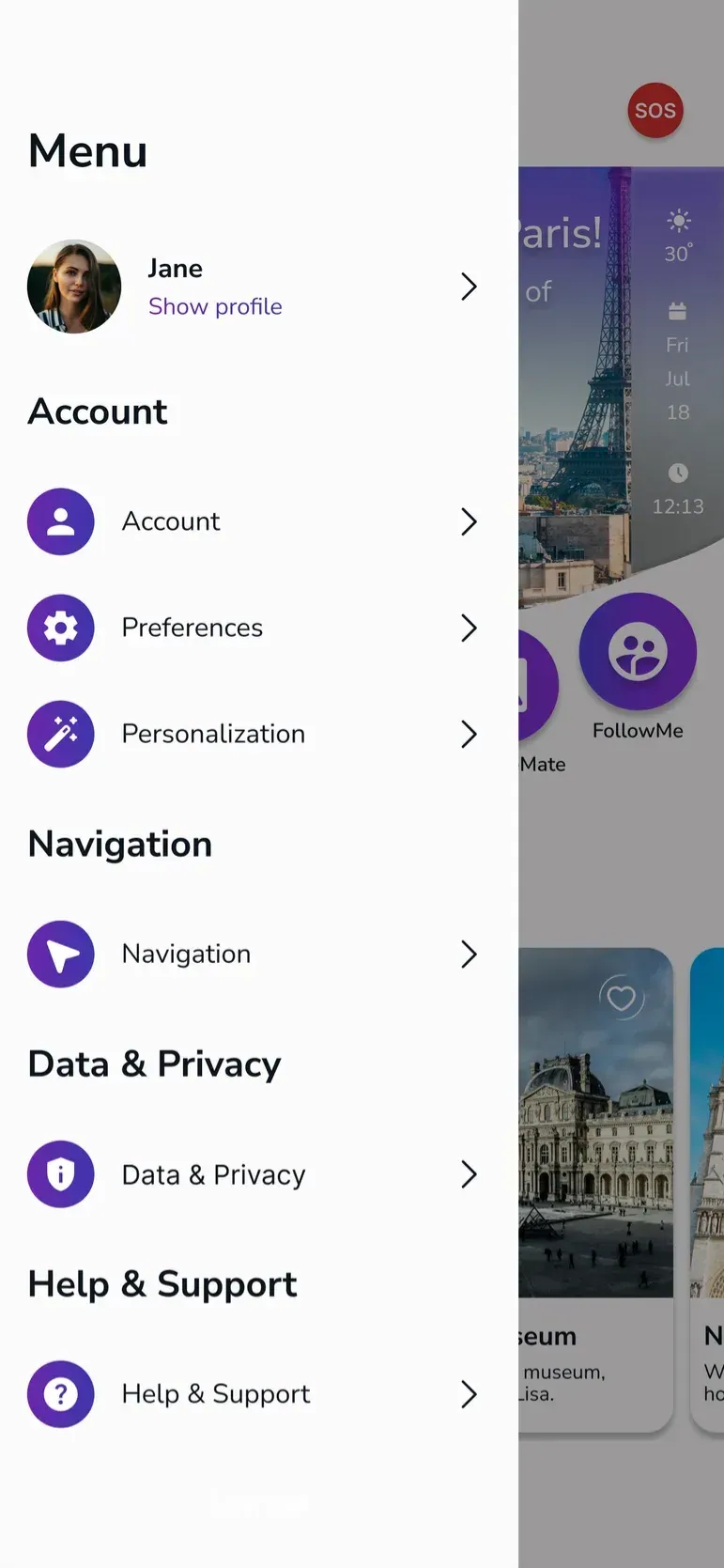
Main Menu: The main menu is the primary navigation area of the app, helping users move between the core sections easily. We structured it to keep the interface organized, scalable, and easy to explore.
WelcomeMate: WelcomeMate is the app’s friendly AI assistant that greets users and supports them at the beginning of the experience. We designed it to make the flow feel more personal, helpful, and welcoming.
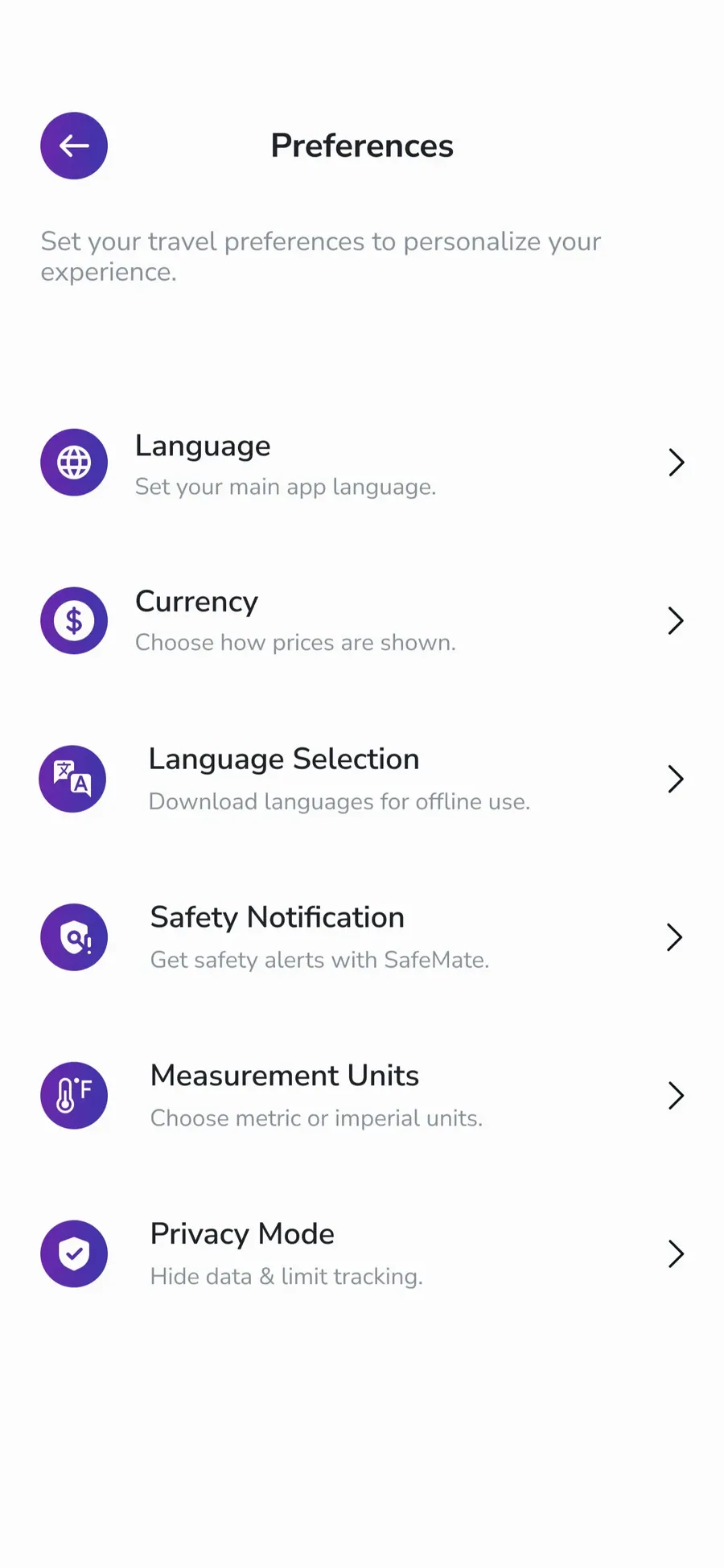
QuickAction Menu
The QuickAction Menu is a shortcut area for fast access to commonly used settings and preferences. We built it to make small adjustments quicker and reduce unnecessary steps.
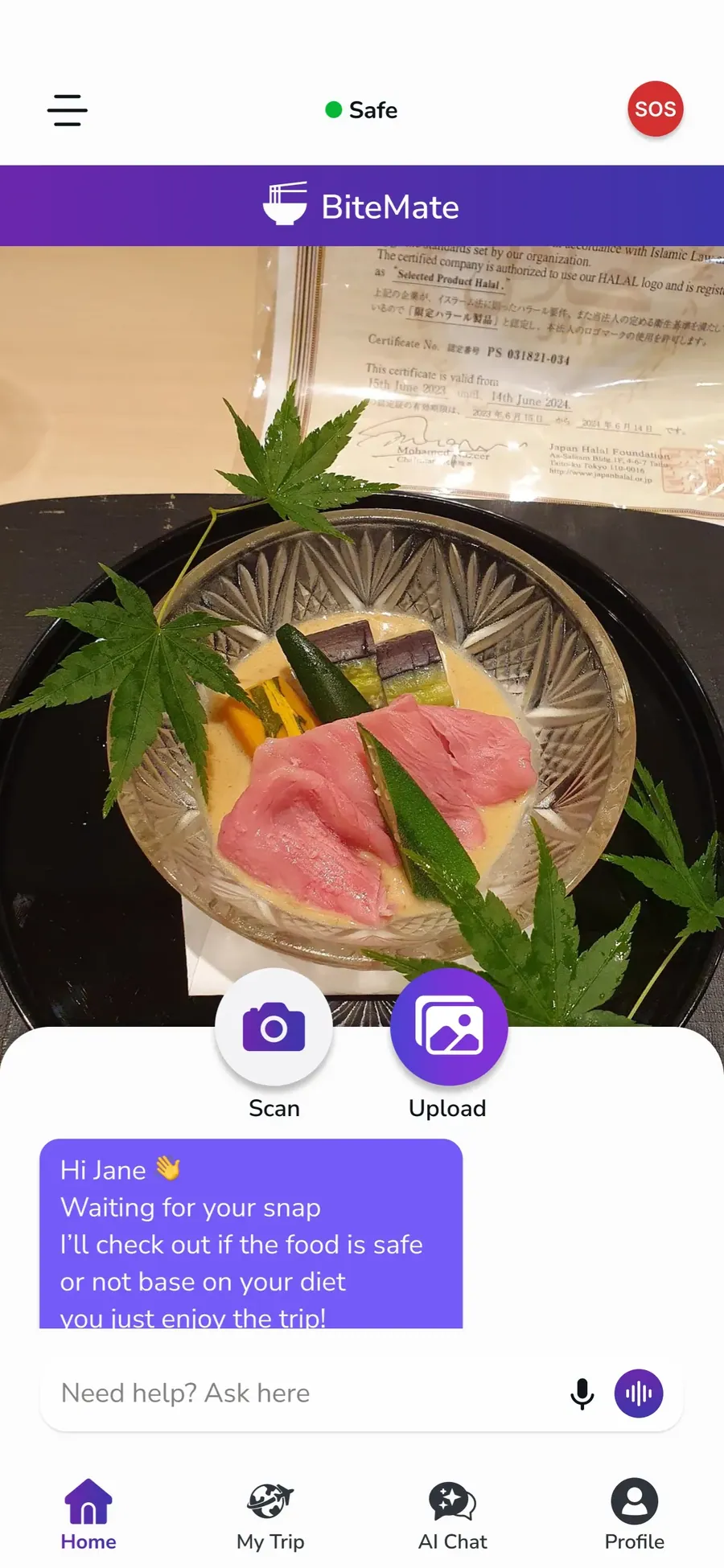
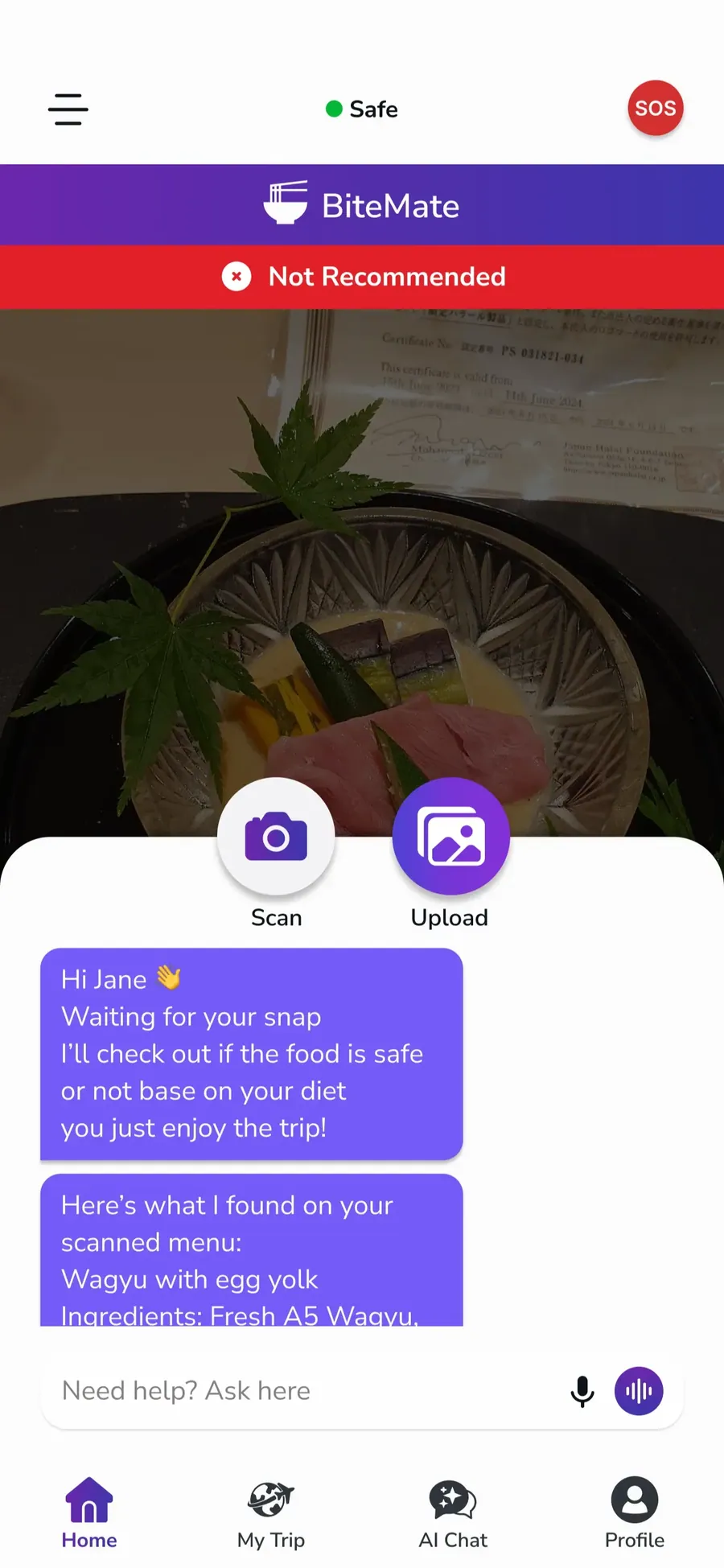
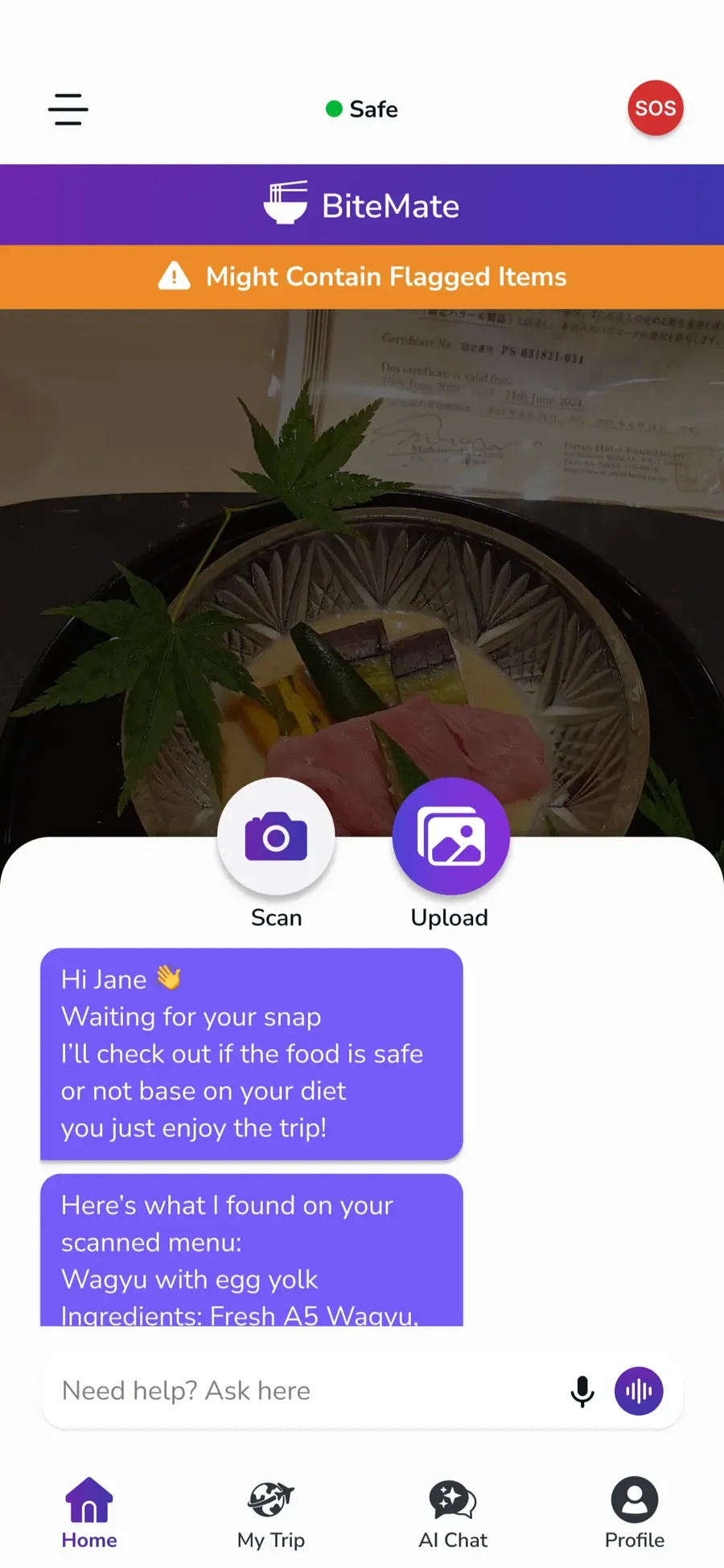
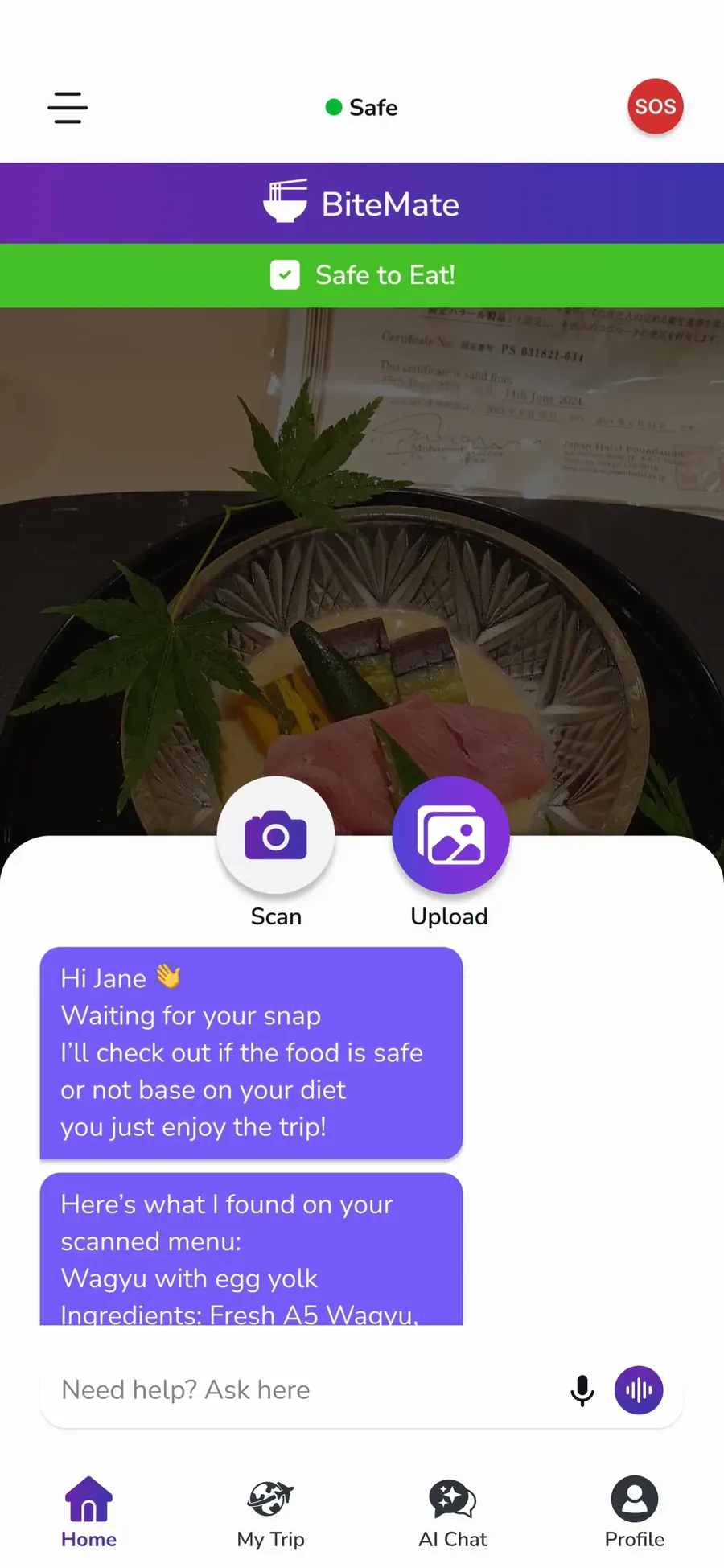
SafeBite
SafeBite was designed as a safety-focused feature to give users quick access to emergency and support guidance while traveling. I created the initial chat concept, we shaped the UX flow to keep the interaction clear and supportive, and my teammate handled the visual design.
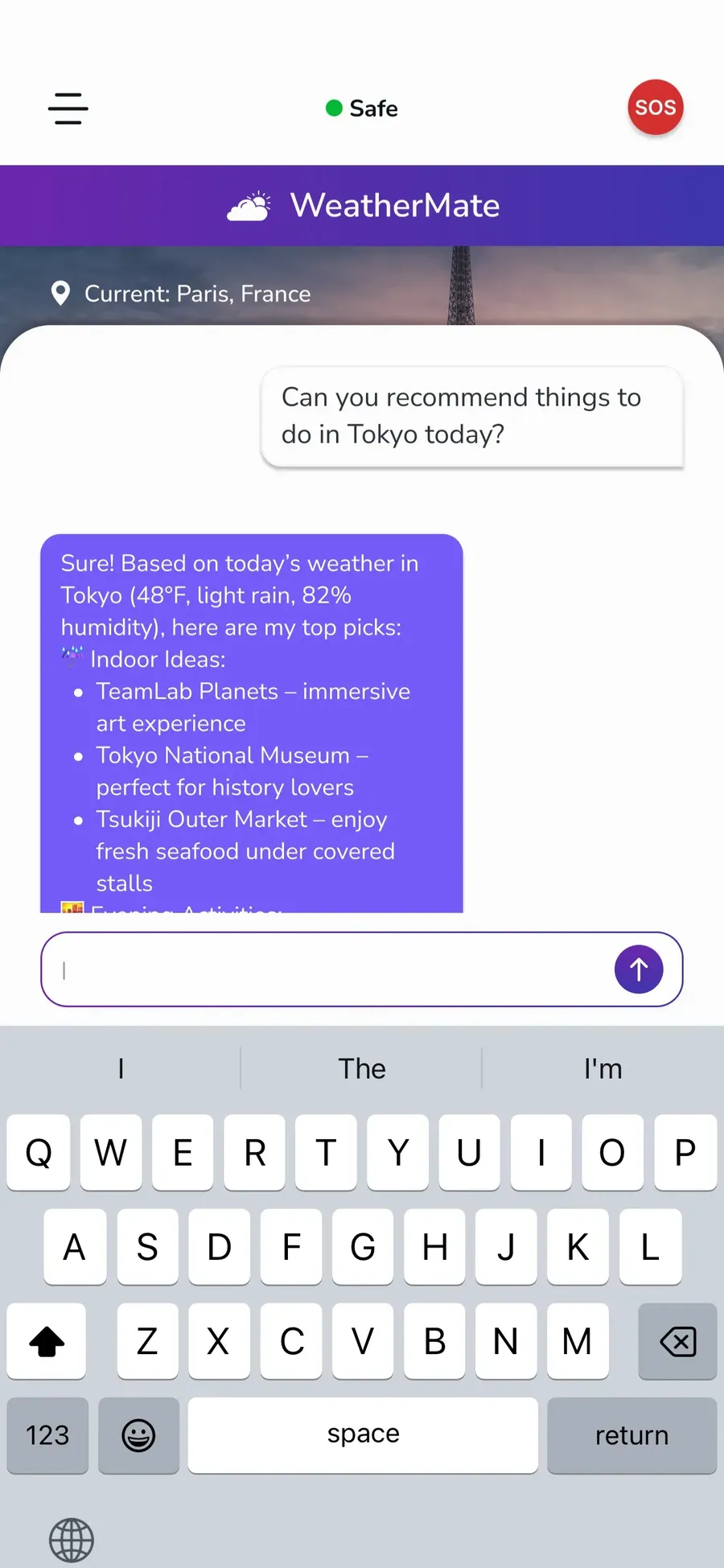
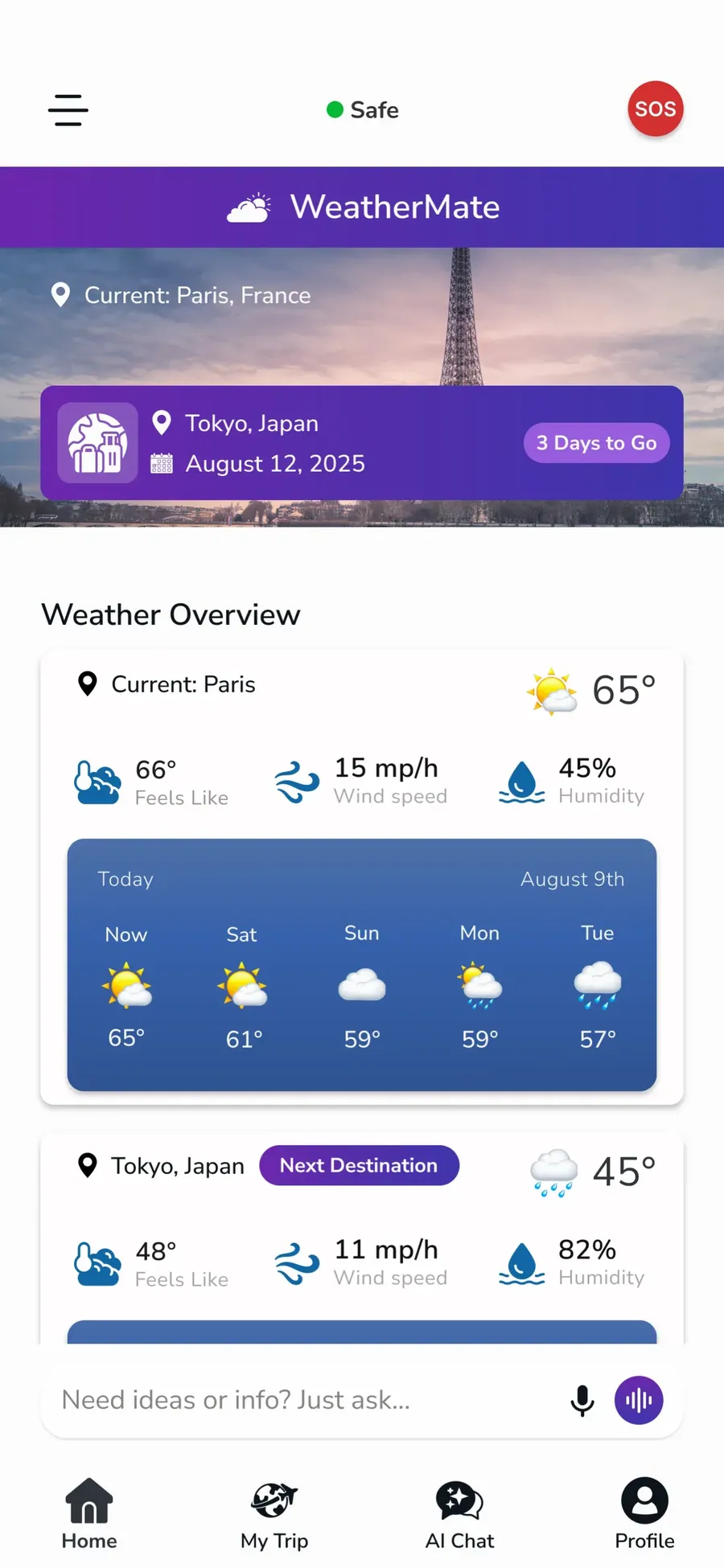
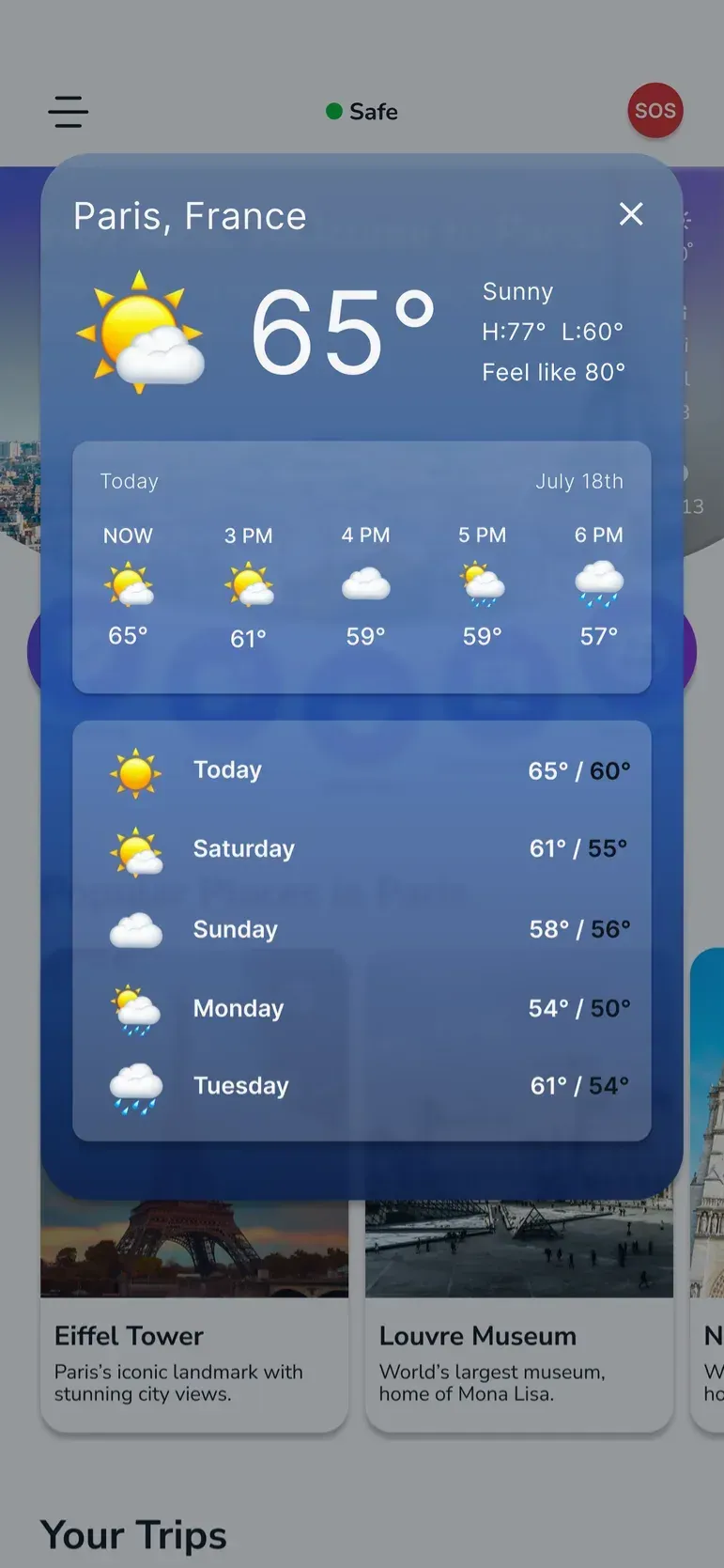
WeatherMate & WeatherStrip
WeatherMate was designed as a weather feature to help users check destination conditions and plan ahead more confidently. The Weather Strip was added as a quick-glance component to surface essential weather information in a compact and easy-to-scan format, while we shaped the UX flow and my teammate handled the visual design.
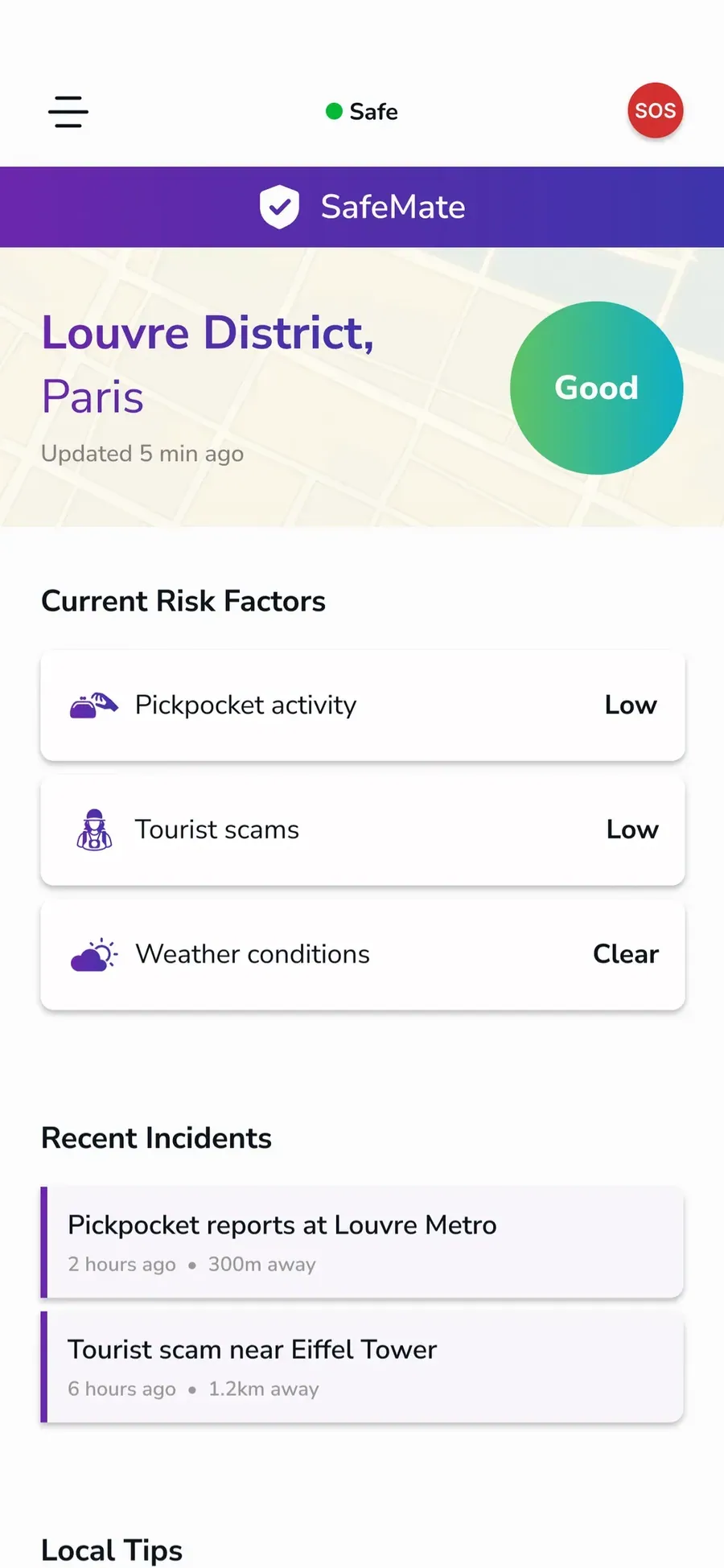
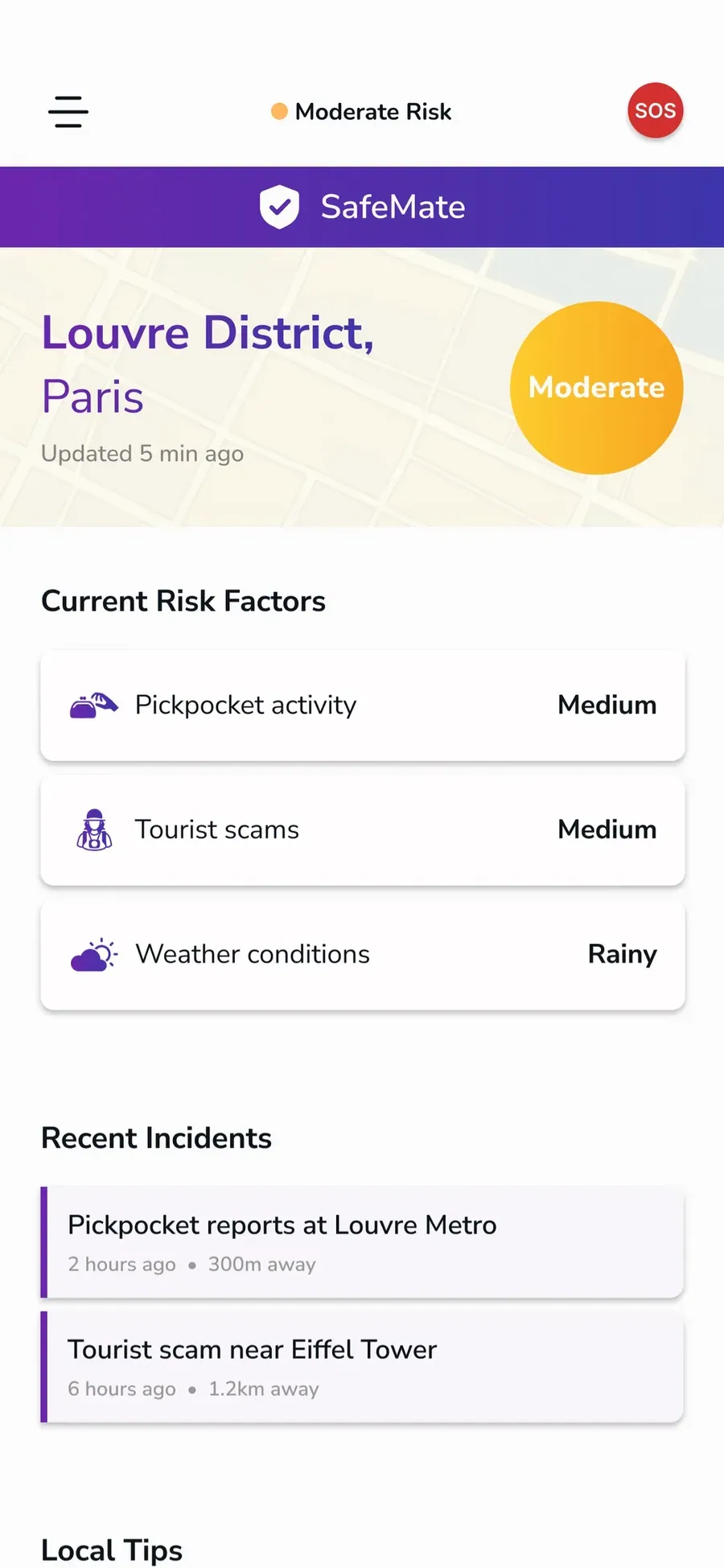
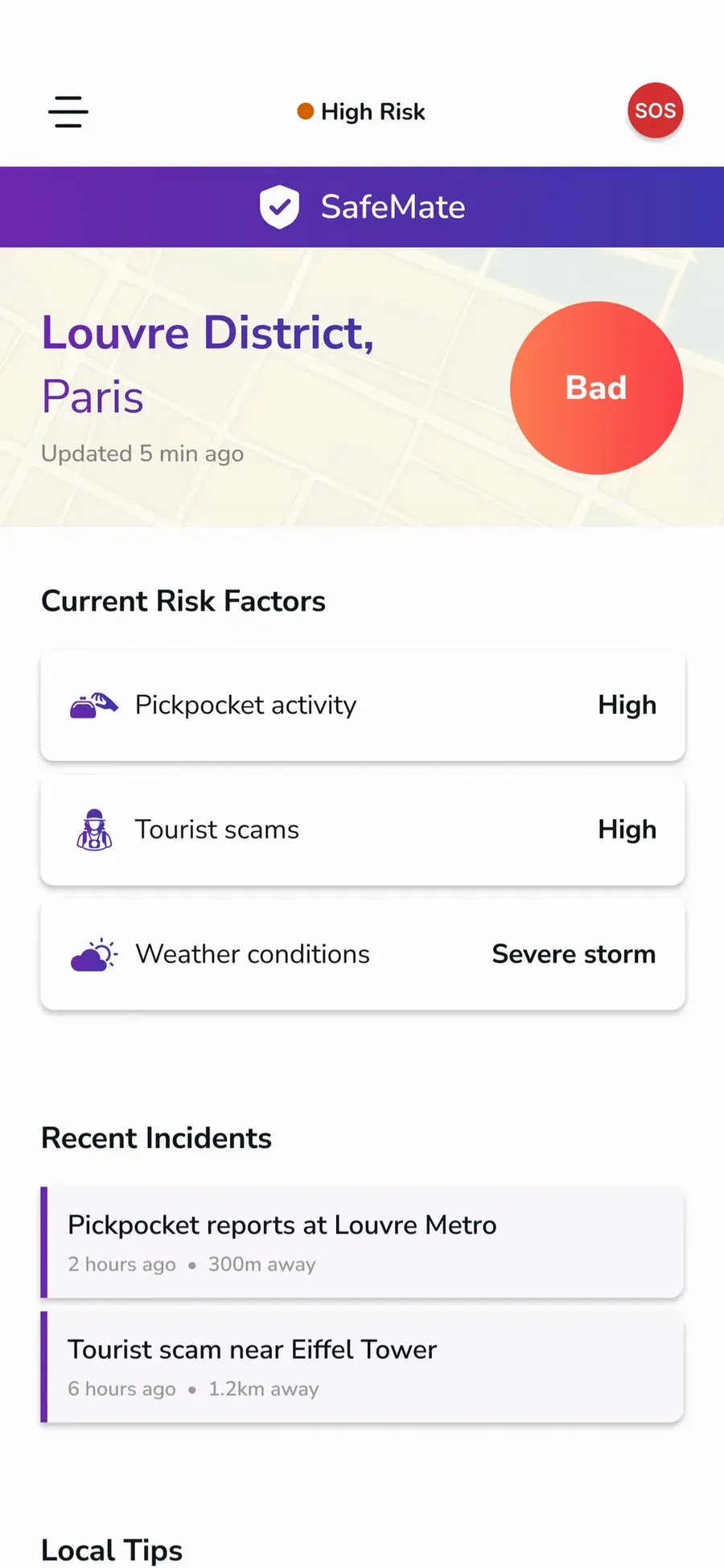
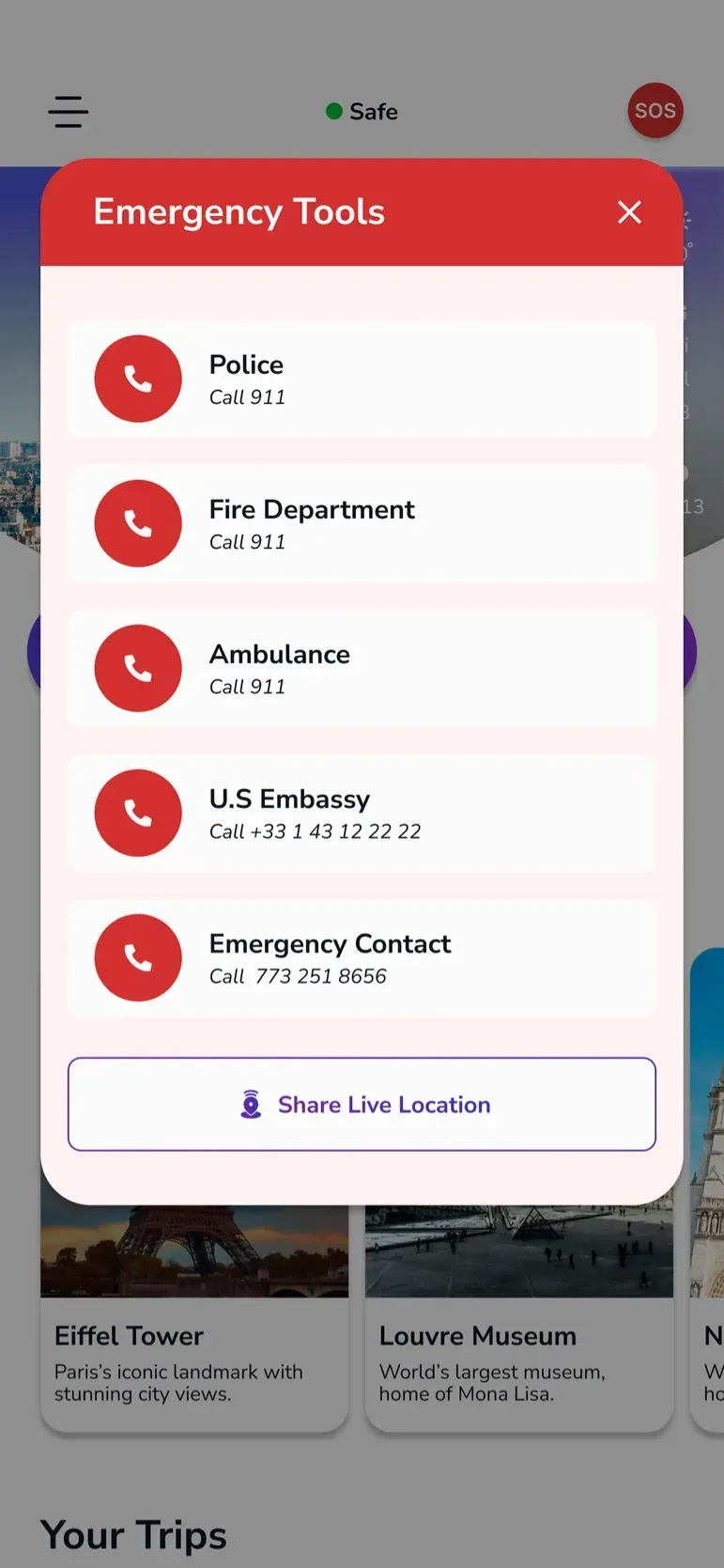
SafeMate & SOS
SafeMate and SOS are safety features designed to help users stay secure and get help quickly while traveling. weshaped the UX flow and provided feedback on the interaction design, while my teammate handled the visual design.
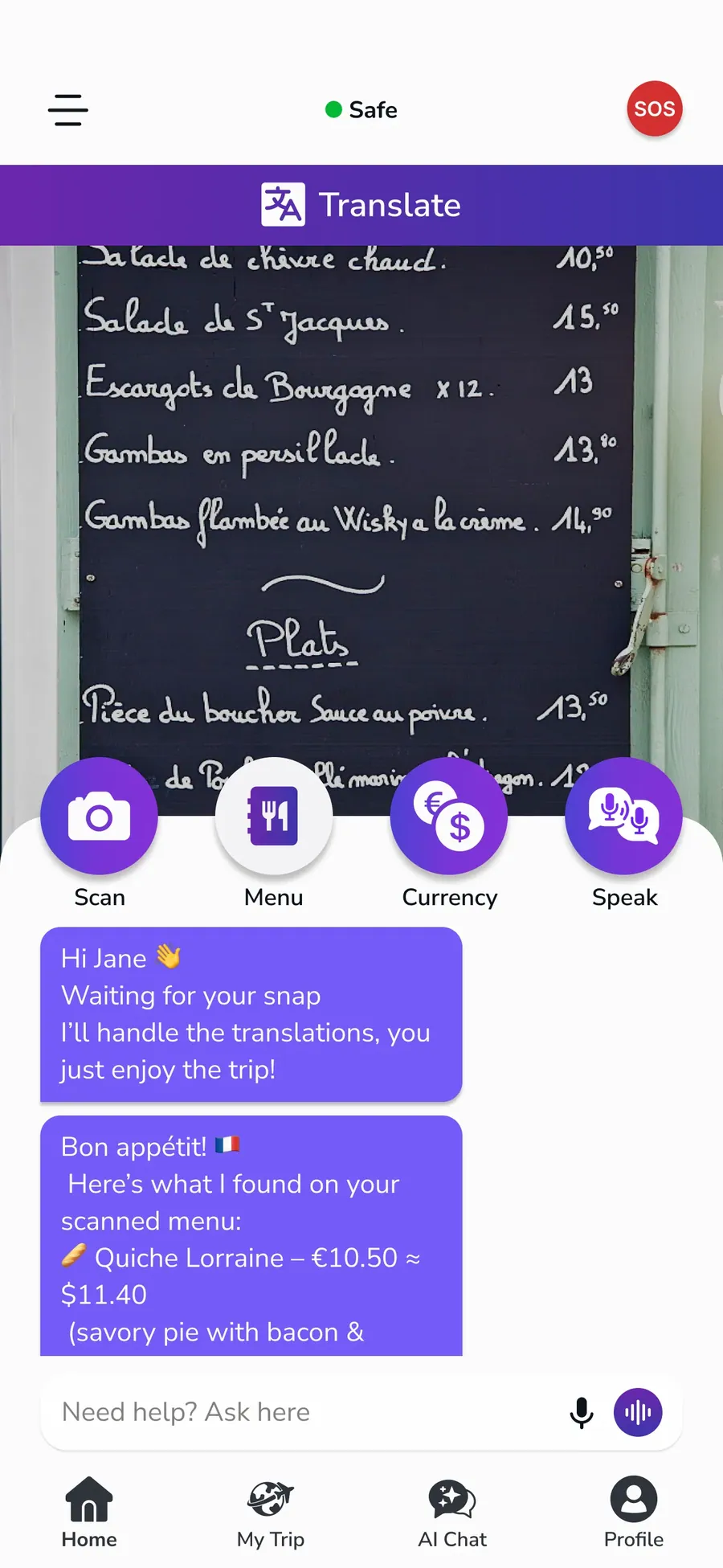
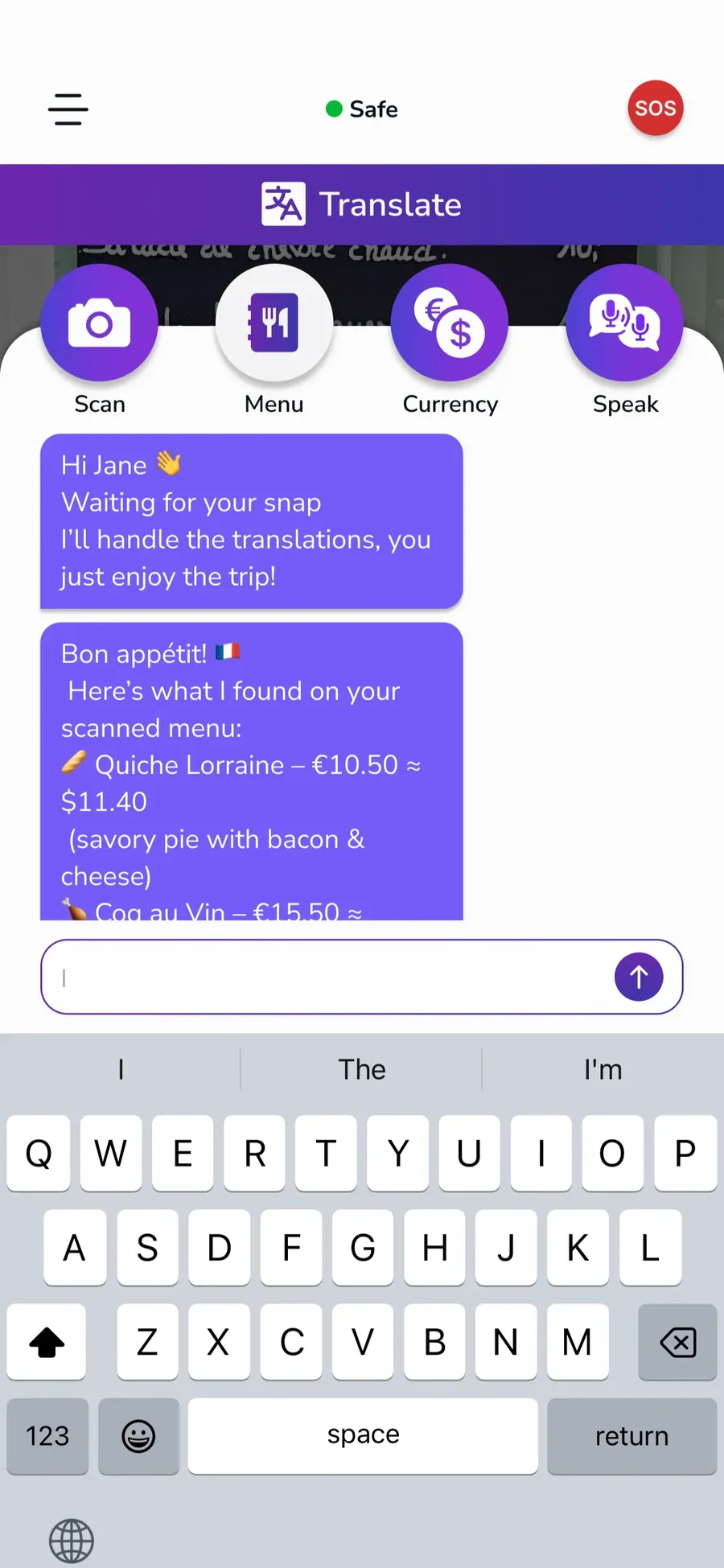
TranslateMate & Translate Menu
TranslateMate was designed as a built-in translation feature to help users communicate more easily while traveling. The Translate Menu was added to give users quick access to translation options in a simple and organized way, and I handled the full design of this feature, including the AI chat screen.
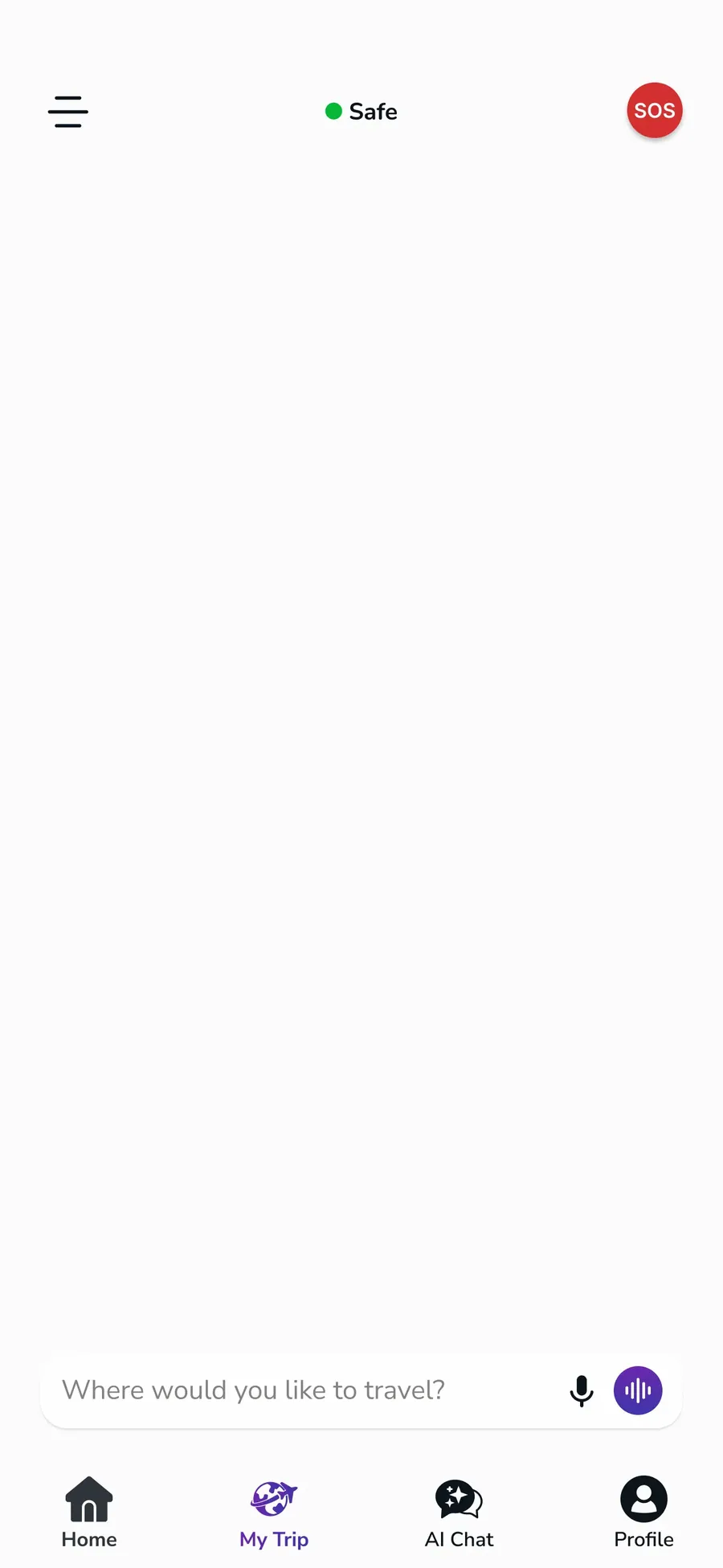
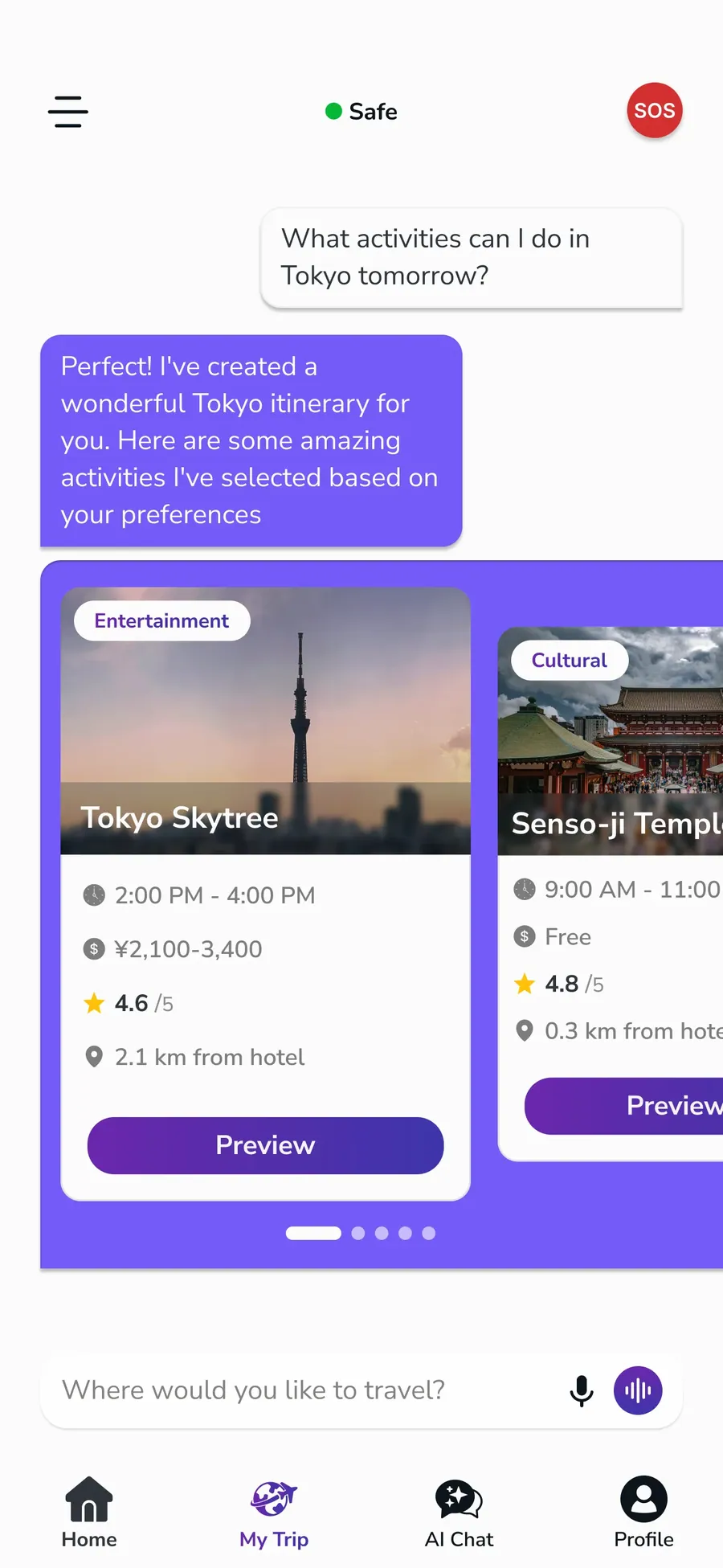
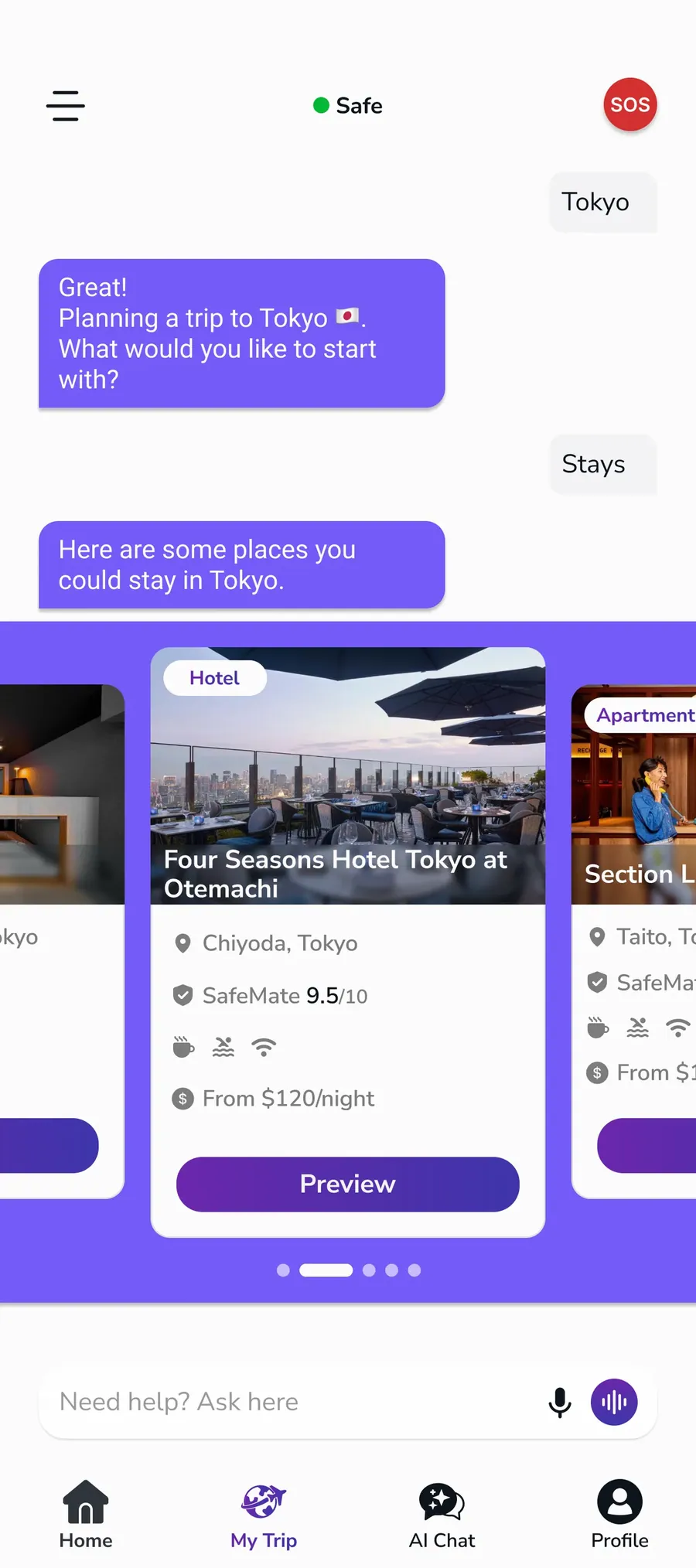
TripPlanner
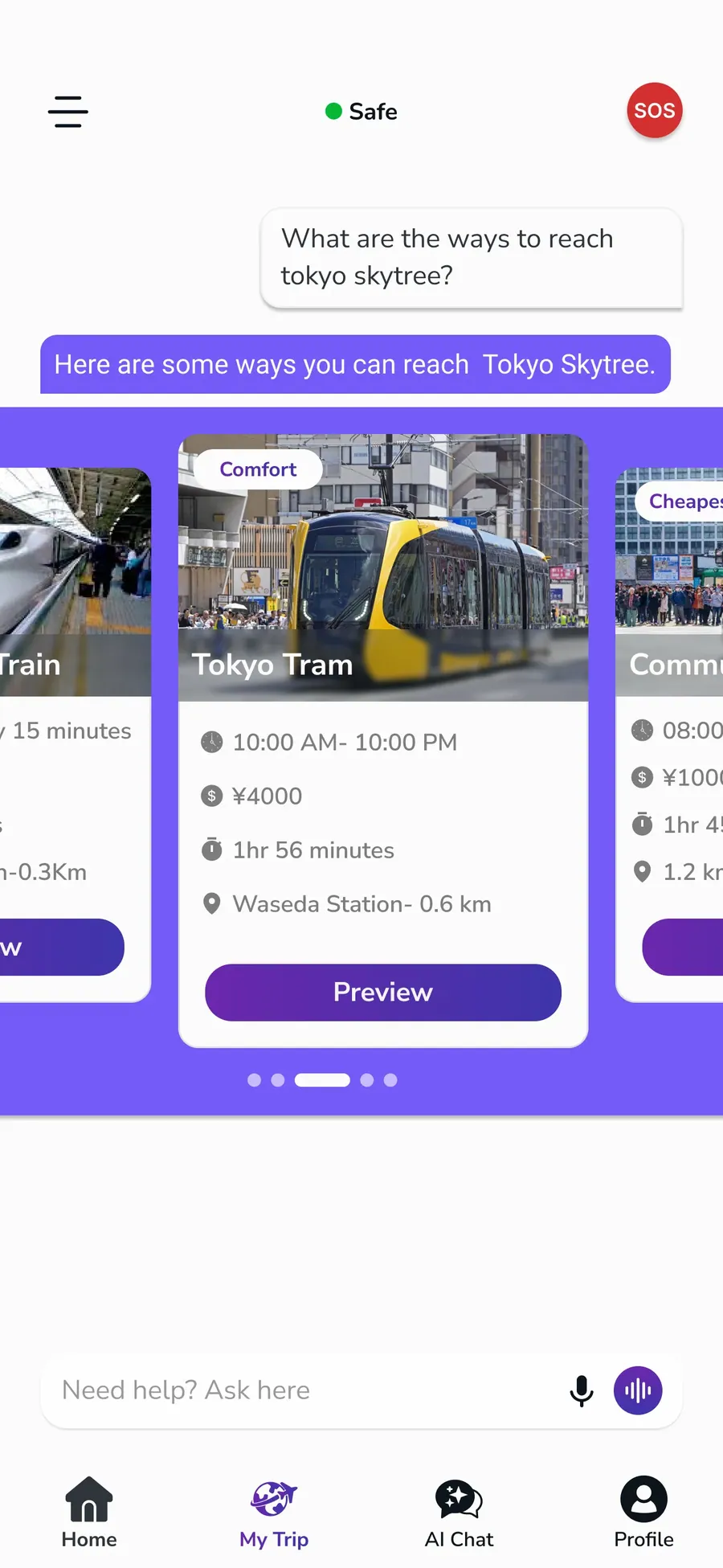
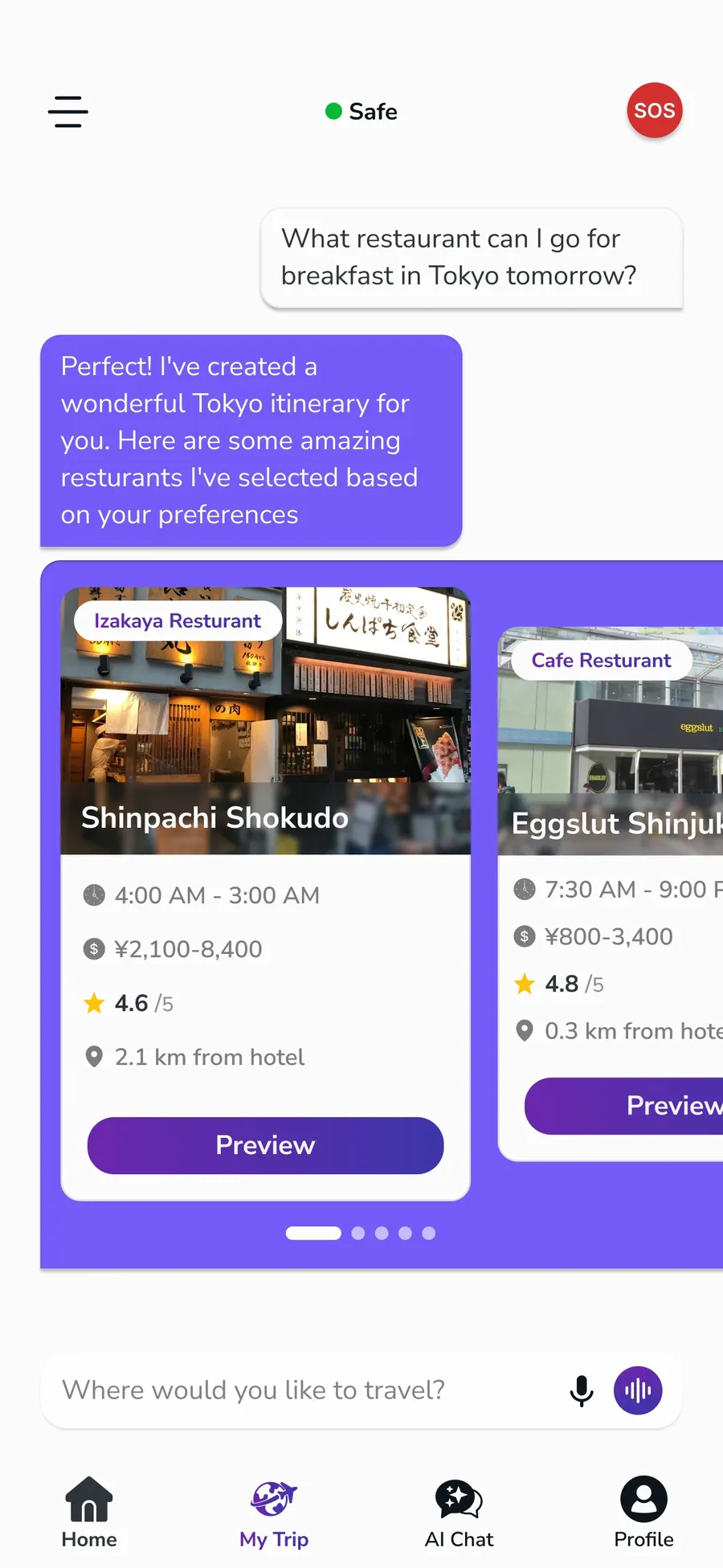
TripPlanner is the core planning feature of the app, where users can organize their trips through a guided AI chat experience. We designed the flow to keep all actions inside the chat, making the process conversational, clear, and easy to follow while supporting users step by step.
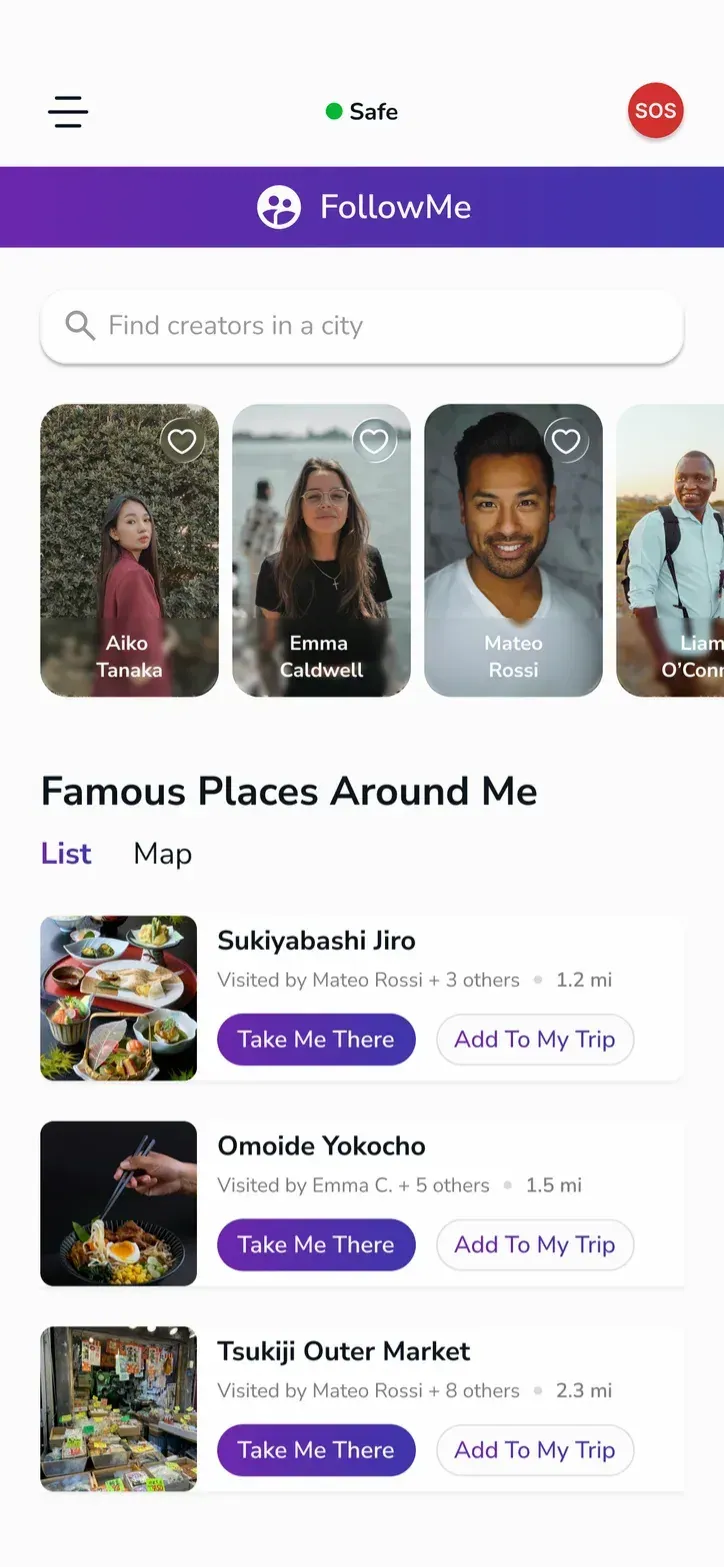
FollowMe Page
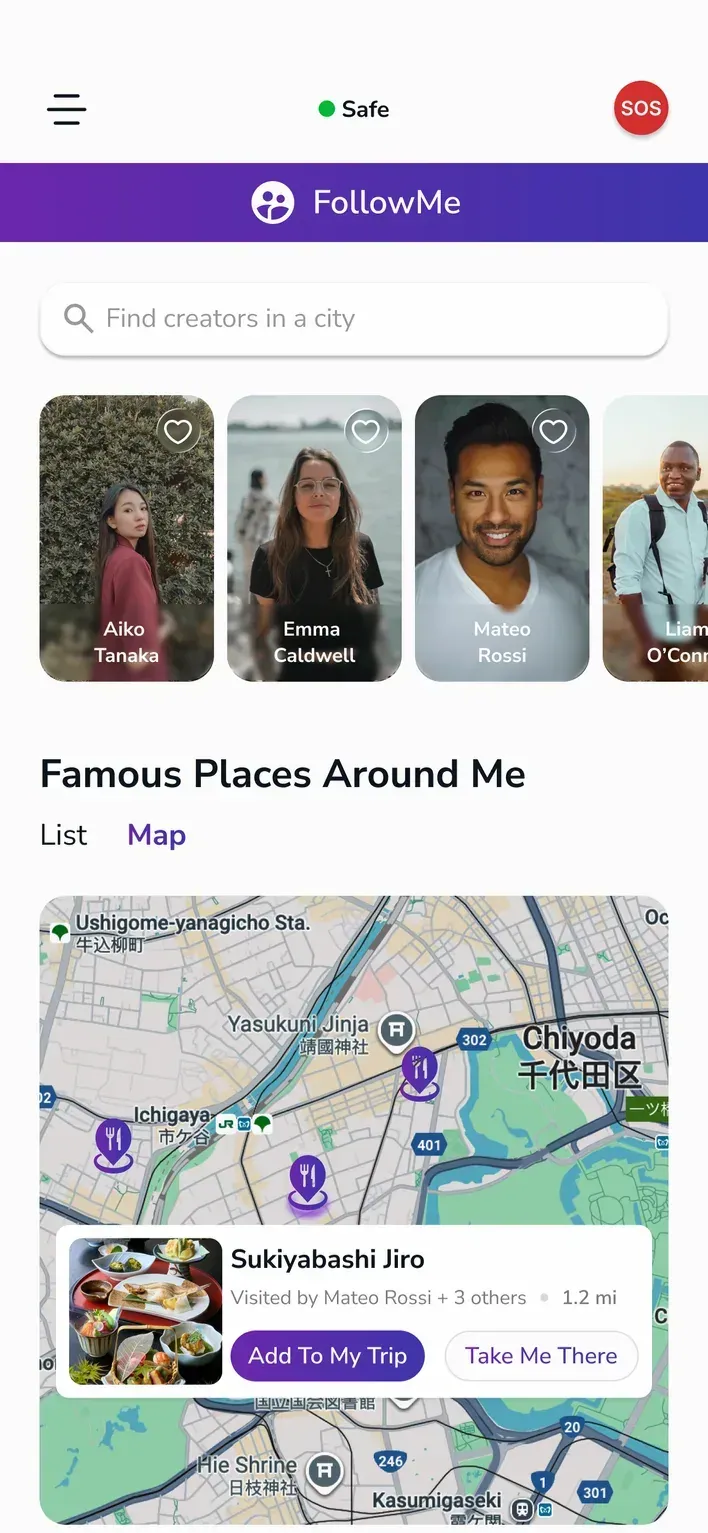
The FollowMe page was designed as a discovery space where users can browse creator content and get an overview of travel experiences in a clear and engaging layout. We structured it to make exploration simple and visually focused.
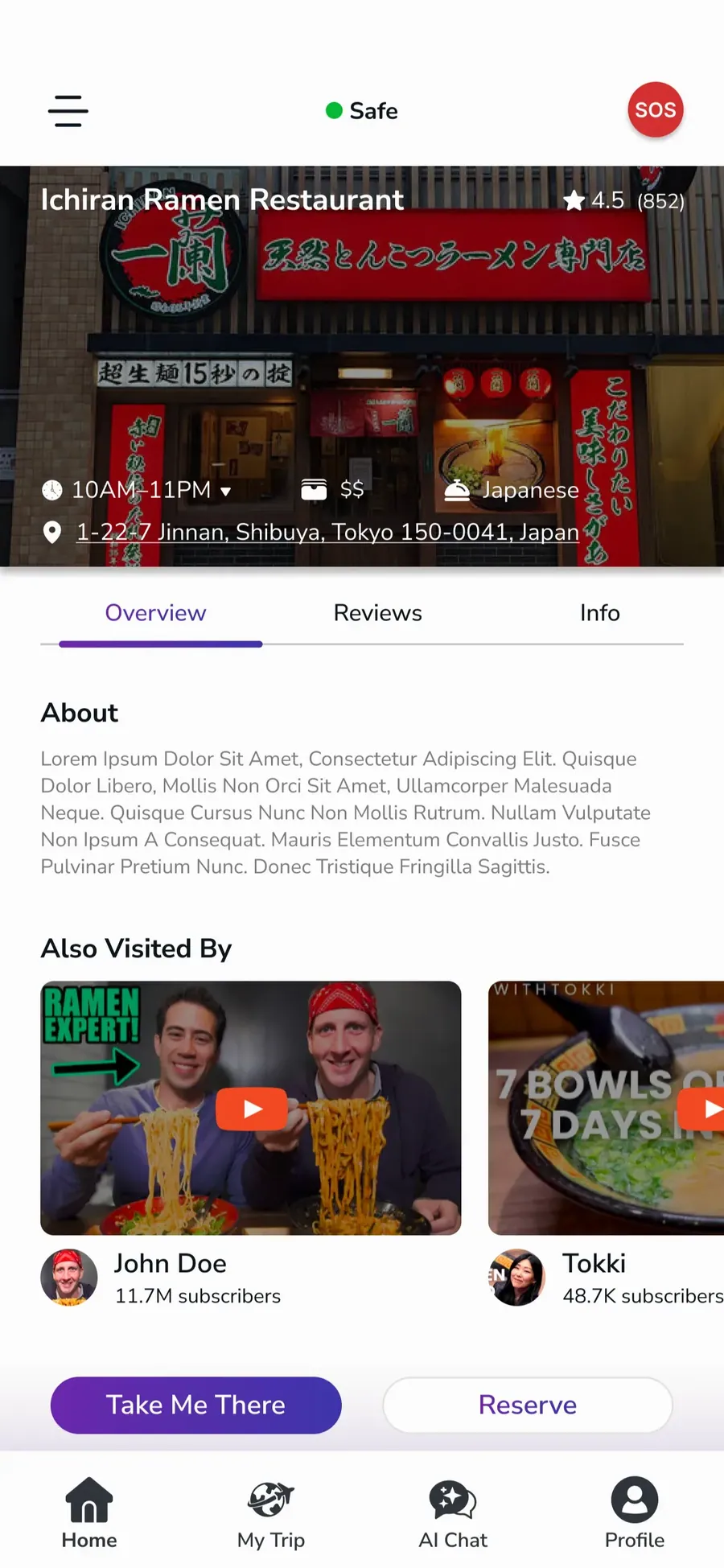
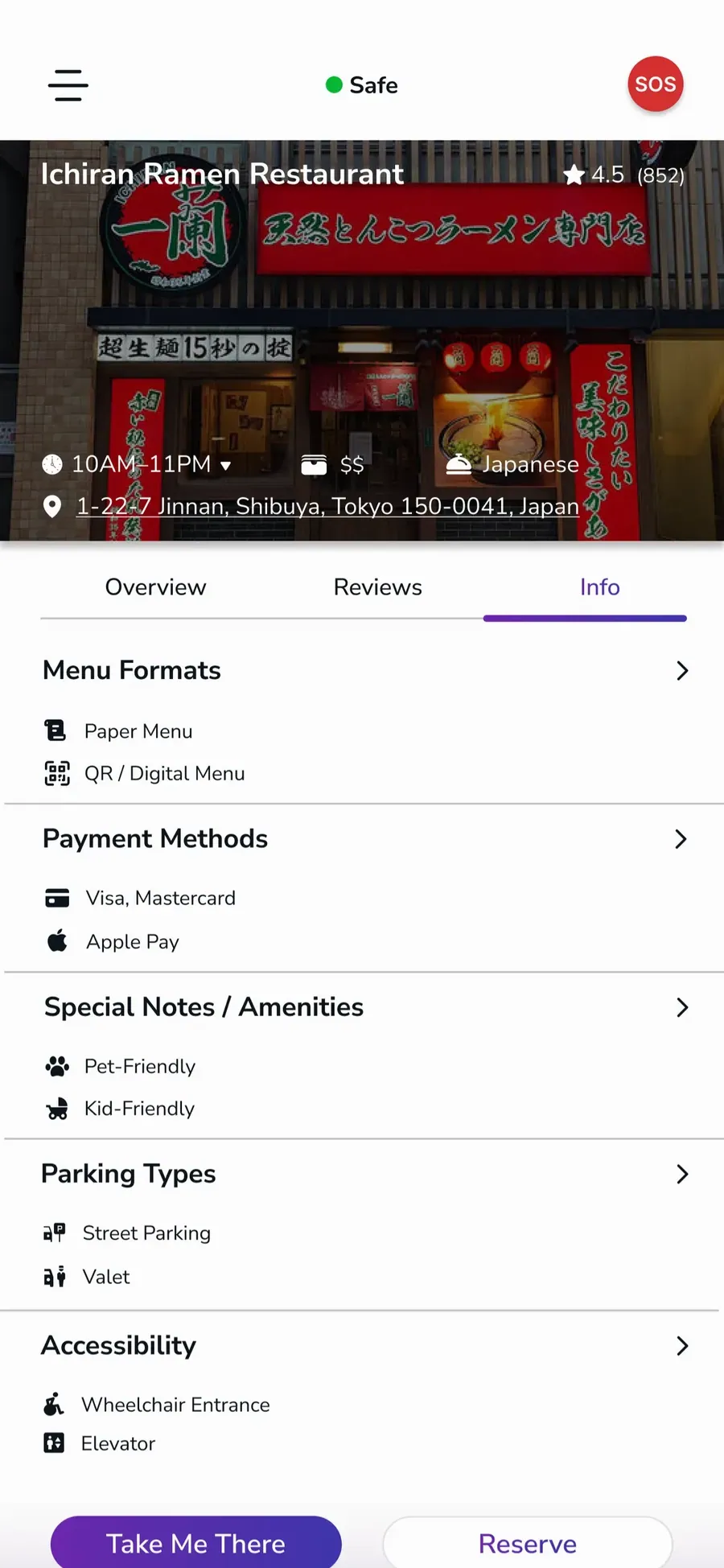
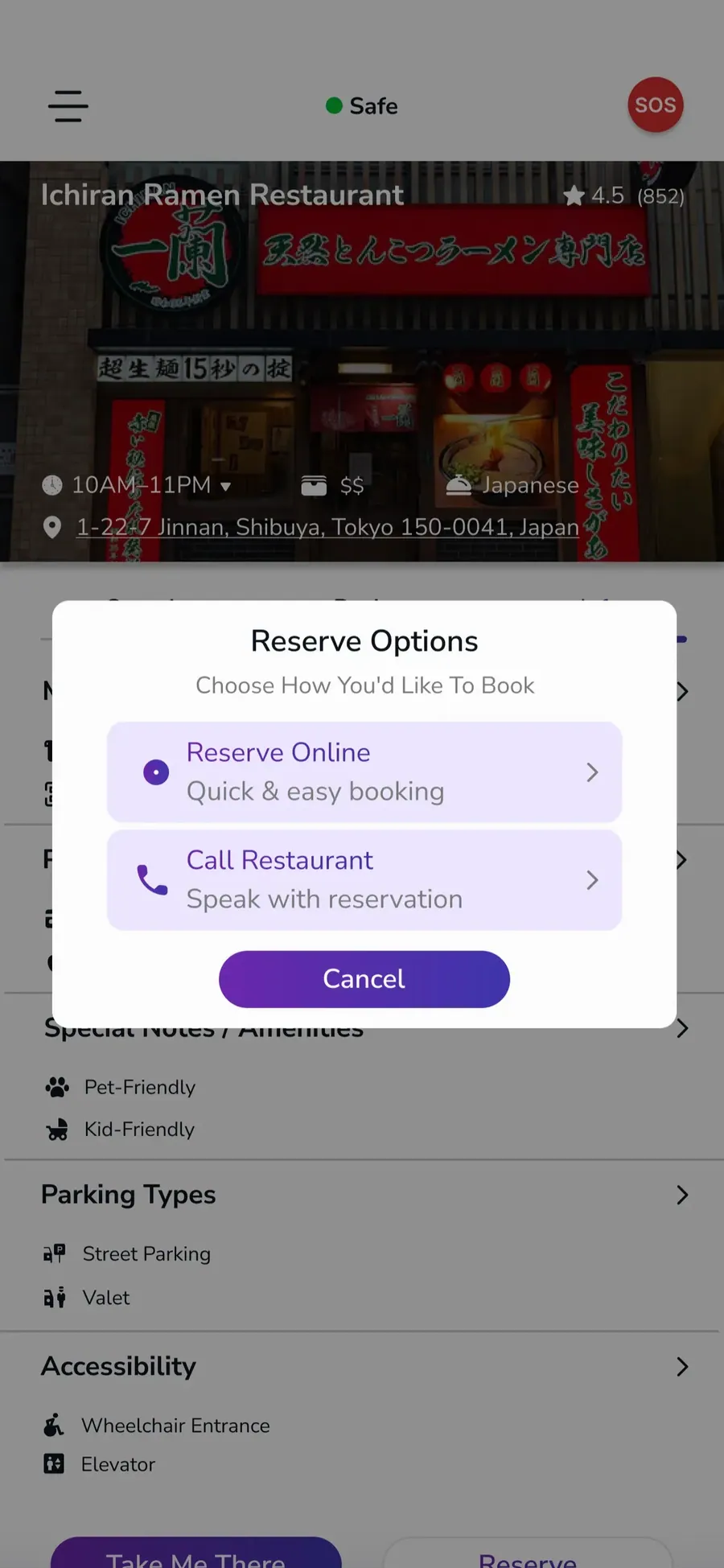
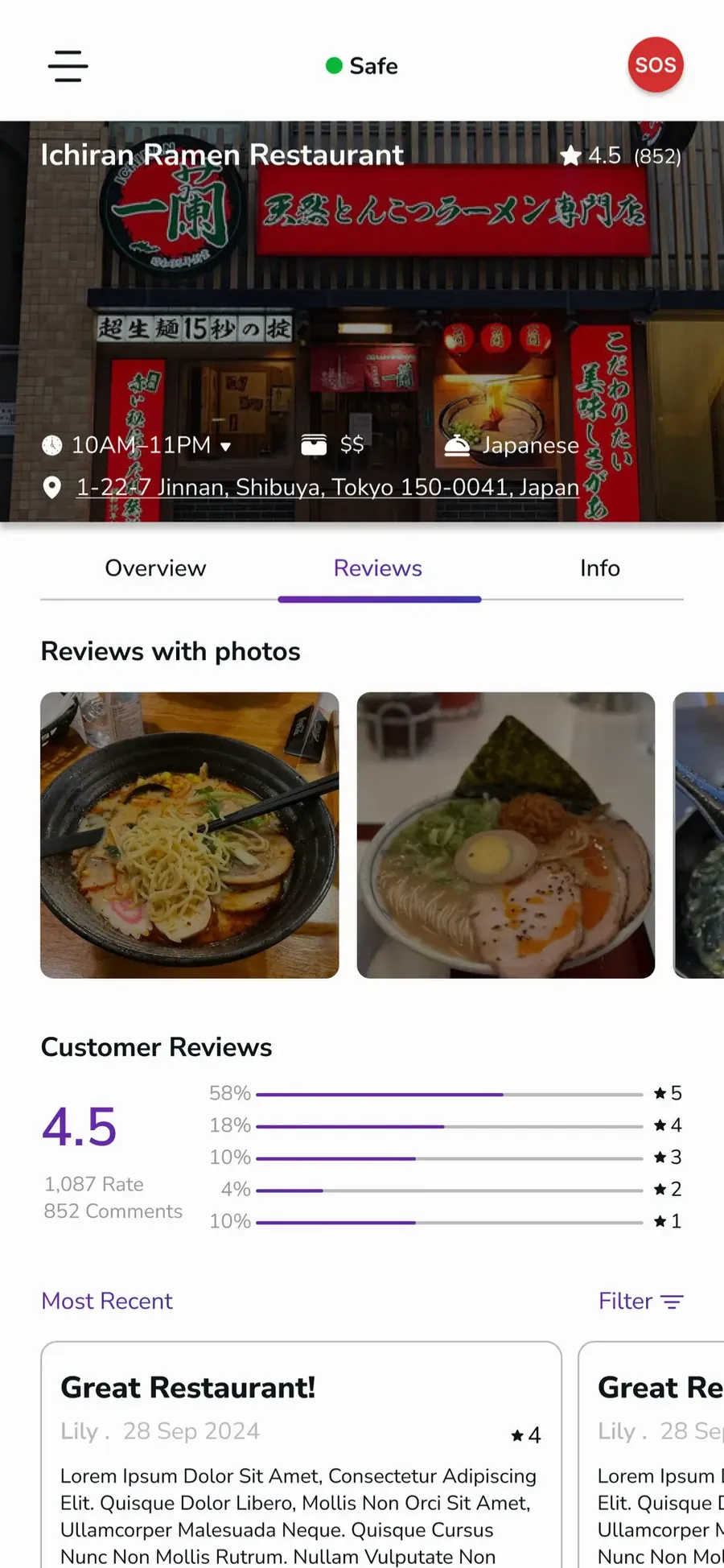
PDP - Product Detail Page
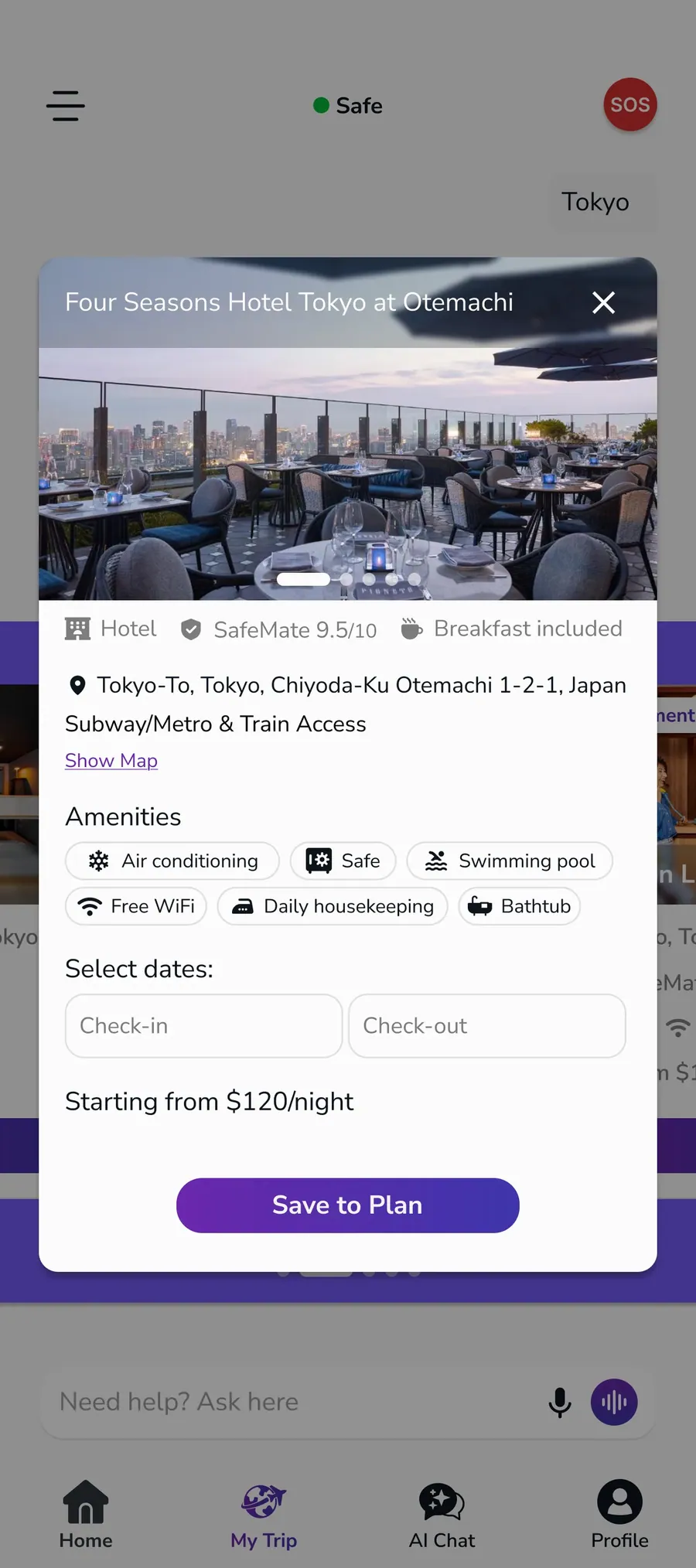
The restaurant page was designed to show all the key details a user might need in one place. We included reviews, photos, reservation information, map access, and video content so the experience feels complete and easy to use.
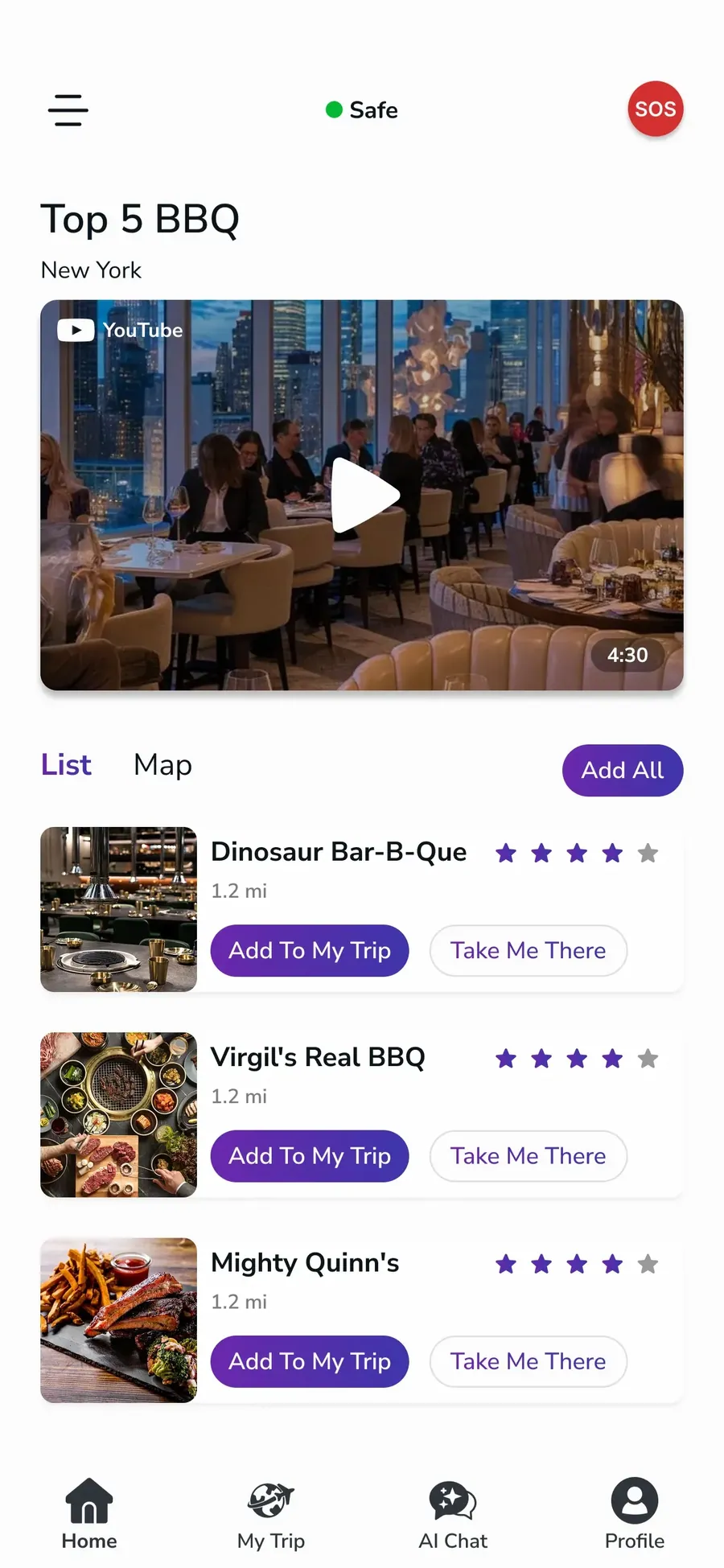
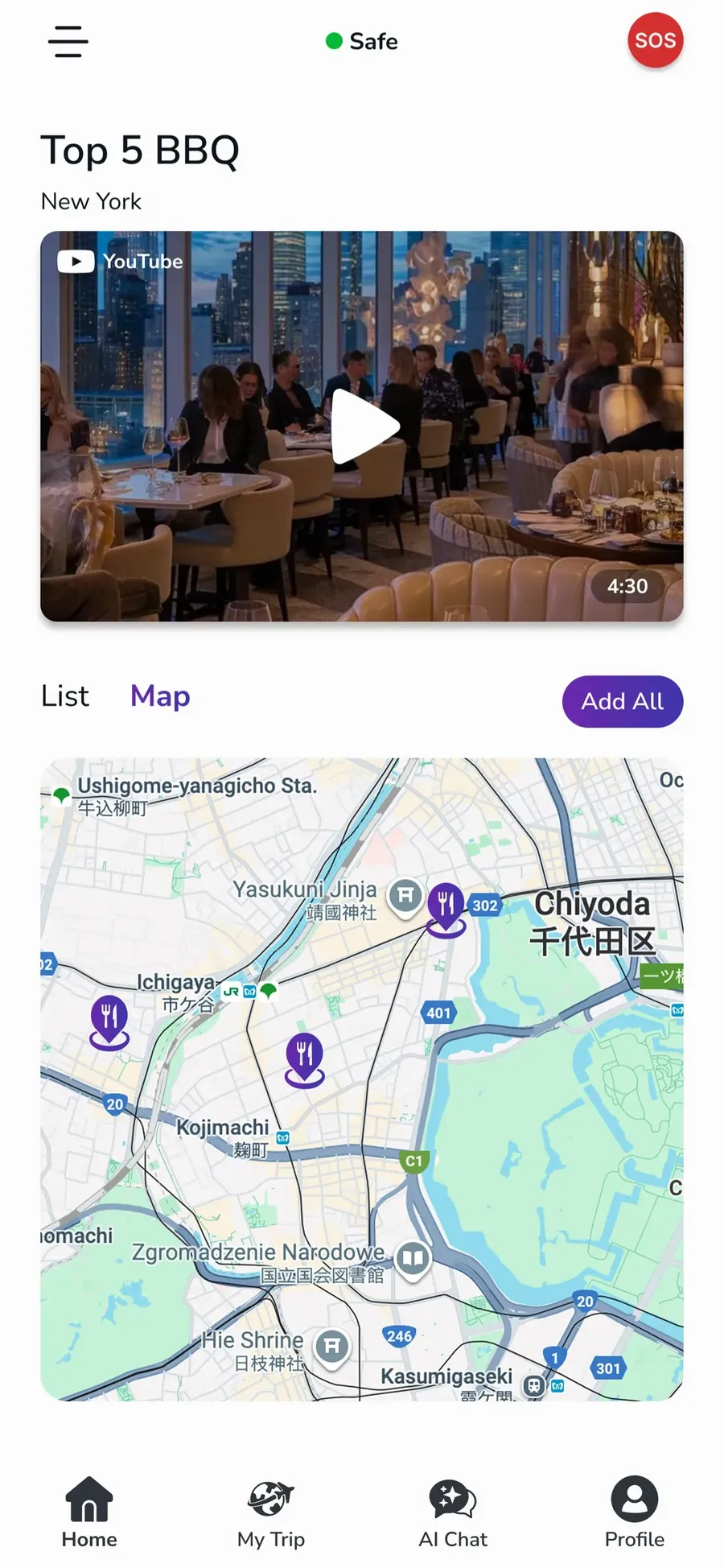
Collection and City
Collection and City were designed as location-based discovery sections where users can explore listed places in a more organized way. We structured them to present each place with supporting content such as video and map information, so users can better understand the location before deciding to visit or save it.
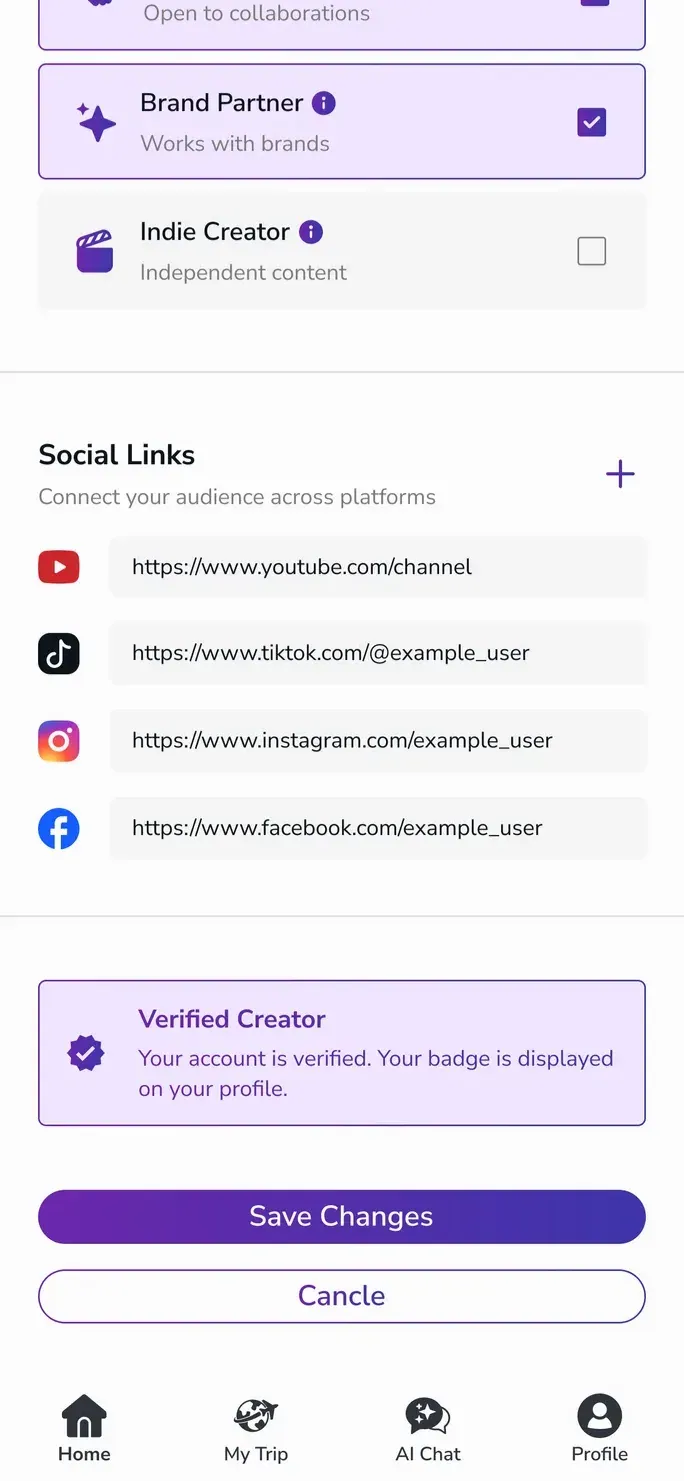
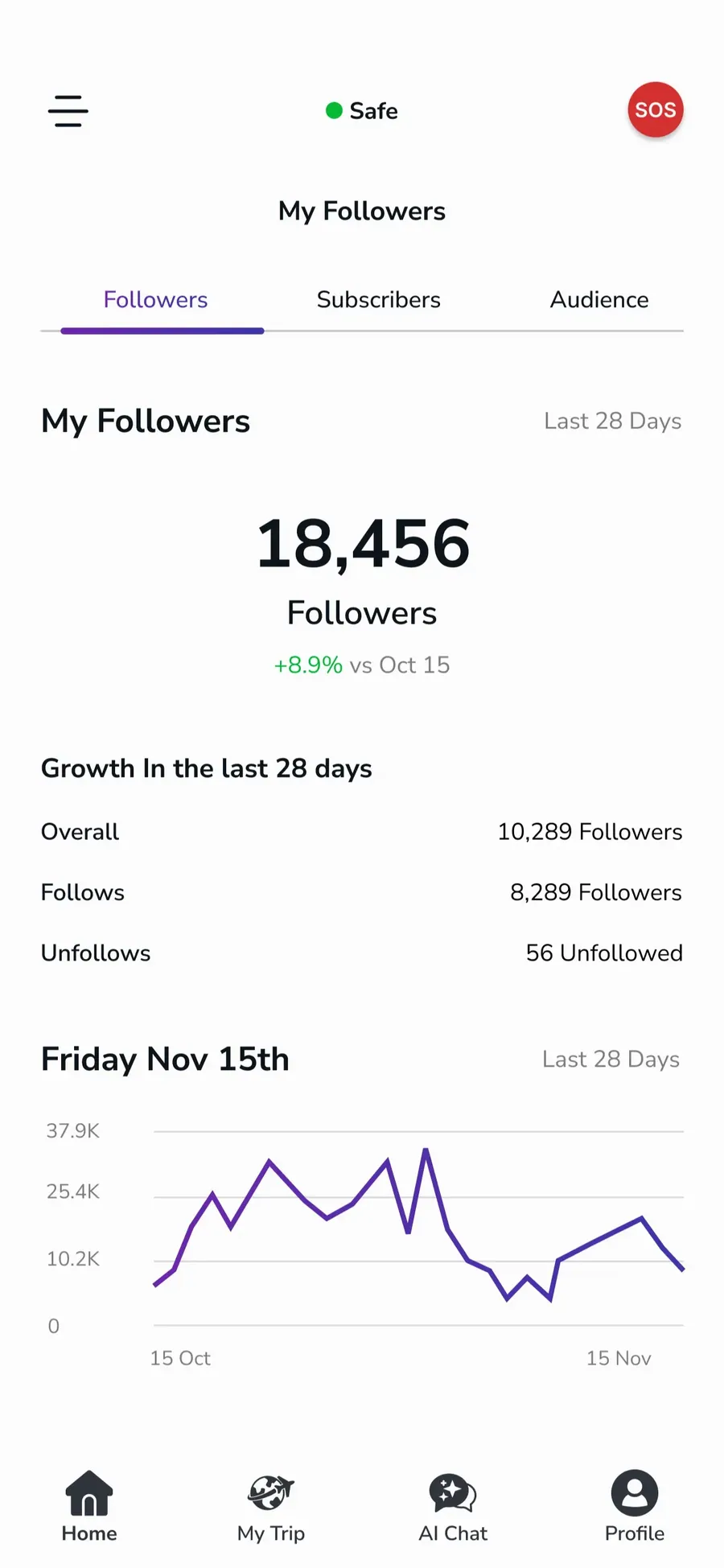
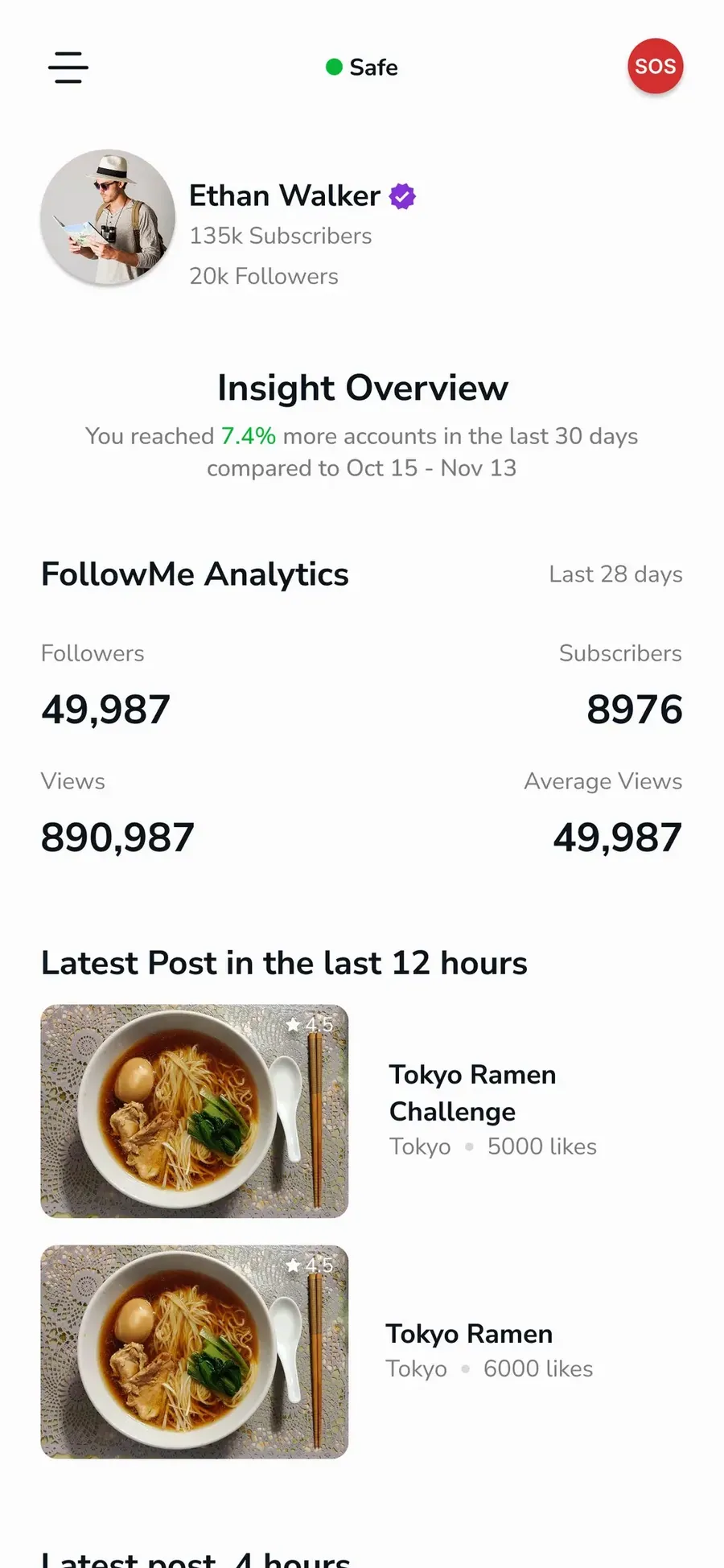
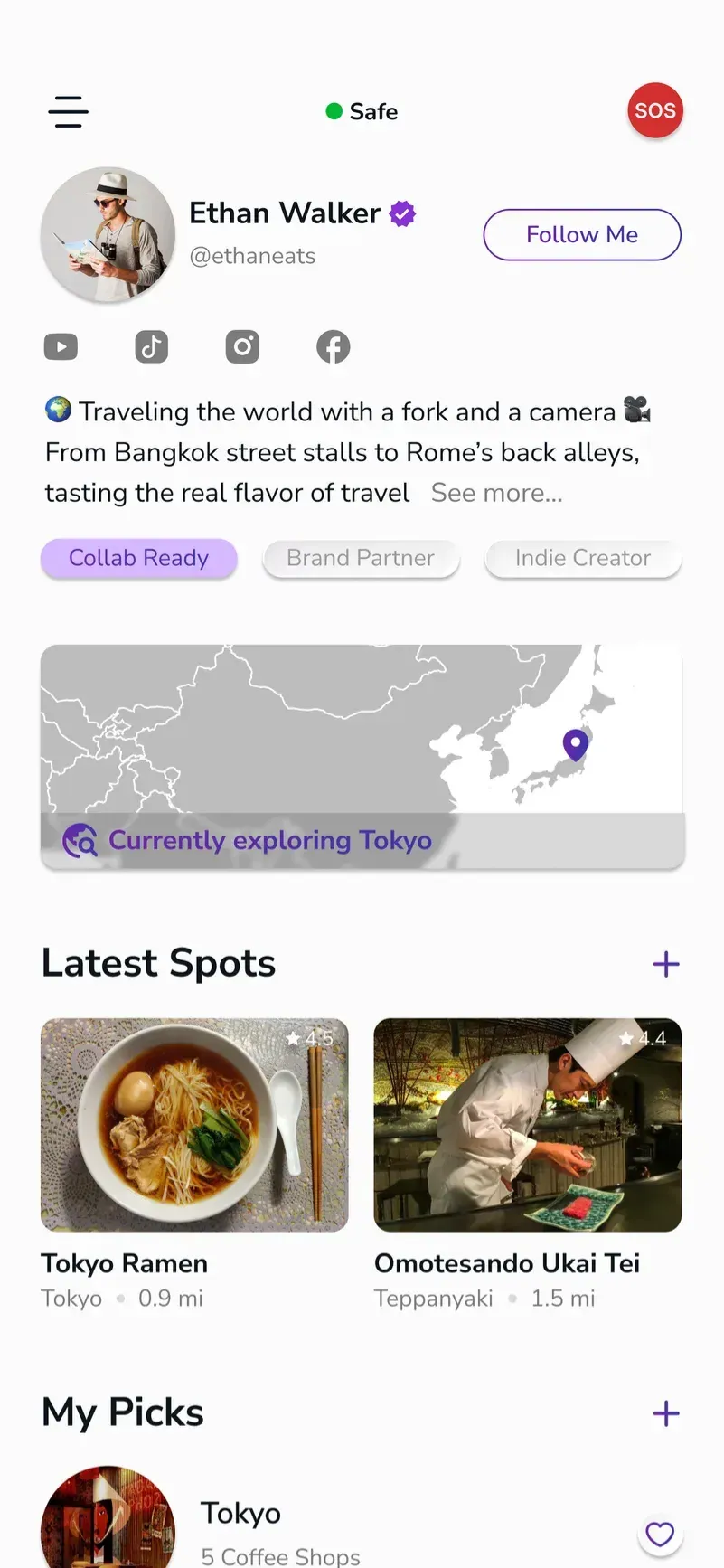
Creator Profile
The creator profile page was designed to present both personal information and content insights in a clear way. We also added location-related details when a place was listed, so users could understand the creator’s connection to that destination.
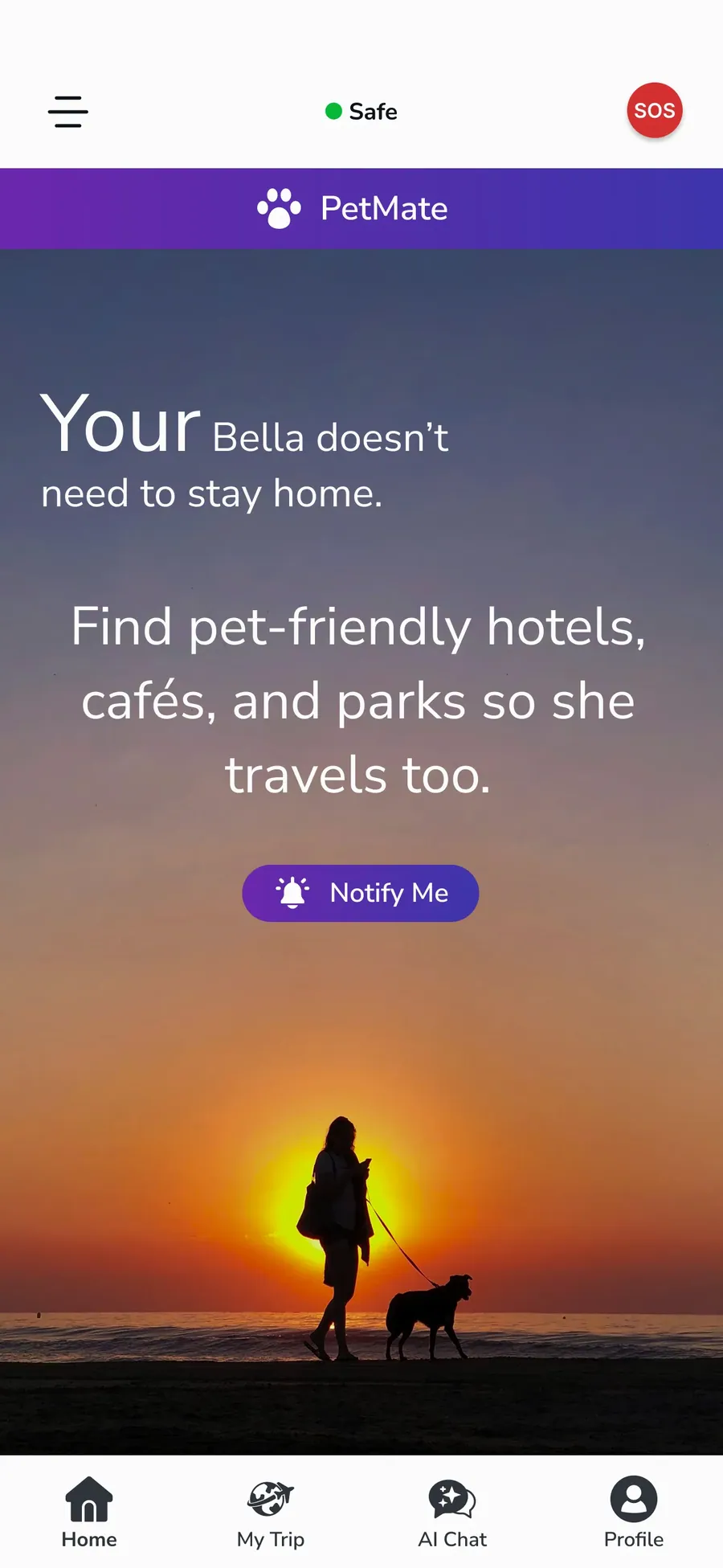
Coming Soon Features
Some additional features are still under development and have not been designed for launch yet. To keep users aware of what is coming next, we included them as Coming Soon placeholders inside the app.
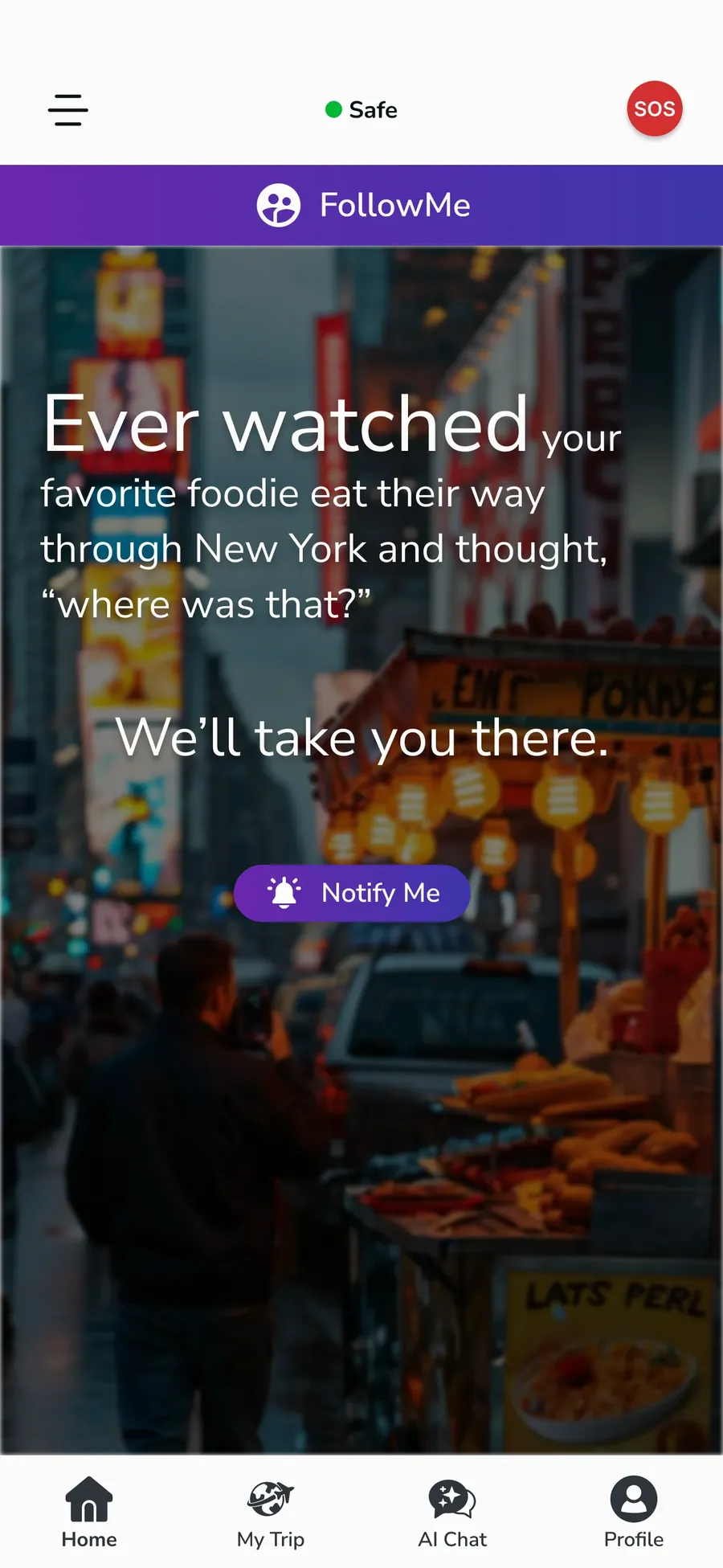
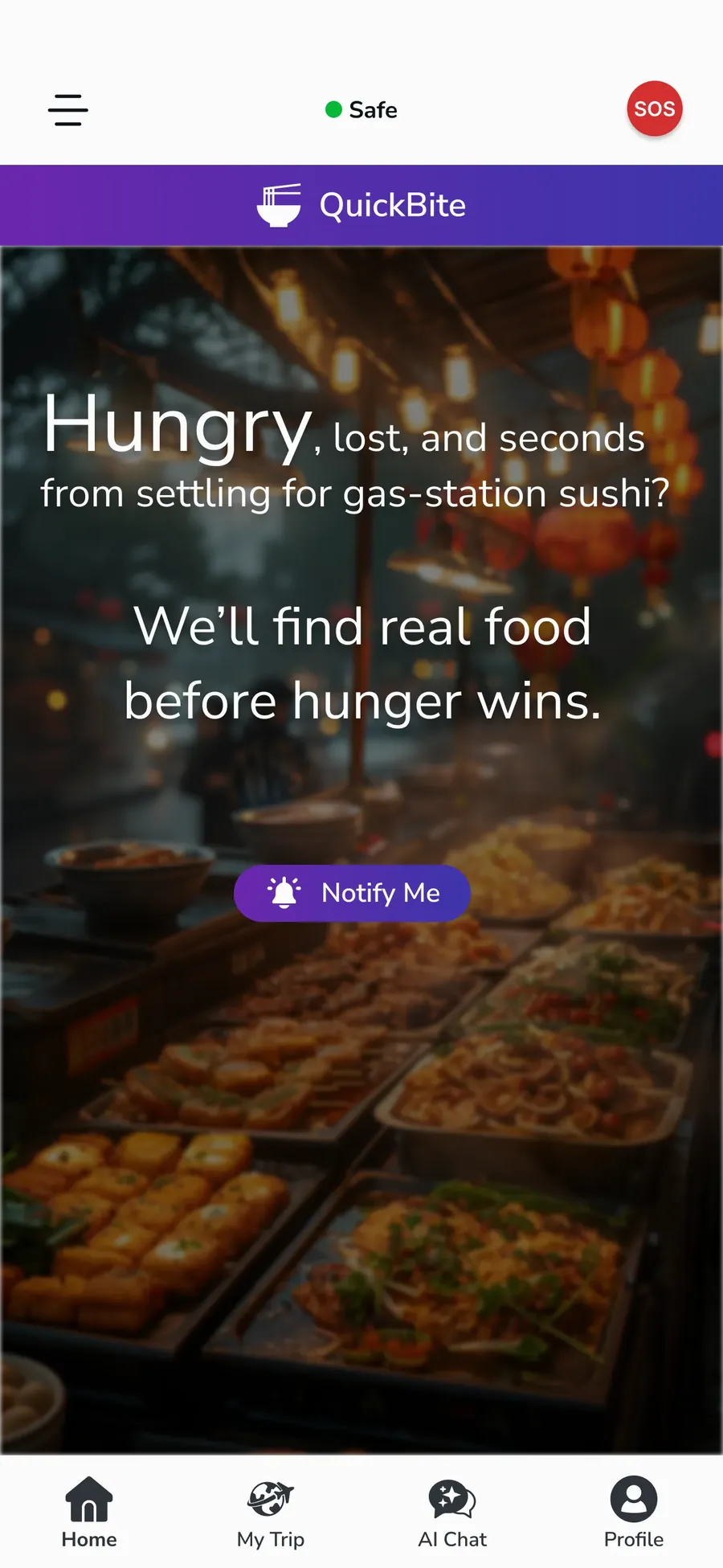
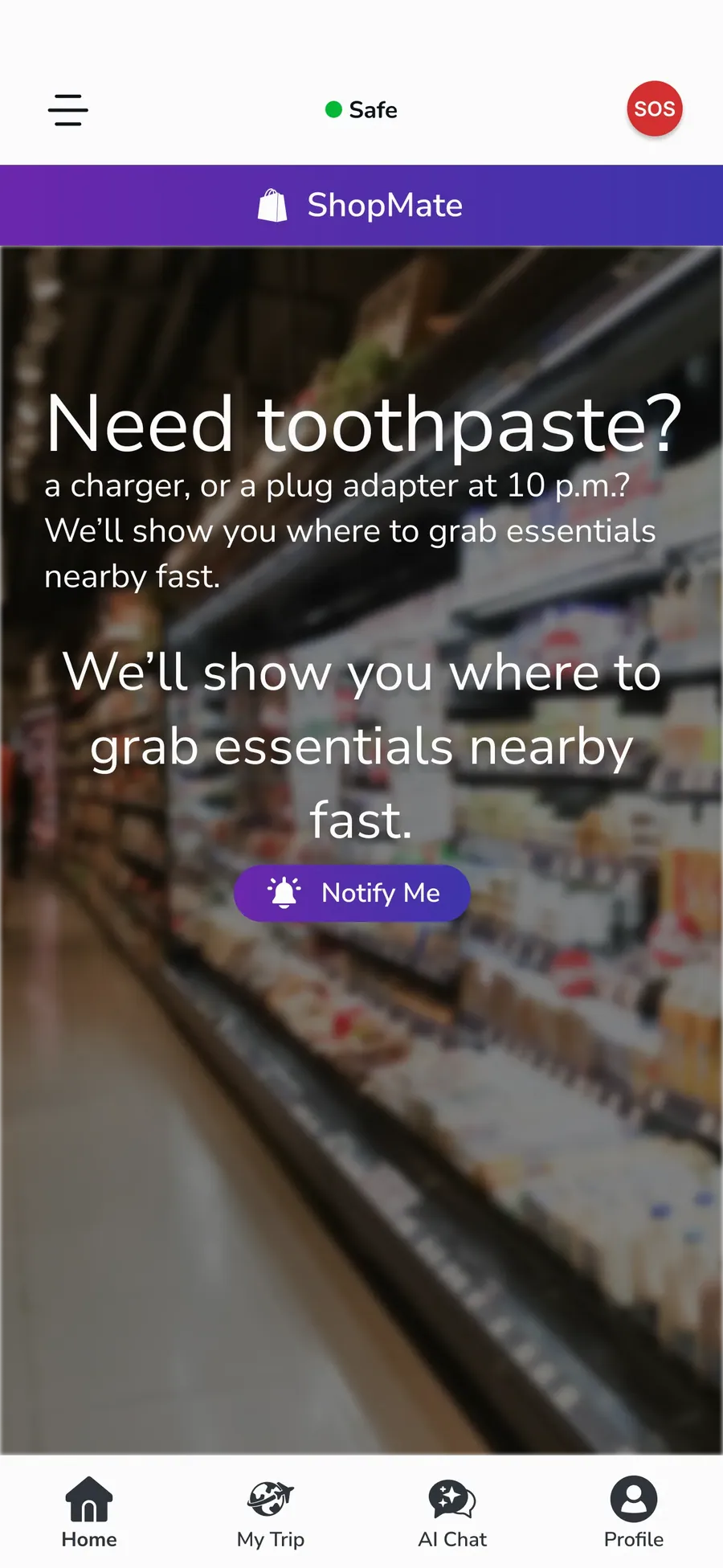
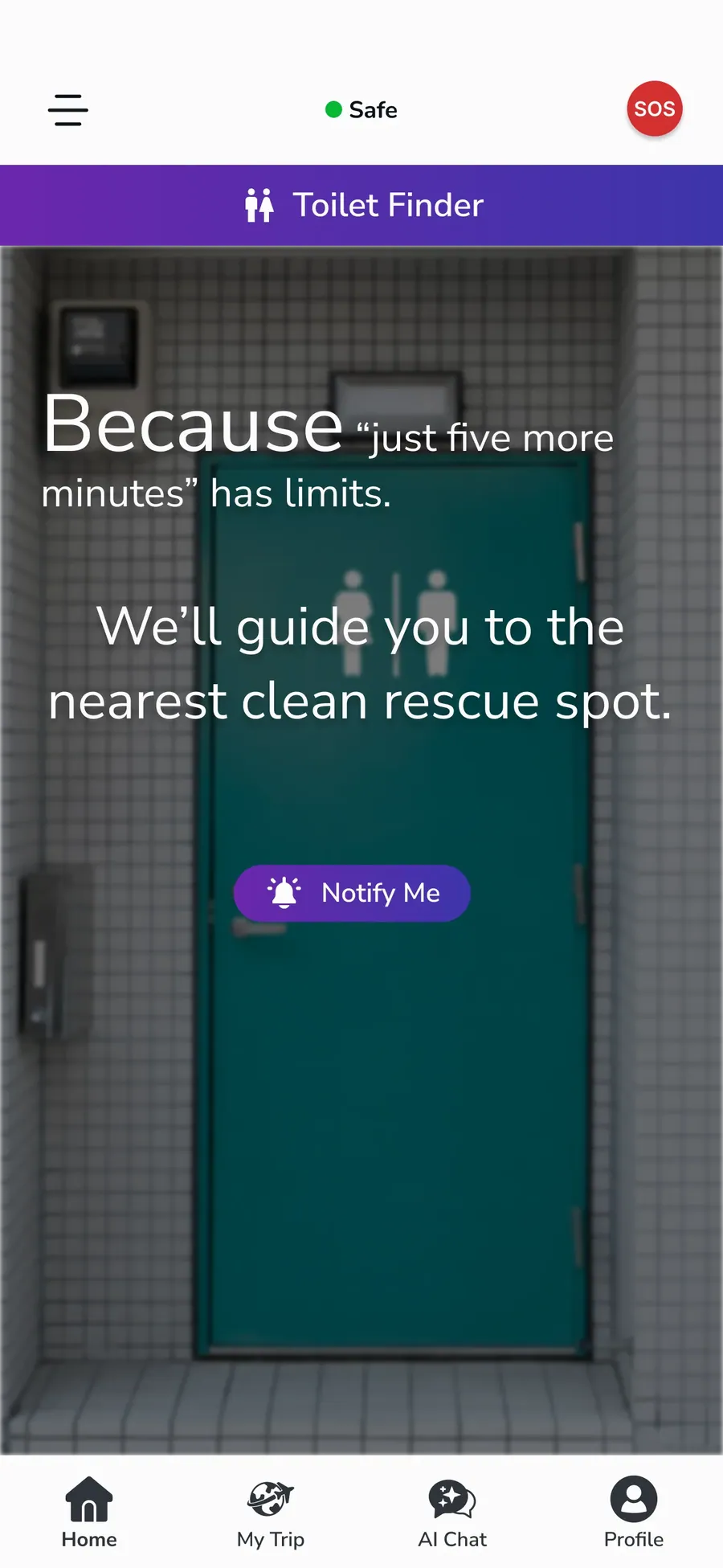
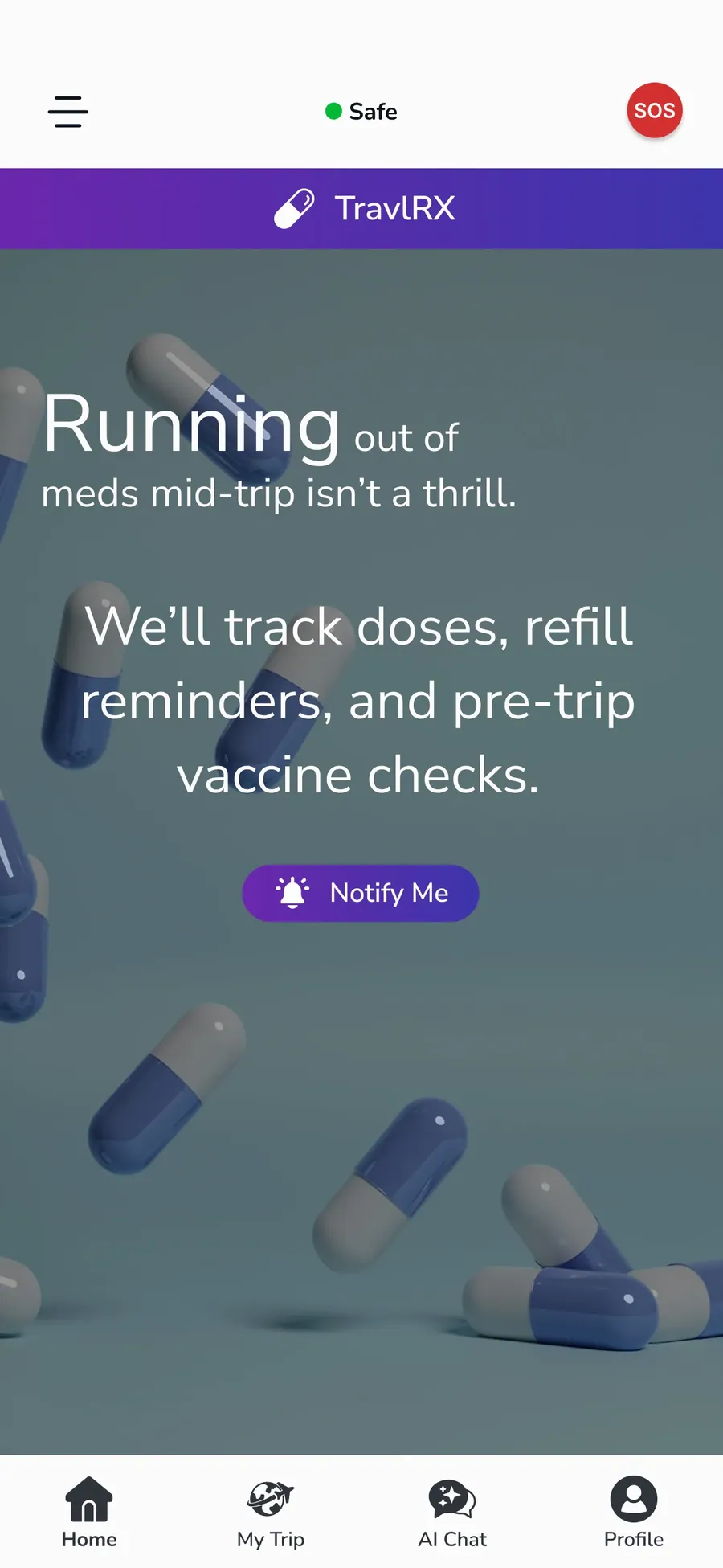
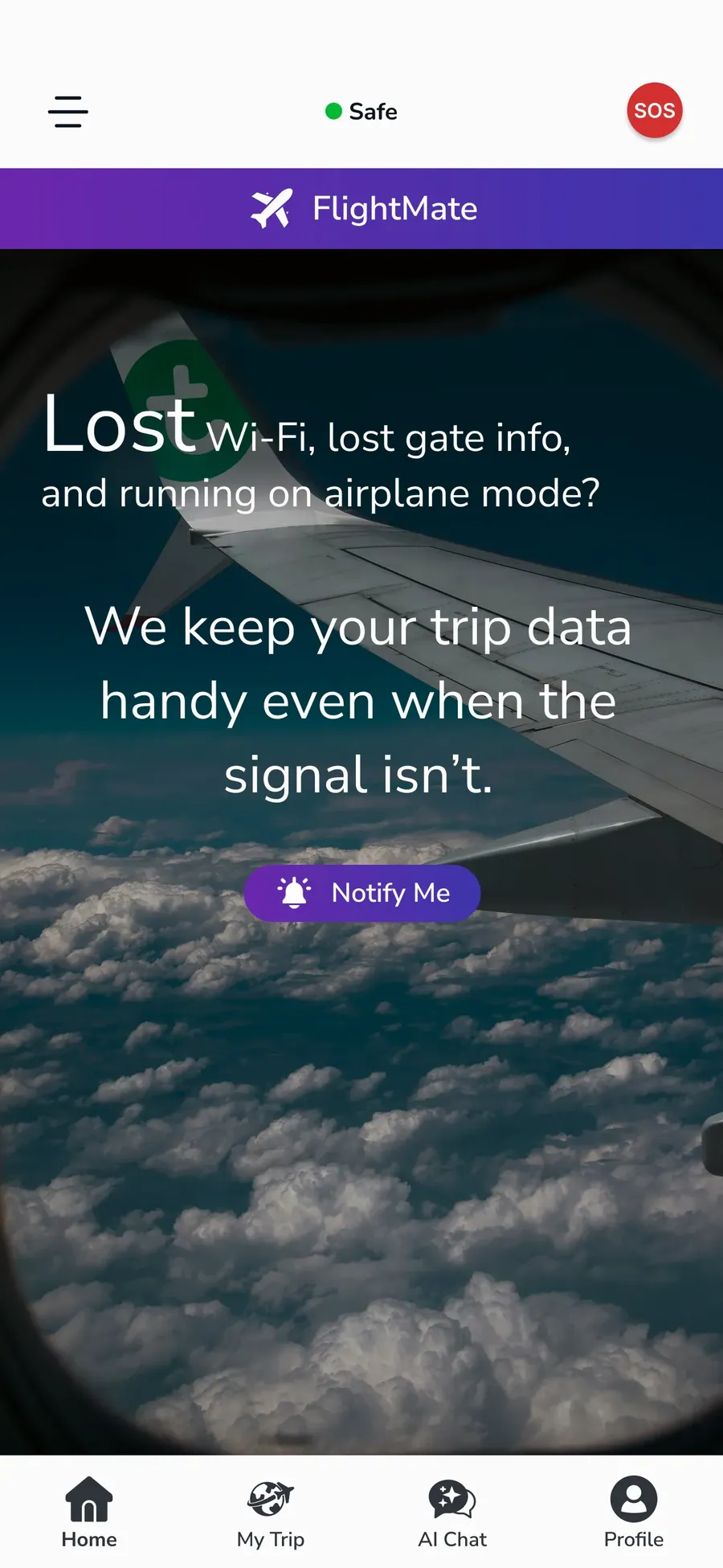
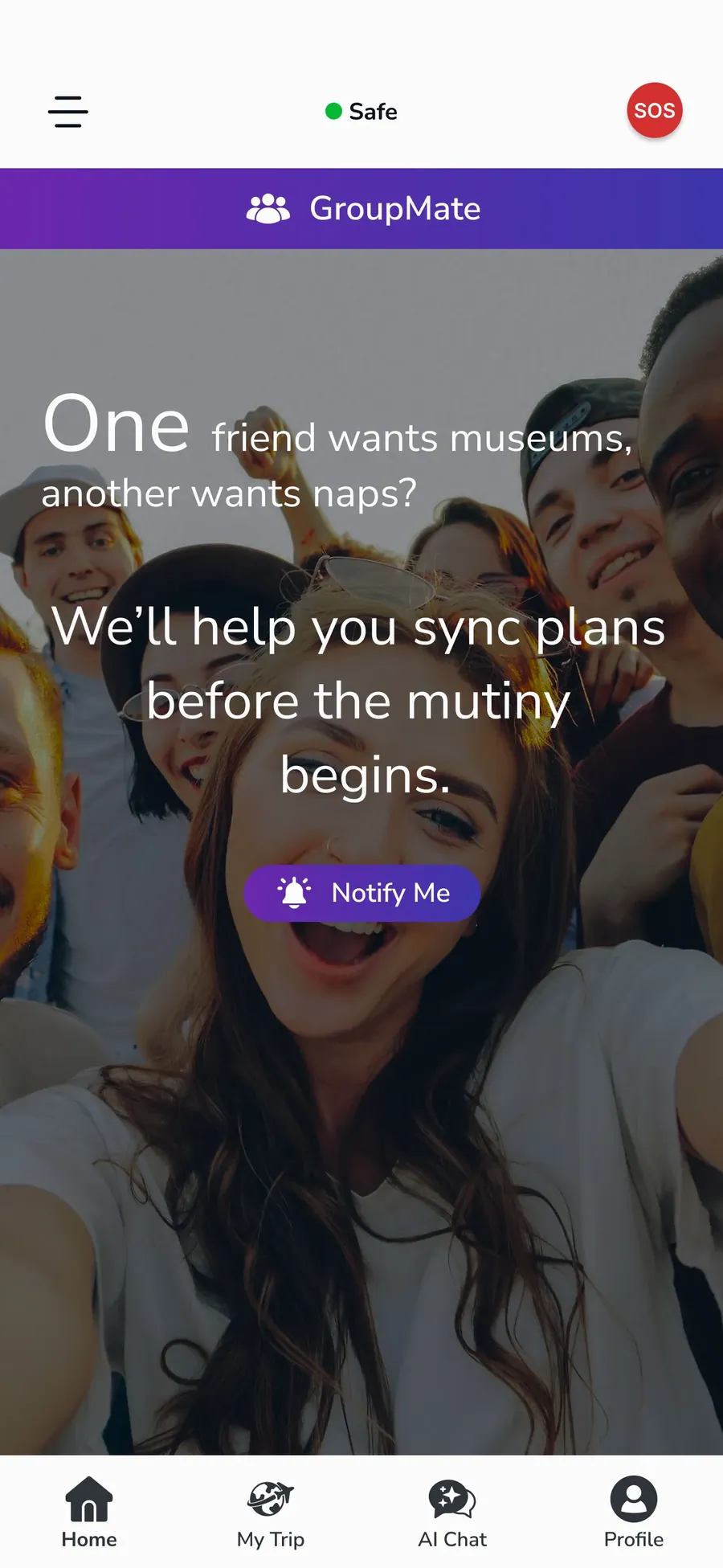
The UI of this project was designed with a focus on clarity, consistency, and a smooth user experience across different features. We defined the visual language, layout patterns, and interaction style to keep the interface clean and easy to use. A design system will be added soon to bring more structure, consistency, and scalability to the product as it continues to grow.
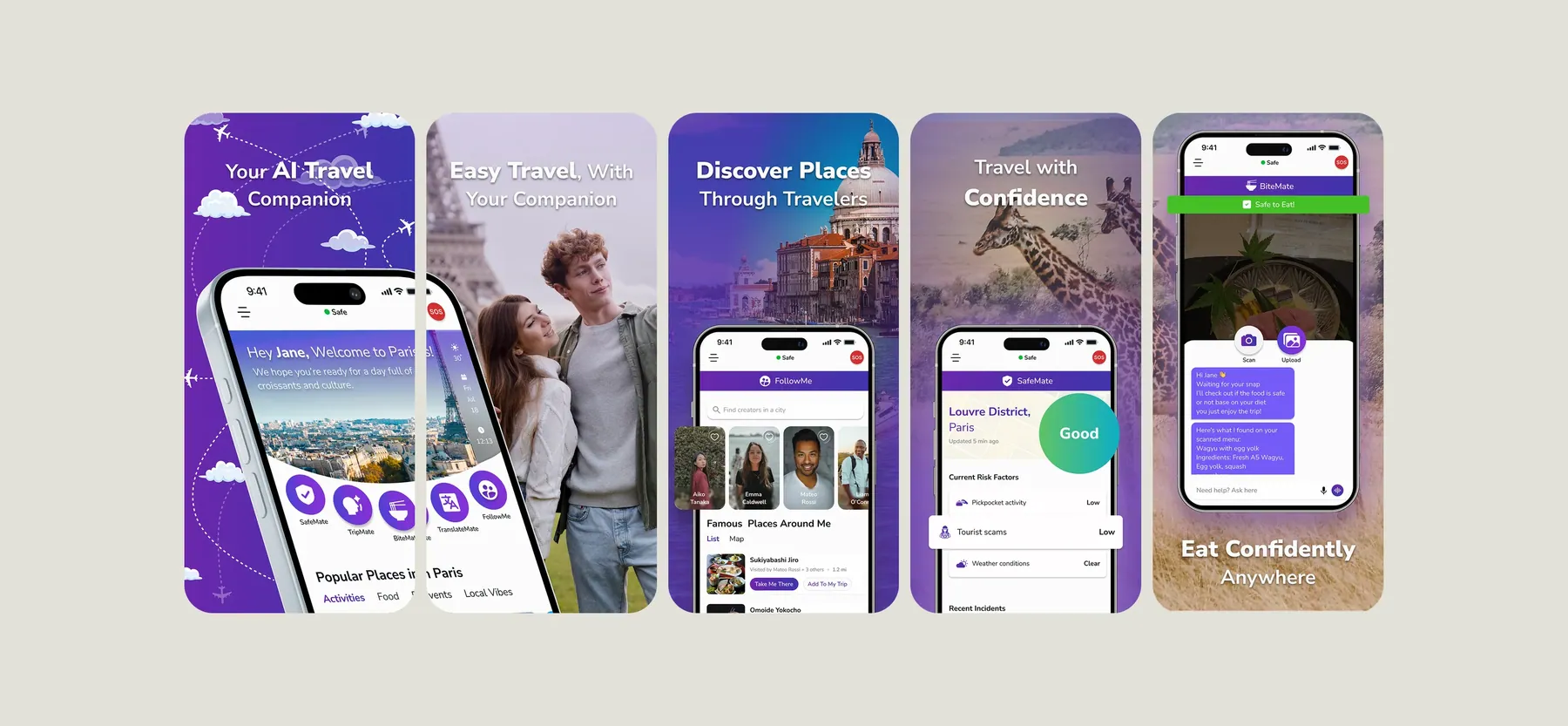
Store Listing Visuals
These are the promotional visuals displayed on the App Store and Google Play download pages. I designed them as part of the UI to present the app clearly and attractively at first glance.
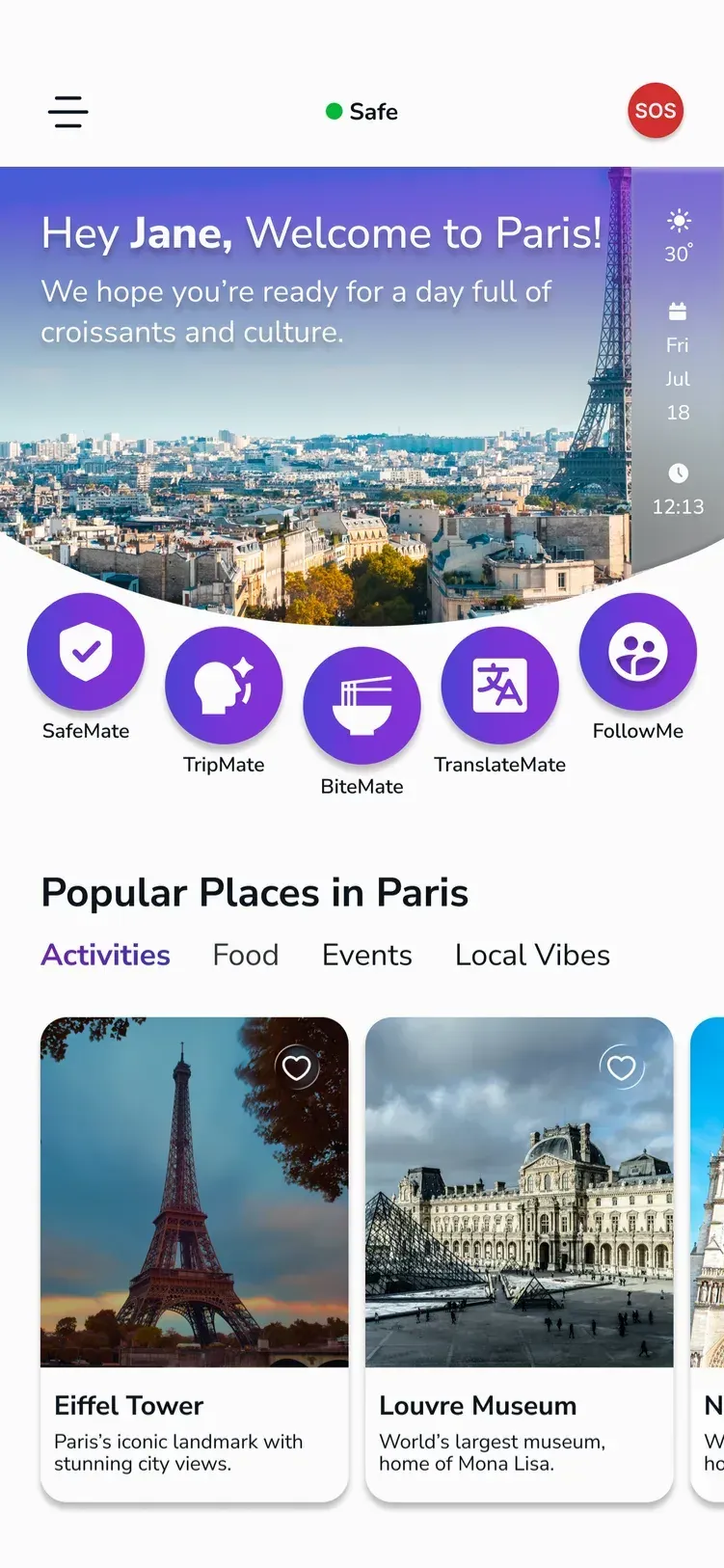
Current App Design